
A practical comparison of the leading webinar platforms, including features, use-cases, and real user ratings.
Introduction
Choosing the right webinar software is harder than it looks. Many platforms offer similar core features, but they differ significantly in how webinars are designed, delivered, and measured, and in what you actually get on a free plan.
Some tools focus on audience engagement and content reuse. Others are built for traditional funnel execution or enterprise-scale programs. As webinars have become a core marketing and content channel, choosing the right platform matters more than ever.
This webinar software comparison covers 20 of the leading webinar platforms, comparing free plans, paid tiers, features, and real-world use cases to help marketing and enterprise teams find the right webinar hosting solution.
Webinars have become one of the most effective formats in B2B marketing. According to the Content Marketing Institute, 56% of B2B companies use webinars as a content distribution channel, and 51% of B2B marketers rank them among their most effective channels for producing results. The global webinar software market is projected to nearly double by 2031, reaching $9.24 billion (source: Verified Market Research).
Key Takeaways
- This guide compares 20 webinar platforms across six categories based on third-party user ratings from G2 and the HubSpot Marketplace, pricing, and real-world use cases.
- Platforms covered include Contrast, Zoom Webinars, GoToWebinar, ON24, Cvent, Demio, Livestorm, BigMarker, Goldcast, Sequel, WebinarGeek, WebinarNinja, Zoho Webinar, eWebinar, EverWebinar, Google Meet, YouTube Live, LinkedIn Live, and more.
- The best webinar software depends on how your team uses webinars. There is a meaningful difference between engagement-first platforms, traditional marketing webinar tools, enterprise broadcast solutions, and automated webinar software. Each is built for a different use case.
- Contrast has the highest combined user ratings of any platform in this guide, with a 4.8 on G2 and a 4.9 on the HubSpot Marketplace, and is built specifically for live, interactive webinars with deep HubSpot integration and built-in AI repurposing.
- Free plans and trials are available from several platforms in this guide including Contrast, Livestorm, Zoho Webinar, Google Meet, YouTube Live, and LinkedIn Live, but limitations typically include attendee caps, session duration limits, and restricted features. Contrast's free plan is the most generous among dedicated webinar platforms, supporting up to 30 registrants with no credit card required.
- This guide includes a dedicated section covering the best free webinar software, comparing what each free plan actually includes and where the limitations kick in.
- Two platforms in this guide (ON24 and Goldcast) were acquired by Cvent in Q4 2025, which may affect their product roadmap and long-term positioning.
- Several platforms in this guide including ON24, Cvent, BigMarker, and Goldcast do not publish pricing and require contacting sales, which makes it harder to evaluate total cost before starting a conversation.
How we compared webinar platforms
To keep this comparison practical and useful, we evaluated webinar platforms based on the information teams most often look for when choosing webinar software.
We focused on:
- Category (how teams typically use the platform)
- Free plan availability (whether a genuine free plan exists and what it includes)
- Third-party user ratings (G2 and the HubSpot Marketplace)
- Pricing model (free, public pricing, or requires discussion with sales)
- Strengths and possible limitations (based on product focus and user feedback)
This webinar platform comparison covers 20 of the most widely used webinar tools, from free options for teams getting started to enterprise-grade solutions built for scale.
Best webinar software at a glance
The table below compares the leading webinar platforms covered in this guide, using the same criteria outlined above.
| Platform | Category | Best for | G2 | HubSpot | Pricing | Free Plan |
|---|---|---|---|---|---|---|
| Contrast | Engagement-first | Interactive webinars with HubSpot | 4.8 | 4.9 | Public | Yes (30 registrants) |
| Goldcast | Engagement-first | Branded webinars and events | 4.7 | Not listed | Sales-led | No |
| Sequel | Engagement-first | Embedded webinars on website | 4.7 | No reviews | Sales-led | No |
| ON24 | Enterprise | High-volume enterprise webinars | 4.3 | 2.5 | Sales-led | No |
| Cvent | Enterprise | Hybrid enterprise event programs | 4.3 | Not listed | Sales-led | No |
| GoToWebinar | Enterprise | Traditional enterprise webinars | 4.2 | 3.7 | Public | Trial only (14 days) |
| Zoom Webinars | Bundled | Simple, quick-start webinars | 4.5 | 3.4 | Public | No |
| Zoho Webinar | Bundled | Low-cost webinars for Zoho users | 4.5 | No reviews | Public | Yes (limited) |
| Demio | Marketing | Conversion-focused marketing webinars | 4.6 | 3.0 | Public | Trial only (14 days) |
| BigMarker | Marketing | Complex webinar and event programs | 4.7 | Not listed | Sales-led | No |
| Livestorm | Marketing | Modern webinars with integrations | 4.4 | 4.0 | Public | Yes (30 registrants, 20 min cap) |
| WebinarGeek | Marketing | Lead-focused webinars | 4.5 | 4.1 | Public | Trial only (14 days) |
| WebinarNinja | Marketing | Simple training webinars | 3.1 | Not listed | Usage-based | Trial only (14 days) |
| eWebinar | Automated | Automated webinars with engagement | 4.1 | 5.0 | Public | Trial only (14 days) |
| EverWebinar | Automated | Evergreen webinar funnels | 3.9 | Not listed | Public | Trial only (14 days, paid) |
| Google Meet | Meeting | Free video calls, not a dedicated webinar tool | N/A | N/A | Free + paid | Yes (100 participants, 60 min cap) |
| YouTube Live | Live streaming | Free live streaming to a broad audience | N/A | N/A | Free | Yes (free, ad-supported) |
| LinkedIn Live | Live streaming | Professional audience live streaming | N/A | N/A | Free | Yes (eligibility and third party streaming tool required) |
How to read the ratings:
- Platforms with reviews show an average rating
- Platforms with no reviews are marked as No reviews
- Platforms not listed are marked as Not listed
- Platforms marked N/A are not dedicated webinar tools and are not listed on G2 or the HubSpot Marketplace as webinar software
Our top choices for best webinar software
The best webinar software depends on how your team runs webinars today. Below are our top picks based on third-party user ratings, common use cases, and how teams typically choose webinar platforms. These tools are favored by modern marketing teams that prioritize audience engagement, contemporary UX, frequent product updates, and strong post-webinar workflows. They’re designed to evolve with how webinars are used as a content channel today.
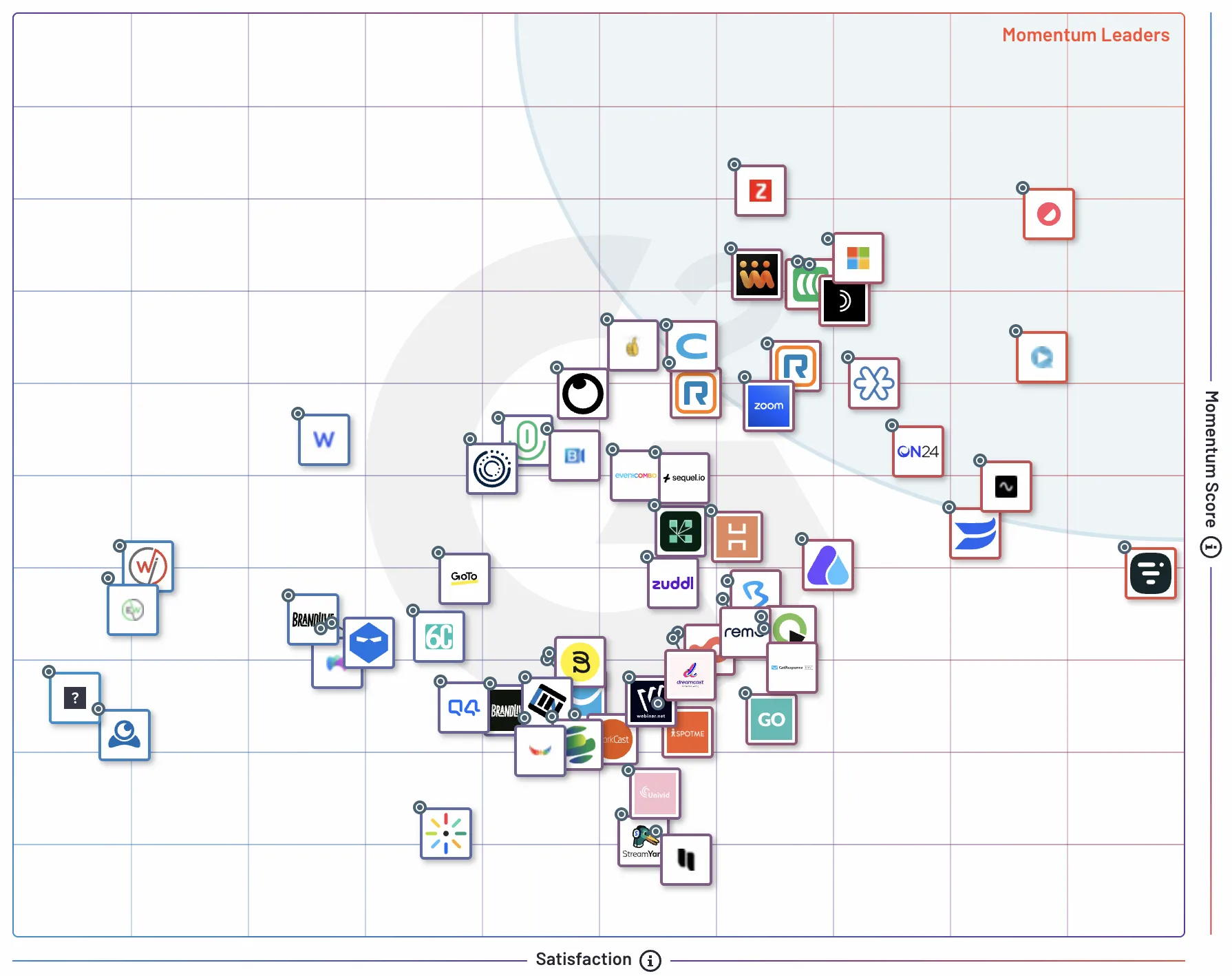
1. Best overall webinar software (highest user ratings): Contrast
Best for:
Marketing teams running interactive webinars with strong HubSpot integration and post-webinar follow-up.
Why it’s the best overall:
Contrast has the highest combined user ratings across G2 and the HubSpot Marketplace among the platforms reviewed in this guide. Teams choose it for its engagement-first formats, modern UX, and post-webinar workflows that turn webinars into a repeatable content channel.
→ Jump to the full Contrast review
2. Best for simple, quick-to-start webinars: Zoom Webinars
Best for:
Teams getting started with webinars or running straightforward sessions that don’t require advanced features.
Why it stands out:
Zoom Webinars is widely adopted and easy for audiences to join. It’s often chosen because teams already use Zoom and want minimal setup or change.
→ Jump to the full Zoom Webinars review
3. Best for automated and hands-off webinars: eWebinar
Best for:
Teams running on-demand or fully automated webinars without live presenters.
Why it stands out:
eWebinar is purpose-built for automated webinar experiences, making it a practical choice for onboarding, education, and support use cases.
→ Jump to the full eWebinar review
4. Best free webinar software
The best free option depends on what you need. If you want a dedicated webinar platform with registration pages, analytics, and engagement tools, Contrast offers the strongest free plan among the platforms in this guide, supporting up to 30 registrants with no credit card required.
If you already use a tool like Google Meet, YouTube Live, or LinkedIn Live and need a free way to host a webinar-style session, those options are covered below. But it is worth being clear about what you are getting. These are not webinar platforms. There is no attendee registration, no CRM integration, no audience control, and no meaningful analytics. On YouTube Live, ads can run during your session including potentially from a competitor. On Google Meet, participants can turn their cameras on and speak at any time, which removes the structured presenter and audience dynamic that makes webinars effective. These tools can work for small, informal sessions if you are just getting started. But if webinars are a serious channel for your business, the limitations will become a problem quickly and a dedicated platform will serve you better.
→ Jump to the best free webinar software
The best webinar software platforms
Below is a closer look at the leading webinar platforms, grouped by how teams typically use webinar software today.
Category: Modern, engagement-first webinar platforms
Chosen by modern marketing teams that prioritize audience engagement, contemporary UX, frequent product updates, and strong post-webinar workflows. These platforms are designed for teams that use webinars as an ongoing content channel, not just one-off events.
Platforms in this category include:
Contrast, Goldcast, Sequel
1. Contrast
Live webinar engagement on Contrast
Best for:
Marketing teams running interactive webinars with strong HubSpot integration and post-webinar follow-up.
User ratings:
G2: ⭐⭐⭐⭐⭐ 4.8
HubSpot Marketplace: ⭐⭐⭐⭐⭐ 4.9
Here's what one user recently said about Contrast in a G2 review:
"Contrast is unlike any other webinar platform out there. They are so sleek, so modern, the UI/UX is so easy and intuitive. Their customer support and response times are ridiculously good and helpful. They are constantly adding new features. I cannot say enough good things about them. If you are currently evaluating webinar platforms, congrats--you're done cause you've just found the best option!" — Nikki C., 5.0★, Mid-Market, United States (Jan 31, 2025)
Pricing:
Free plan: Yes (up to 30 registrants, no credit card required)
Starting price: $69 per month
Notes: Pricing scales by unique registrants. No seat or license fees
Summary:
Contrast is a modern, engagement-first webinar platform designed for teams that treat webinars as an ongoing content channel. It combines interactive formats, deep HubSpot integration, and post-webinar workflows to help teams drive engagement and reuse content without extra tools.
Key strengths:
- Engagement-first webinar formats built around live interaction
- Deep, native HubSpot integration used by HubSpot’s own teams
- Built-in AI workflows for post-webinar follow-up and content repurposing
Possible limitations:
- Not designed for large, conference-style virtual events
- Might be less suited for teams that only run occasional or one-off webinars
- Purpose-built for webinar programs rather than general video meetings
Contrast was named a Leading Technology Partner in HubSpot’s 2026 Technology Partner Program, reflecting its strong adoption, top marketplace rating, and native integration with HubSpot. Learn more about Contrast’s HubSpot Leading Partner status.
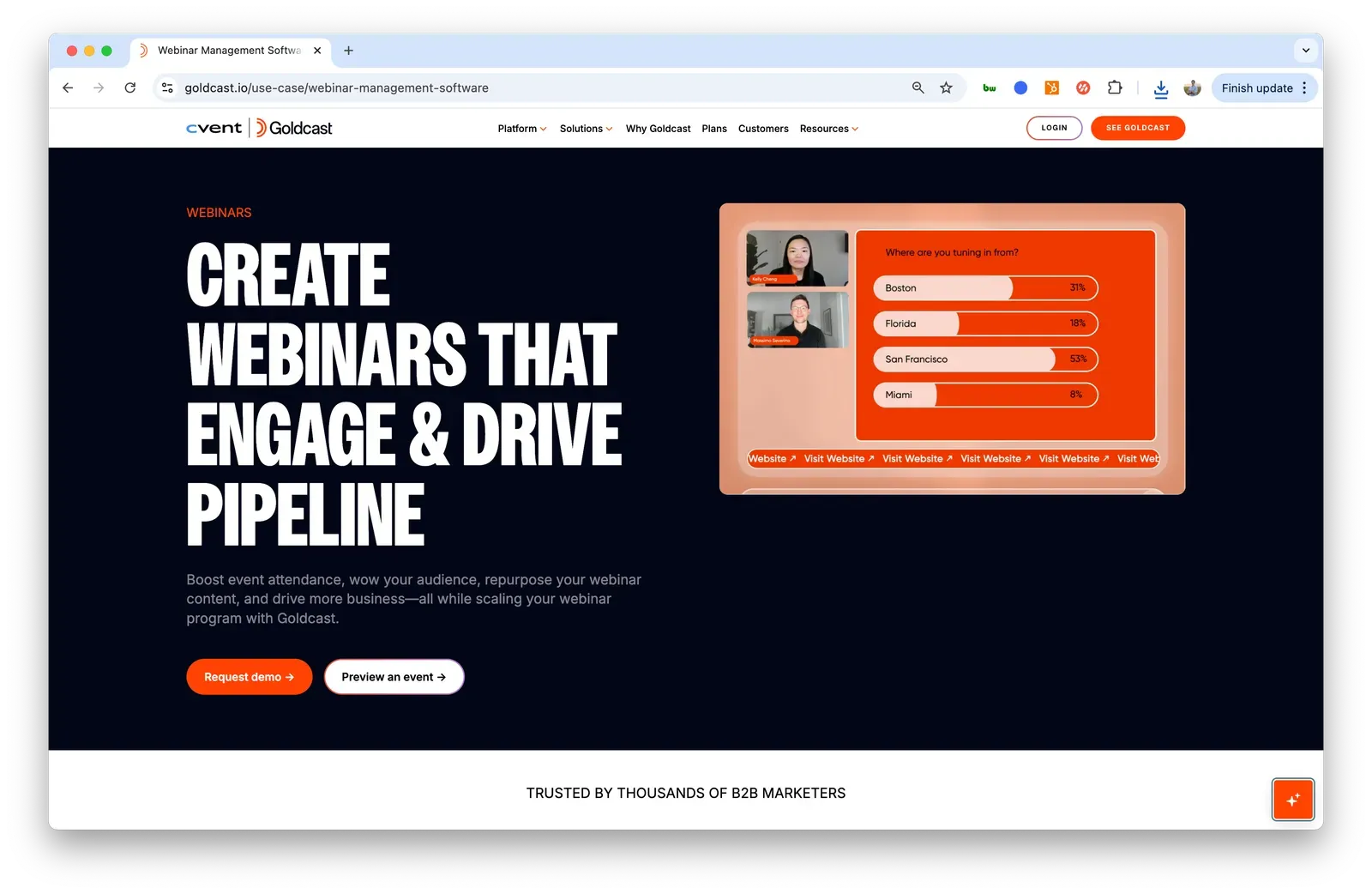
2. Goldcast
Best for:
Marketing teams running branded, experience-led webinars and larger virtual events.
User ratings:
G2: ⭐⭐⭐⭐⭐ 4.7
HubSpot Marketplace: Not listed
Pricing:
Free plan: No
Starting price: Not publicly listed
Notes: Enterprise pricing requires contacting sales
Summary:
Goldcast is a webinar and virtual events platform designed for branded webinars and larger virtual events. It supports webinars, virtual events, and short-form video content as part of broader marketing programs.
Key strengths:
- Strong focus on branding and visual presentation
- Supports webinars, virtual events, and short-form content in one platform
- Includes dedicated account management for enterprise customers
Possible limitations:
- Higher starting cost compared to most webinar-first platforms
- Required onboarding packages add upfront expense and complexity
- Heavier setup than tools designed for fast, repeatable webinar workflows
Learn more:
Best Goldcast alternatives
Note: Goldcast was acquired by Cvent in Q4 2025. Product direction, roadmap, and long-term positioning may change as the platforms are integrated.
3. Sequel
Best for:
Teams that want to embed webinars directly on their website rather than sending attendees to a separate webinar room.
User ratings:
G2: ⭐⭐⭐⭐⭐ 4.7
HubSpot Marketplace: No reviews
Pricing:
Free plan: No
Starting price: $950 per month
Notes: Pricing scales by attendee limits; advanced integrations and customization require higher plans
Summary:
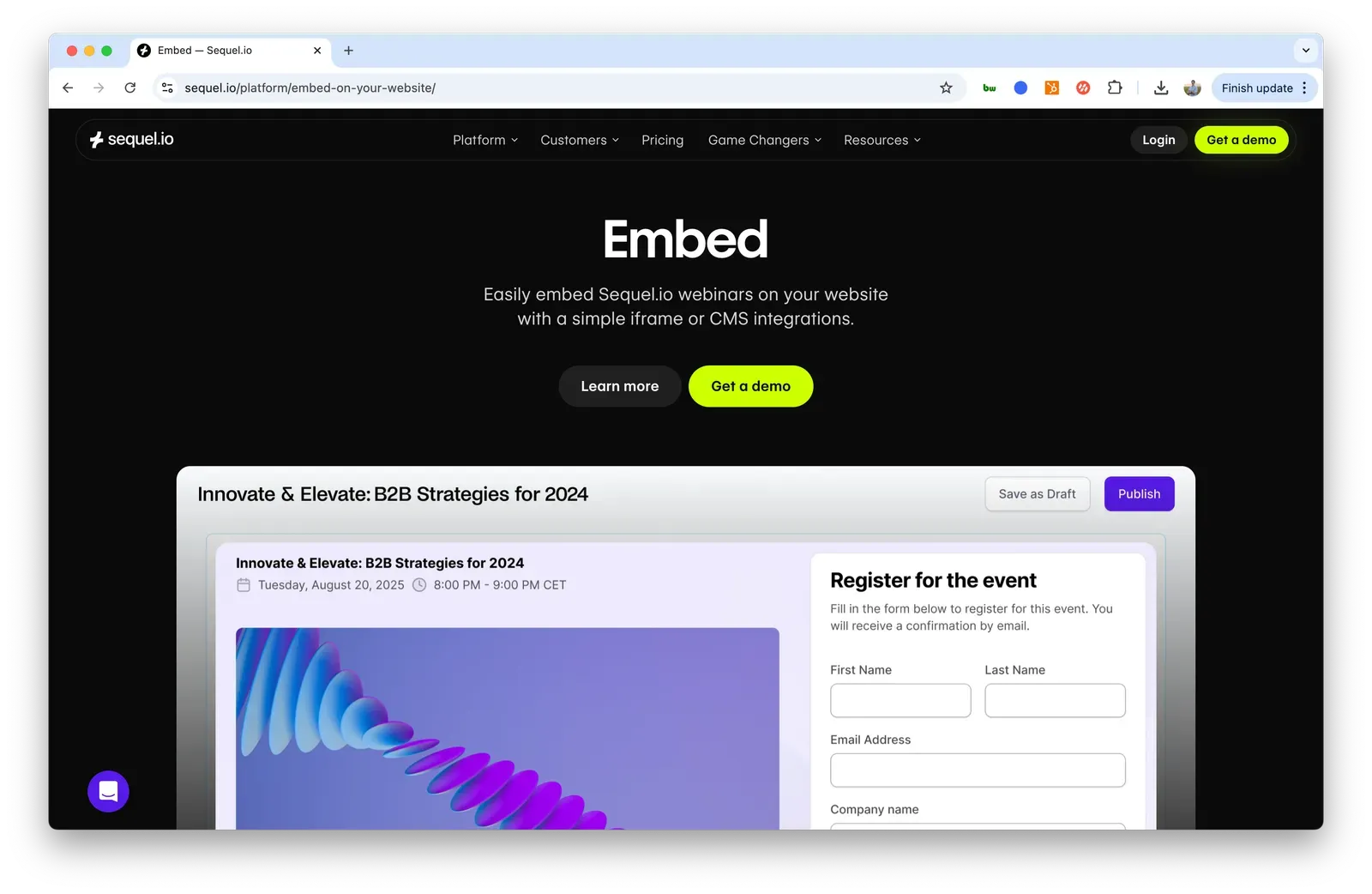
Sequel is a webinar platform focused on embedding live webinars directly into a company’s website. It’s designed for teams that want webinars to feel native to their site rather than run through traditional registration and webinar pages.
Key strengths:
- Allows webinars to be embedded directly on a website
- Different delivery model than traditional registration-based webinar tools
- Works well for lightweight, discussion-oriented webinar formats
Possible limitations:
- Fewer security and access controls than platforms using traditional registration pages
- Limited attendee tracking and email validation compared to registration-first tools
- Smaller platform with fewer features than full-scale webinar solutions
Category: Enterprise webinar platforms
Chosen for scale and governance in large organizations. These platforms are designed to support complex stakeholder environments, strict requirements, and high-volume webinar programs, often as part of broader enterprise event or marketing infrastructure. This category prioritizes control and consistency over speed and experimentation.
Platforms in this category include:
ON24, Cvent, GoToWebinar
4. ON24
Best for:
Large B2B organizations running high-volume webinars that require extensive configuration and reporting.
User ratings:
G2: ⭐⭐⭐⭐☆ 4.3
HubSpot Marketplace: ⭐⭐☆☆☆ 2.5
Pricing:
Free plan: No
Starting price: Not publicly listed
Notes: Enterprise pricing requires contacting sales
Summary:
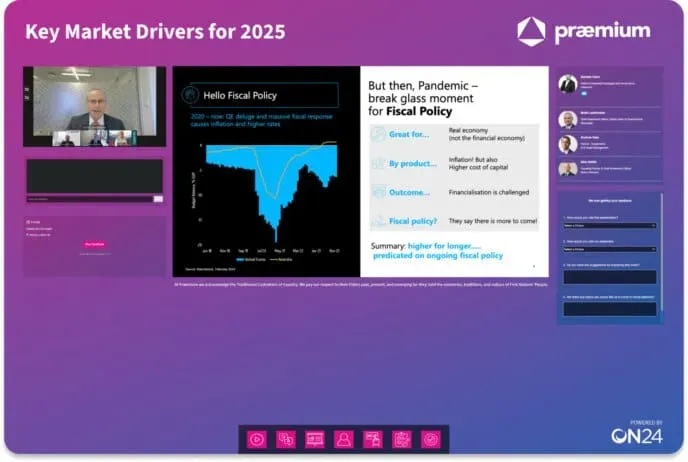
ON24 is a long-standing enterprise webinar platform used by large marketing teams that need deep configuration options and standardized webinar programs at scale.
Key strengths:
- Built for large, repeatable webinar programs
- Extensive configuration and reporting options
- Familiar choice in enterprise marketing stacks
Possible limitations:
- Dated user interface and user experience compared to newer platforms
- Feature depth can create complexity and steep learning curves
- Less flexible for experimentation or fast-moving webinar teams
Learn more:
Best ON24 alternatives
Note: ON24 was acquired by Cvent in Q4 2025. As a result, product direction, roadmap, and long-term positioning may change as the platforms are integrated.
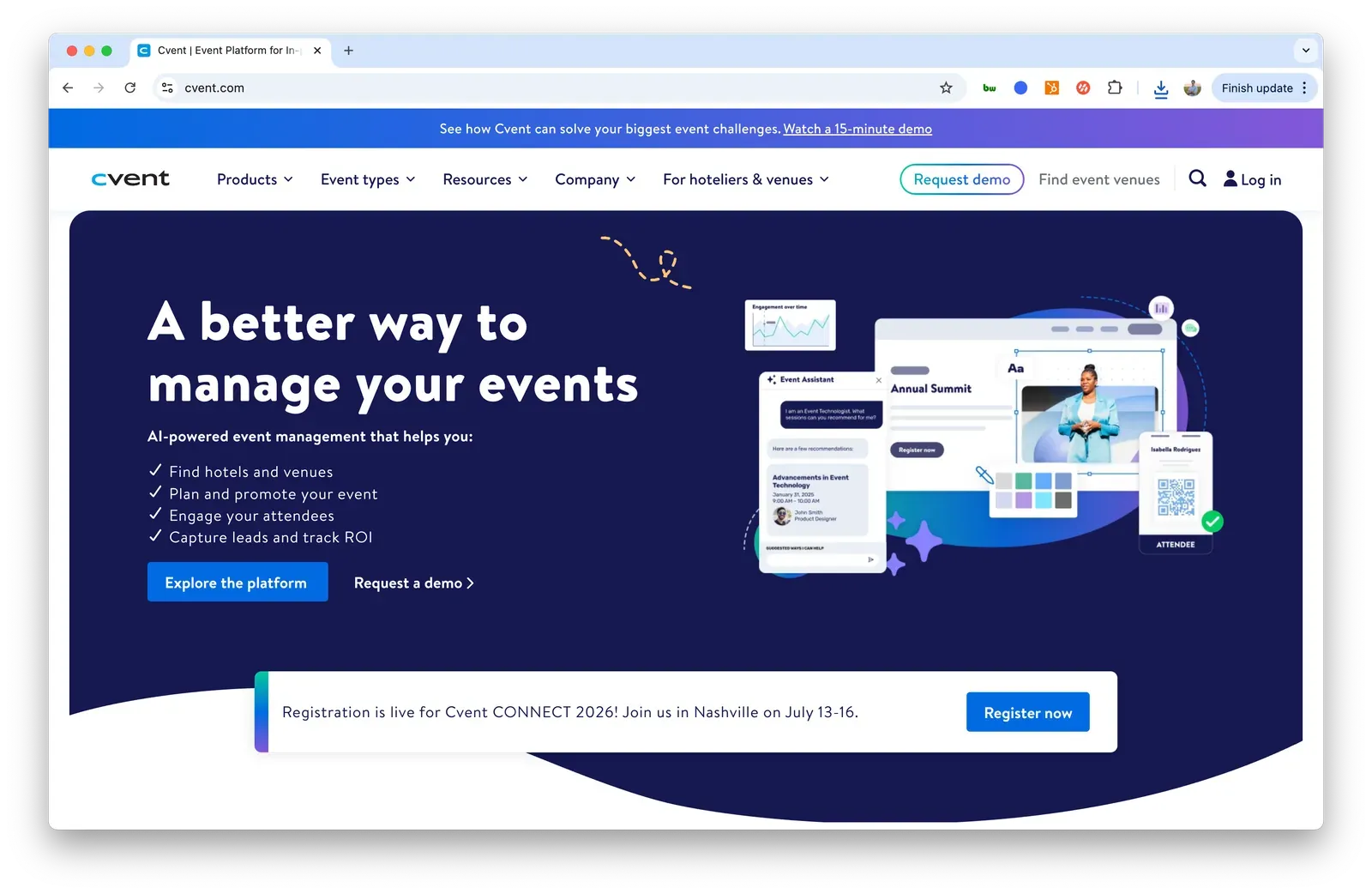
5. Cvent
Best for:
Enterprises that run large in-person events and want to extend them with virtual or hybrid webinar components.
User ratings:
G2: ⭐⭐⭐⭐☆ 4.3
HubSpot Marketplace: Not listed
Pricing:
Free plan: No
Starting price: Not publicly listed
Notes: Enterprise pricing requires contacting sales
Summary:
Cvent is a well-known enterprise event management platform that has expanded into webinars and virtual events as part of a broader event infrastructure. It’s most commonly used by organizations where webinars support larger in-person or hybrid event programs.
Key strengths:
- Strong support for large-scale, complex events
- End-to-end event infrastructure covering registration, logistics, and reporting
- Well suited for hybrid and in-person-first organizations
Possible limitations:
- Webinar workflows are often secondary to core event management features
- Heavy platform for teams focused primarily on webinars
- Longer setup and onboarding compared to webinar-first tools
Learn more:
Best Cvent alternatives
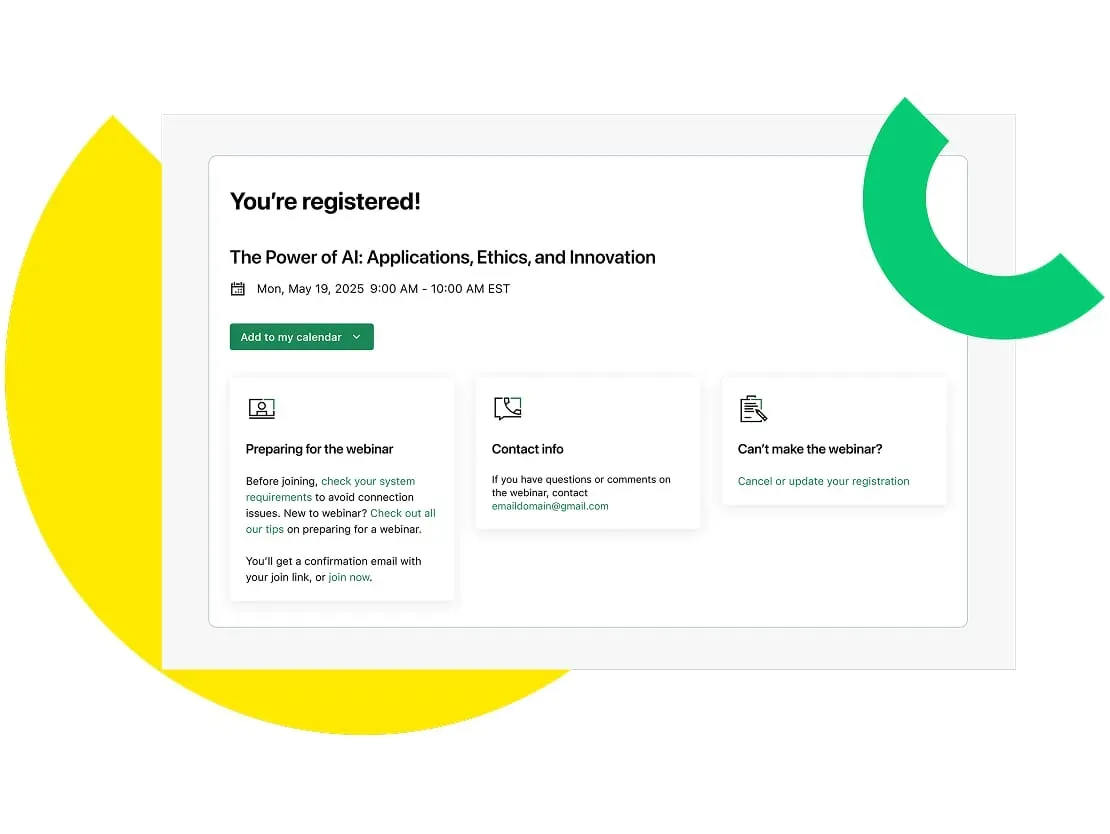
6. GoToWebinar
Best for:
Teams that want a stable, well-established webinar platform for standard enterprise webinars.
User ratings:
G2: ⭐⭐⭐⭐☆ 4.2
HubSpot Marketplace: ⭐⭐⭐⭐☆ 3.7
Pricing:
Free plan: Trial only (14 days)
Starting price: $69 per month
Notes: Pricing scales by number of organizers and features; costs increase as teams add presenters
Summary:
GoToWebinar is a long-running webinar platform focused on reliability and familiarity, often used by organizations that value stability over experimentation.
Key strengths:
- Proven, reliable platform with consistent performance
- Supports mid-sized webinars with thousands of attendees
- Provides detailed analytics for post-webinar reporting
Possible limitations:
- Dated interface compared to newer webinar platforms
- Key features like recording and video presentation are gated behind higher plans
- Costs can increase quickly as more organizers or presenters are added
Learn more:
Best GoToWebinar alternatives
Category: Bundled and general-purpose webinar platforms
Chosen for convenience and familiarity as part of a broader product ecosystem. These platforms are typically used for straightforward webinar needs, especially by teams that value speed, simplicity, and existing tooling over advanced webinar-specific workflows.
Platforms in this category include:
Zoom Webinars, Zoho Webinar
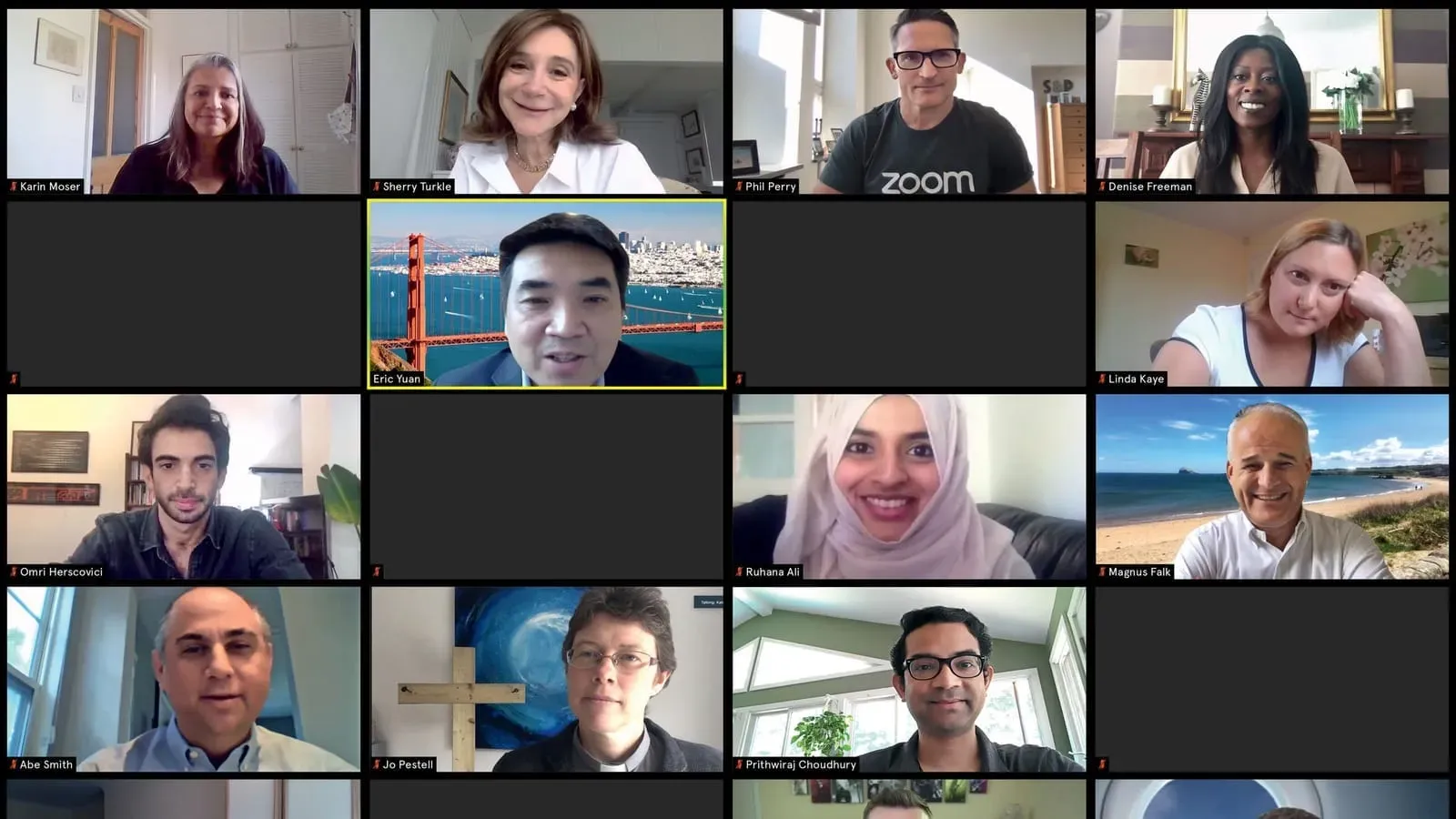
7. Zoom Webinars
Best for:
Teams getting started with webinars or running simple, quick-to-launch sessions.
User ratings:
G2: ⭐⭐⭐⭐⭐ 4.5
HubSpot Marketplace: ⭐⭐⭐☆☆ 3.4
Pricing:
Free plan: No
Starting price: $128.20 per month
Notes: Requires a Zoom Pro license per organizer; pricing increases with attendee limits
Summary:
Zoom Webinars is a webinar add-on built on top of Zoom’s core video conferencing platform. It’s commonly chosen by teams that already use Zoom and want a familiar, reliable way to host straightforward webinars with minimal setup.
Key strengths:
- Familiar interface that’s easy for both hosts and attendees to use
- Reliable video and audio quality at scale
- Supports large audiences, including very high attendee limits
Possible limitations:
- Requires attendees to download the Zoom app
- Limited branding and customization options
- CRM integrations often require manual workflows
Learn more:
Best Zoom alternatives
Note: Zoom offers two distinct webinar products that are often confused. Zoom Webinars (reviewed above) is the standard add-on built on top of Zoom Meetings. Zoom Webinar Plus is a separate, newer platform with a meaningfully different interface and feature set. For a detailed breakdown of what each product actually delivers and whether Plus is worth the upgrade, see our full comparison of Zoom Webinars vs Zoom Webinar Plus.
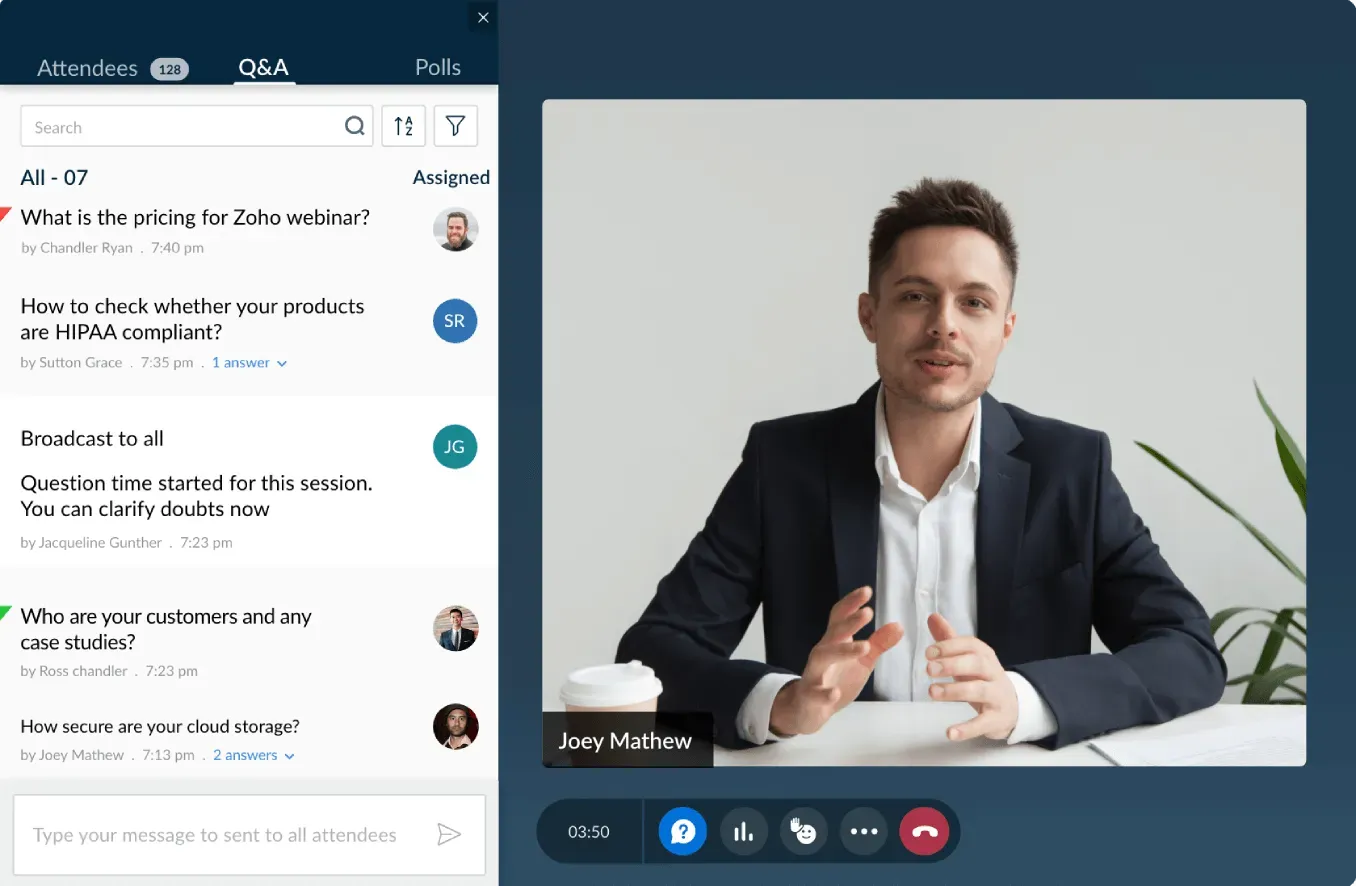
8. Zoho Webinar
Best for:
Teams already using the Zoho ecosystem that want a low-cost webinar tool with minimal setup.
User ratings:
G2: ⭐⭐⭐⭐⭐ 4.5
HubSpot Marketplace: No reviews
Pricing:
Free plan: Yes (limited to 1 speaker, no chat, no analytics, no mobile)
Starting price: €17 per month
Notes: Pricing is per organizer and attendee limits; USD pricing is not publicly listed
Summary:
Zoho Webinar is a basic webinar tool built as part of the broader Zoho product suite. It’s most commonly used by teams already on Zoho CRM, Zoho Mail, or other Zoho tools that want an inexpensive, tightly integrated option.
Key strengths:
- Low entry price for teams already in the Zoho ecosystem
- Native integration with Zoho CRM and other Zoho products
- Simple setup for straightforward webinars
Possible limitations:
- Limited integrations outside the Zoho ecosystem
- Basic feature set compared to dedicated webinar platforms
- Less flexibility for advanced marketing or engagement workflows
Category: Traditional marketing and lead generation webinar platforms
Chosen primarily for registration flows, lead capture, and traditional conversion tracking. These platforms are designed to help marketing teams run repeatable webinar programs and measure results, with engagement supporting the funnel rather than redefining it.
If you are specifically looking for the best webinar software for marketing teams, see our dedicated guide to the best webinar software for marketers.
Platforms in this category include:
Demio, BigMarker, Livestorm, WebinarGeek, WebinarNinja
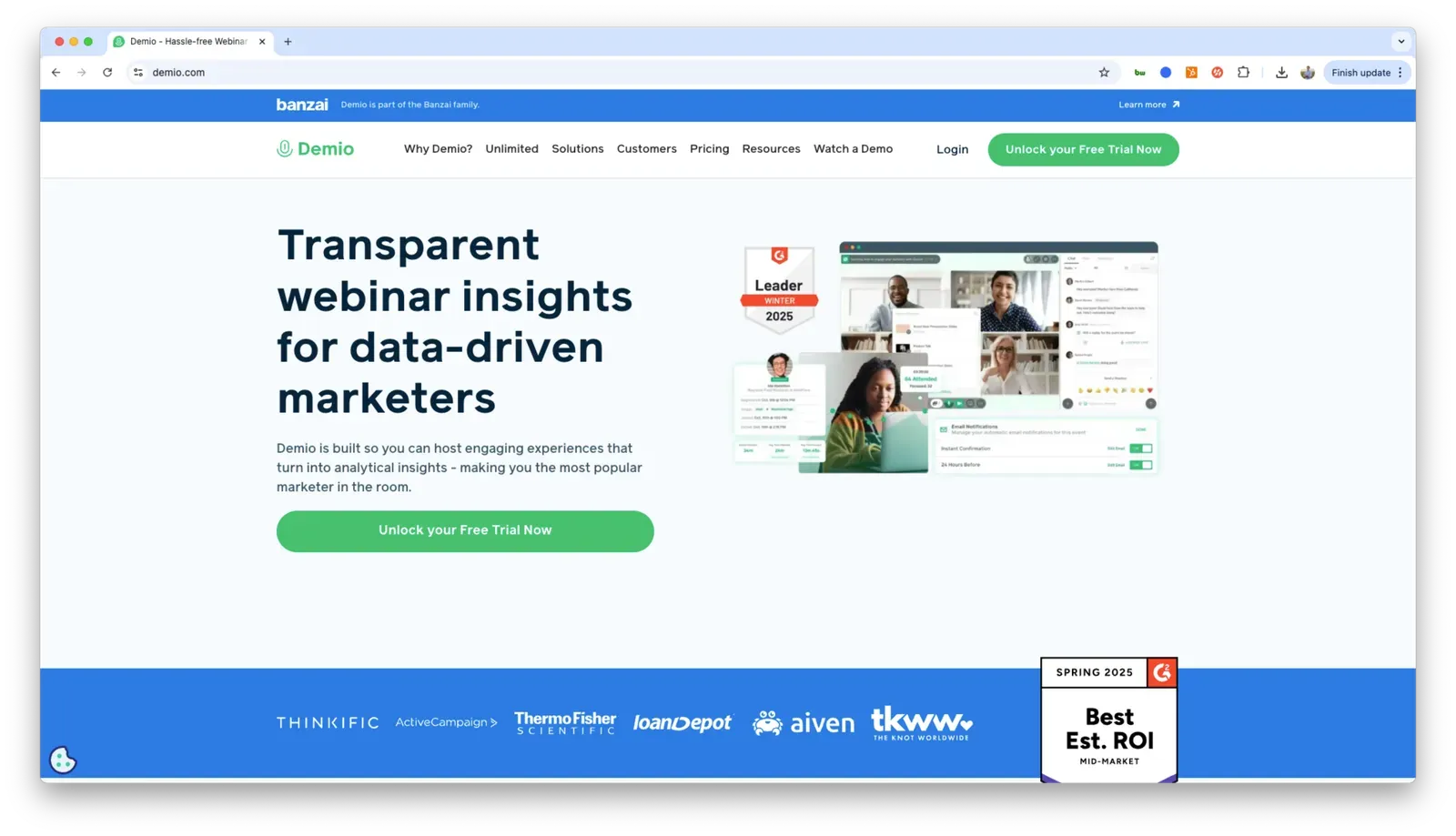
9. Demio
Best for:
B2B marketing teams running conversion-focused webinars with simple, repeatable workflows.
User ratings:
G2: ⭐⭐⭐⭐⭐ 4.6
HubSpot Marketplace: ⭐⭐⭐☆☆ 3.0
Pricing:
Free plan: Trial only (14 days)
Starting price: $45 per month
Notes: Pricing scales by attendee limits and number of hosts; some features require higher tiers
Summary:
Demio is a marketing-first webinar platform designed around ease of use, registration flows, and lead capture. It’s commonly used for structured webinars tied closely to funnel metrics and campaign reporting.
Key strengths:
- Simple setup with repeatable webinar workflows
- Strong focus on registration, conversion, and lead tracking
- Clean interface that’s easy for marketing teams to operate without technical support
Possible limitations:
- Less flexible for complex or event-style webinar programs
- Limited customization compared to more enterprise-oriented platforms
- CRM integrations and advanced features are gated behind higher-tier plans
Learn more:
Best Demio alternatives
10. BigMarker
Best for:
Marketing teams running complex webinar, virtual, and hybrid event programs across multiple formats.
User ratings:
G2: ⭐⭐⭐⭐⭐ 4.7
HubSpot Marketplace: Not listed
Pricing:
Free plan: No
Starting price: Not publicly listed
Notes: Pricing varies by features, usage, and contract terms
Summary:
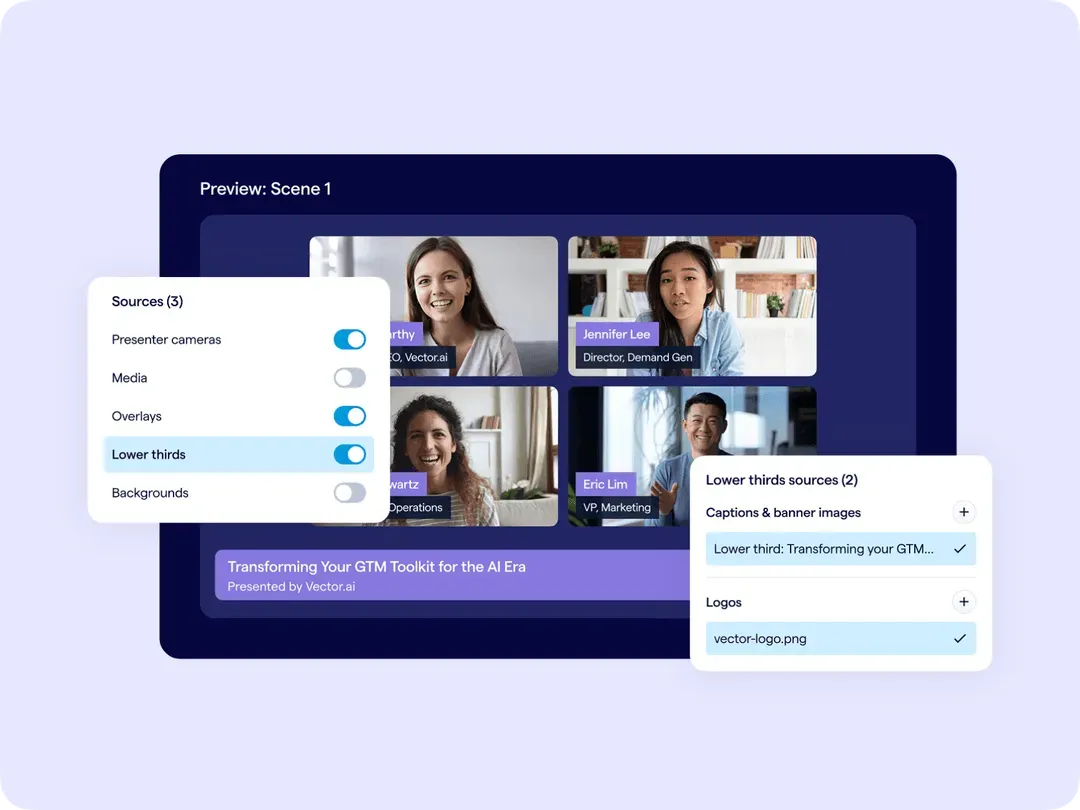
BigMarker is a flexible webinar and virtual events platform built to support webinars, series, virtual conferences, and hybrid events. It’s commonly used by teams that need more control and format variety than traditional webinar tools provide.
Key strengths:
- Supports webinars, virtual events, and hybrid programs tied to in-person events
- Strong customization for registration, branding, and attendee experience
- Designed for multi-session programs and more complex event setups
Possible limitations:
- More complex to set up and manage than simpler marketing-first platforms
- Workflows can feel heavy for teams running basic, repeatable webinars
- Pricing and packaging are less transparent than smaller tools
Learn more:
Best BigMarker alternatives
11. Livestorm
Best for:
Marketing teams that want modern UX and strong integrations without the complexity of full event platforms.
User ratings:
G2: ⭐⭐⭐⭐☆ 4.4
HubSpot Marketplace: ⭐⭐⭐⭐☆ 4.0
Pricing:
Free plan: Yes (30 registrants, 20 min cap per session)
Starting price: $105 per month (billed annually)
Notes: Pricing is based on annual active contacts (unique people who attend or register for at least one event within a given month)
Summary:
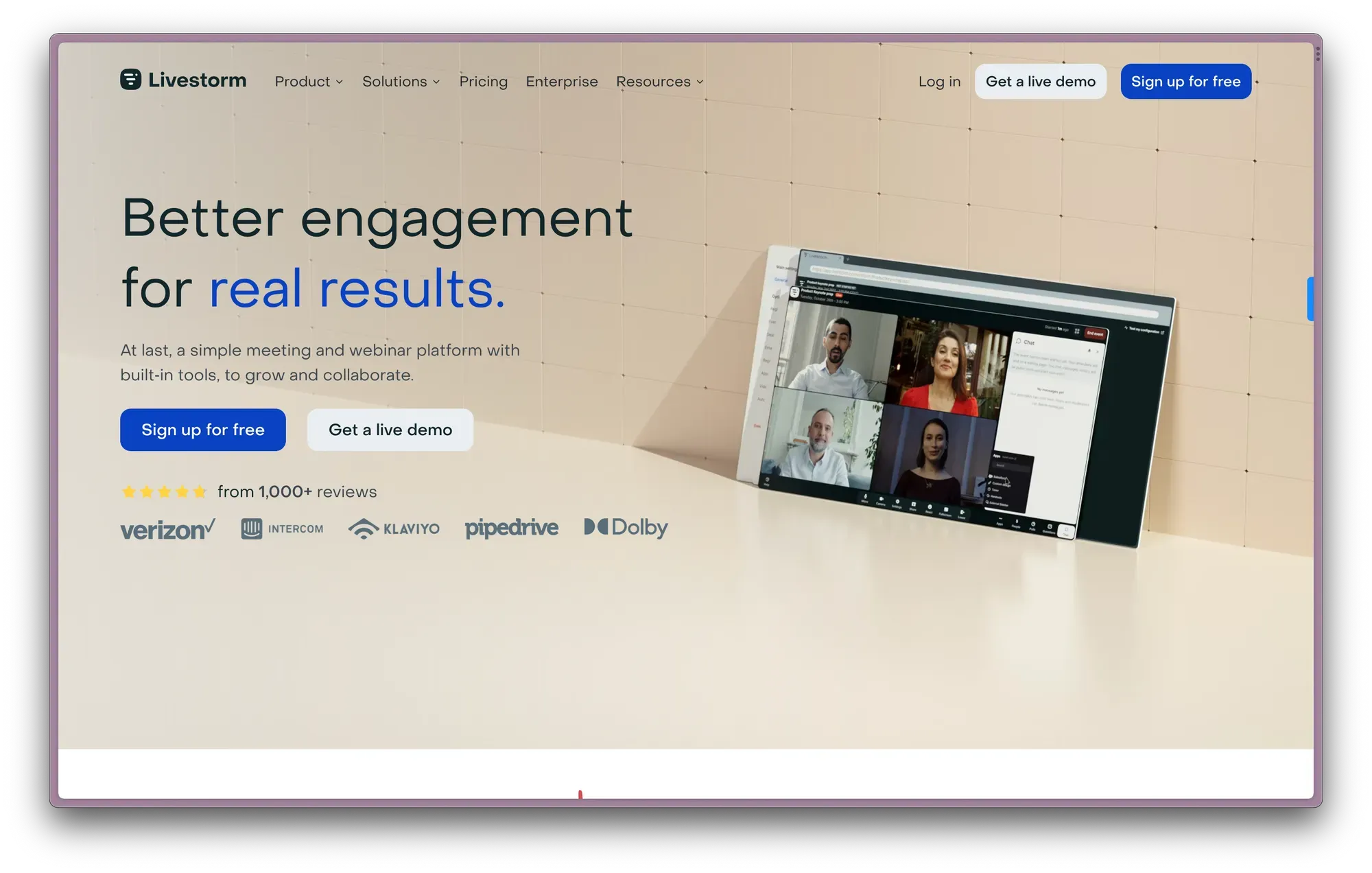
Livestorm is a browser-based webinar and video meeting platform focused on modern design and ease of use. It’s commonly used for marketing webinars, product demos, and customer-facing sessions that need flexibility without the overhead of larger event platforms.
Key strengths:
- Modern, browser-based experience with no downloads required
- Integrates seamlessly with popular SaaS tools
- Works well for webinars, meetings, and recurring customer sessions
Possible limitations:
- Less suited for large-scale or multi-track virtual events
- Engagement features are solid but not as deep as newer engagement-first platforms
- Pricing can scale quickly as contact limits increase
Learn more:
Best Livestorm alternatives
12. WebinarGeek
Best for:
Teams that want a solid feature set at a predictable price for lead-focused webinars.
User ratings:
G2: ⭐⭐⭐⭐⭐ 4.5
HubSpot Marketplace: ⭐⭐⭐⭐☆ 4.1
Pricing:
Free plan: Trial only (14 days, 25 viewers)
Starting price: $81 per month
Notes: Pricing scales by attendee limits and presenters; branding, integrations, and advanced features are gated at higher tiers
Summary:
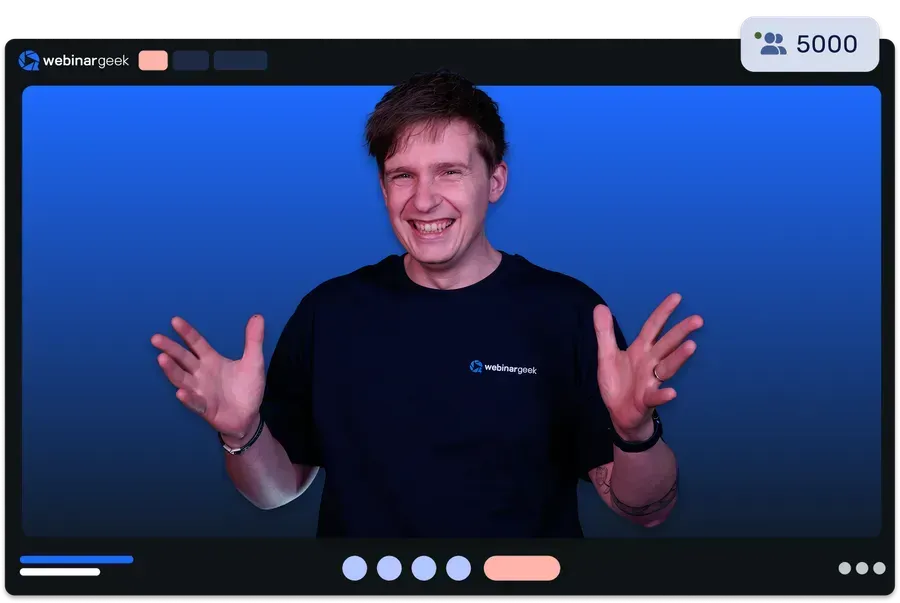
WebinarGeek is a webinar platform that supports live, automated, and on-demand webinars with a focus on lead generation and accessibility. It’s commonly used by teams looking for core webinar functionality without the cost or complexity of larger platforms.
Key strengths:
- Supports live, automated, and on-demand webinars in one platform
- Includes engagement features and customizable registration pages and emails
- Competitive pricing compared to many marketing-focused webinar tools
Possible limitations:
- Viewer experience is more basic than newer or design-led platforms
- Support quality is reported as inconsistent by some users
- Advanced customization and integrations require higher-tier plans
Learn more:
Best WebinarGeek alternatives
13. WebinarNinja
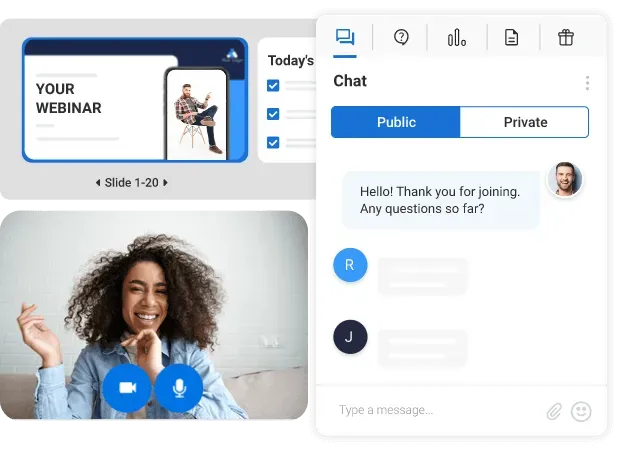
Best for:
Coaches, educators, and small teams running straightforward training or webinar programs.
User ratings:
G2: ⭐⭐⭐☆☆ 3.1
HubSpot Marketplace: Not listed
Pricing:
Free plan: Trial only (14 days)
Starting price: Usage-based pricing
Notes: Pricing is based on attendee volume; higher volumes require contacting sales
Summary:
WebinarNinja is a webinar platform focused on simplicity and ease of use. It’s commonly used for training, coaching, and small-scale webinar programs where setup speed matters more than advanced analytics or customization.
Key strengths:
- Easy-to-use interface that’s approachable for first-time webinar hosts
- Supports live and automated webinar formats
- Customizable registration pages for basic lead capture
Possible limitations:
- Analytics and reporting are limited compared to marketing-focused platforms
- Less suited for large-scale or high-growth webinar programs
- Feature depth has lagged behind newer webinar tools
Category: Automated and evergreen webinar platforms
Chosen for on-demand or fully automated webinar experiences rather than live interaction. These platforms are typically used for onboarding, education, training, or funnel-based programs where webinars need to run without a live presenter.
Platforms in this category include:
eWebinar, EverWebinar
14. eWebinar

Best for:
Automated webinars that prioritize engagement over funnel simulation.
User ratings:
G2: ⭐⭐⭐⭐☆ 4.1
HubSpot Marketplace: ⭐⭐⭐⭐⭐ 5.0
Pricing:
Free plan: Trial only (14 days)
Starting price: $99 per month
Notes: Pricing tiers increase by number of active webinars and monthly registrations
Summary:
eWebinar is an automated webinar platform that turns recorded content into on-demand and scheduled sessions with built-in engagement tools like chat, polls, and quizzes.
Key strengths:
- Supports flexible viewing (on-demand, recurring, local time slots)
- Offers more interactive elements than most automation-focused platforms (polls, quizzes, CTAs)
- Built-in chat allows hosts to respond live or asynchronously via email
Possible limitations:
- Automated webinars only. No true live broadcast mode
- Chat is text-only
- Advanced features like multi-session series may require higher-tier plans
15. EverWebinar
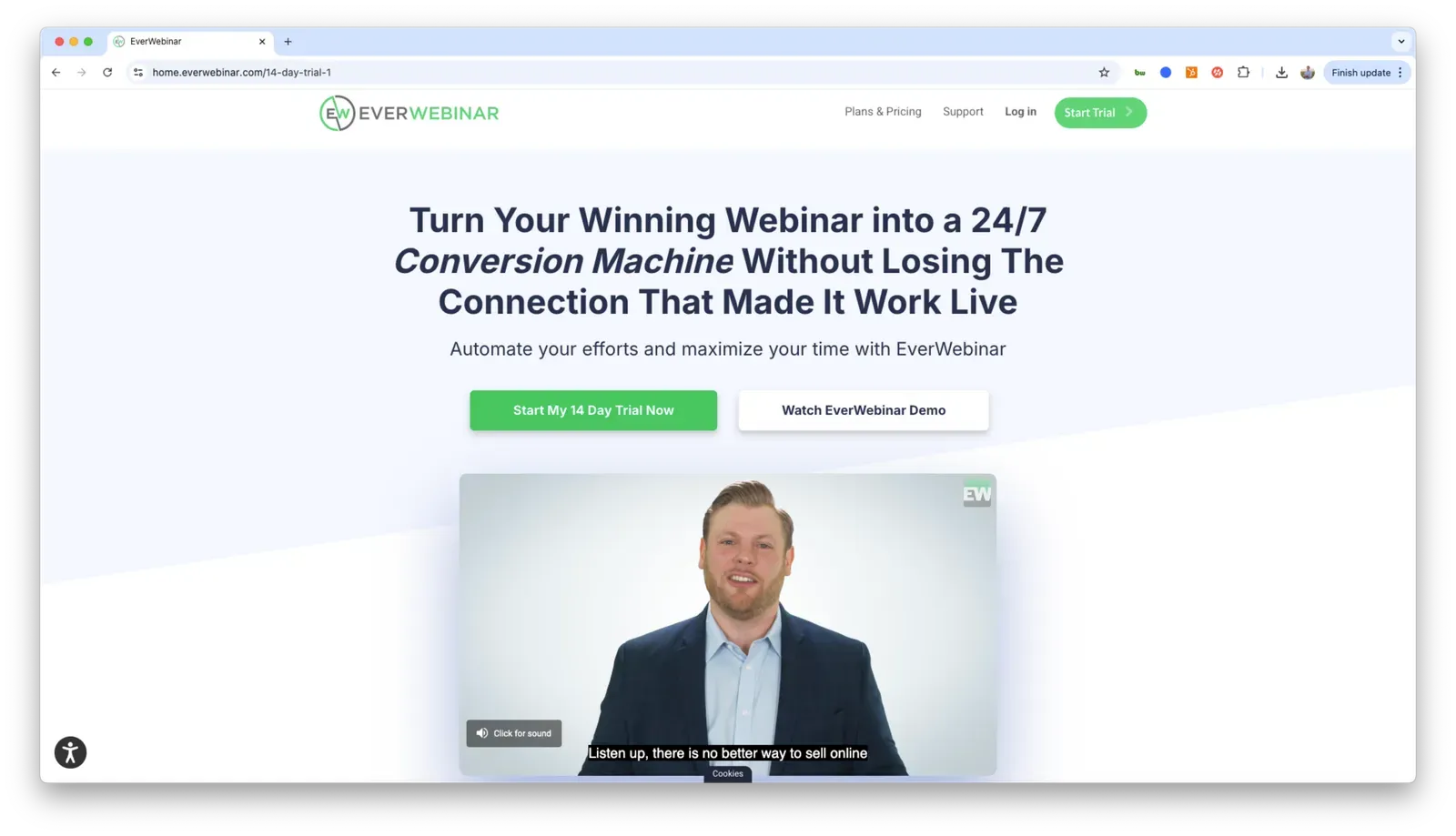
Best for:
Evergreen and automated webinar funnels focused on lead generation and sales.
User ratings:
G2: ⭐⭐⭐⭐☆ 3.9
HubSpot Marketplace: Not listed
Pricing:
Free plan: Paid trial only (14 days)
Starting price: $199 per month
Notes: Discounts available for annual and multi-year plans
Summary:
EverWebinar is an automated webinar platform designed to run pre-recorded webinars on a fixed schedule. It focuses on simulating live events rather than supporting real-time or on-demand viewing.
Key strengths:
- Built specifically for evergreen and scheduled webinar replays
- Supports time-based webinar simulations with live-style timing
- Commonly used in funnel-driven marketing setups
Possible limitations:
- No true live or on-demand webinar mode
- Limited engagement compared to more modern automation platforms
- Less flexible for teams using webinars as an ongoing content channel
Best Free Webinar Software
Not every team is ready to commit to a paid plan. Whether you are testing webinars as a channel for the first time or working within a tight budget, there are free options worth considering.
This section covers the best free webinar software and platforms available today, split into two groups. First, dedicated webinar platforms (Contrast & Livestorm) that offer a genuine free plan with real webinar features. Second, free tools (Google Meet, Youtube Live, Linkedin Live) that teams use to host webinar-style sessions, but that are not built specifically for webinars and come with some limitations.
If you are serious about webinars as a channel, a dedicated free plan is a better starting point than a general-purpose tool. The difference in registration, analytics, audience control, and CRM integration is significant even at the free tier.
16. Contrast's Free plan
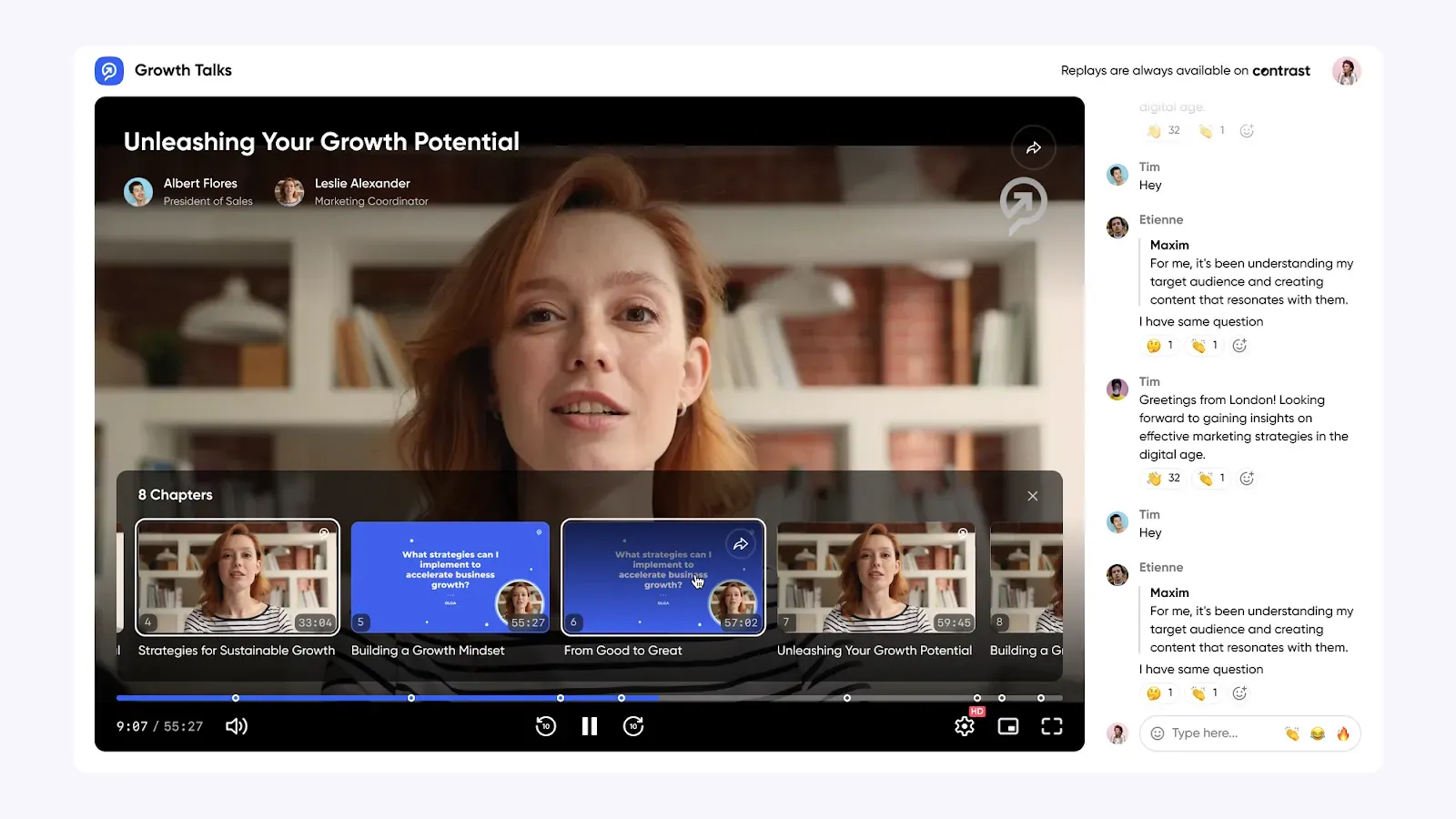
Contrast offers the strongest free plan among dedicated webinar platforms in this guide. Unlike free trials that expire after 14 days, Contrast's free plan has no time limit and no credit card required.
The majority of Contrast features are available on the free plan, including:
- Custom registration pages
- Attendee management
- Email reminders and follow-ups
- Live engagement features including polls, Q&A, and chat
- Custom branding
- Browser-based access
- Post-webinar analytics and attendance reporting
- Screen sharing and slide presentation
- Automatic webinar recording and replay access
- AI-powered content repurposing and post-webinar workflows
- The highest-rated HubSpot integration of any webinar platform, available on all plans including free. Learn more about Contrast's HubSpot integration.
The following restrictions apply on the free plan:
- Limited to 30 registrants per session
- Some advanced features require a paid plan
Free plan: Yes (up to 30 registrants, no credit card required)
Paid plans from: $69 per month
17. Livestorm's Free Plan
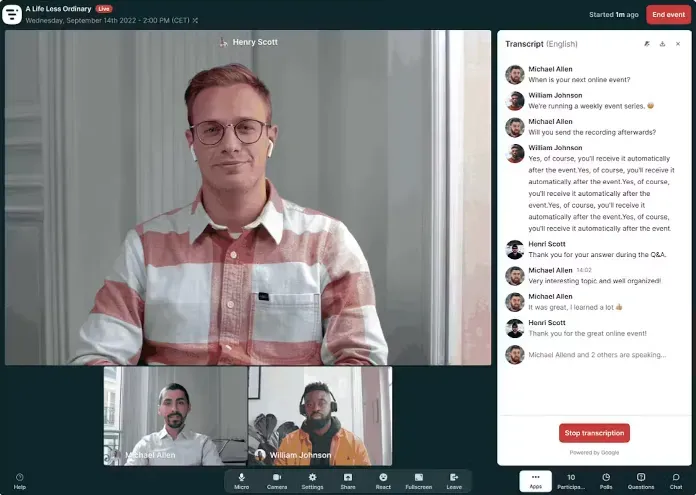
Livestorm offers a free plan with no expiration date, but it functions more as a sandbox for testing the platform than a practical free tier for running real webinars due to usage limitations.
The following restrictions apply on the free plan:
- Maximum 20 minutes per event
- Limited to 30 registrants and 30 live attendees
- Capped at 30 active contacts per month
- Email invites are disabled
Free plan: Yes (30 registrants, 20 min cap per session)
Paid plans from: $105 per month
18. Google Meet
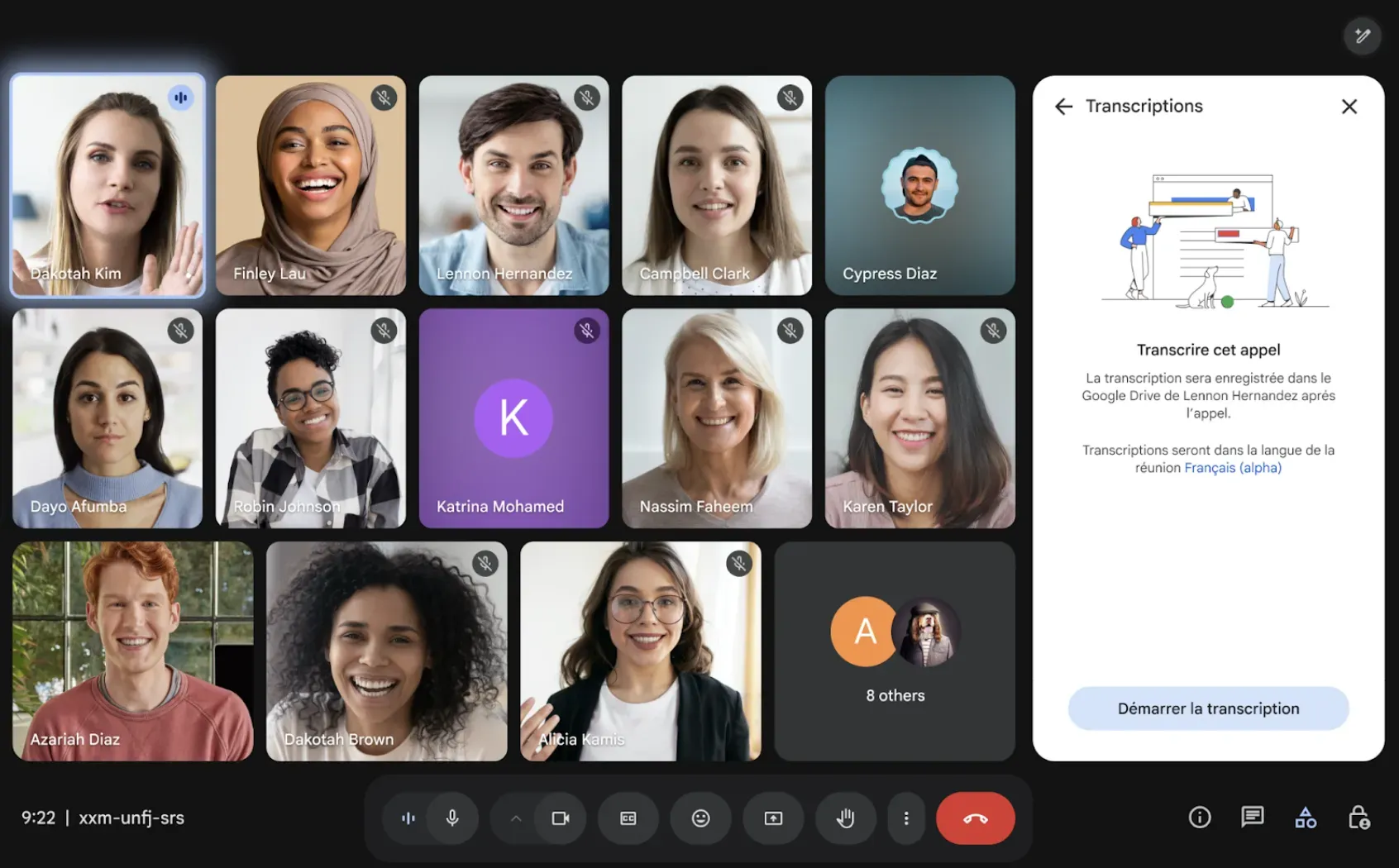
Google Meet is a free video calling tool that some teams use to host informal webinar-style sessions. It is not a dedicated webinar platform. There are no registration pages, no attendee management, no CRM integration, and no webinar analytics. Participants can turn their cameras on and speak at any time, which removes the structured presenter and audience dynamic that makes webinars effective. However, if you are just getting started and want a zero-cost way to test the format before committing to a dedicated platform, Google Meet is a quick and familiar way to run your first sessions.
The following restrictions apply:
- Free tier capped at 100 participants and 60 minutes per call
- No registration or lead capture
- No audience control or attendee management
- No CRM integration or post-session analytics
Free plan: Yes (100 participants, 60 min cap)
Paid plans from: $6 per user per month (Google Workspace)
19. Youtube Live
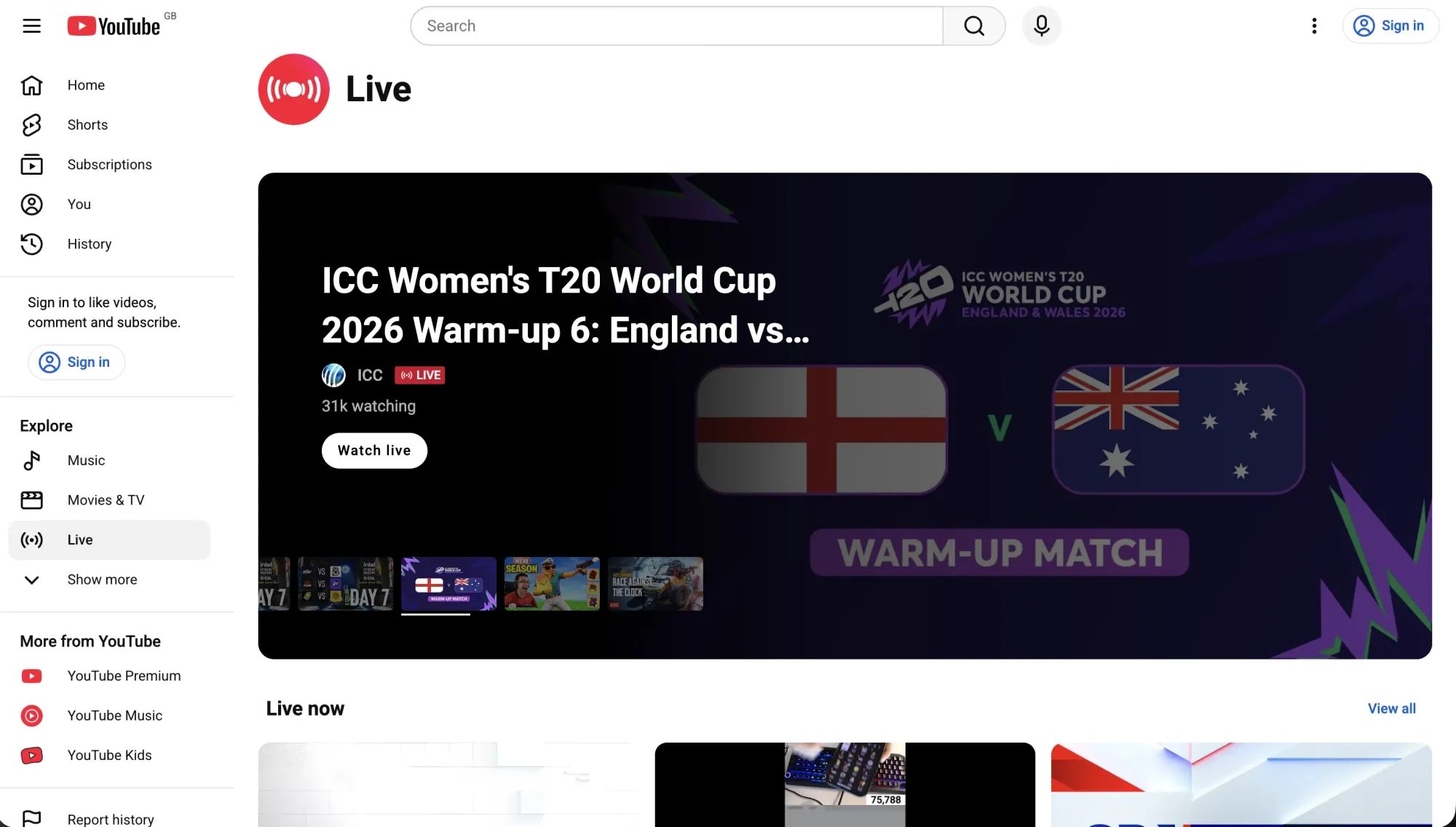
YouTube Live is a free live streaming tool that allows you to broadcast to a public audience at no cost. It is not a dedicated webinar platform. Where YouTube Live does stand out is reach and accessibility. Streams are public, searchable, and free for anyone to watch without creating an account. If you are focused on brand awareness and getting content in front of a broad audience rather than capturing leads or measuring pipeline, it can be a genuinely useful free option.
The following restrictions apply:
- No registration or attendee management
- No CRM integration or post-session analytics
- No audience control
- Ads may run during your stream including from competitors
- Requires a verified YouTube account with no live streaming restrictions in the past 90 days
Free plan: Yes (free, ad-supported)
Paid plans: None
20. Linkedin Live

LinkedIn Live is a free live streaming tool for broadcasting to a professional audience on LinkedIn. To go live you need to pair it with a streaming tool or another dedicated webinar platform from this list. It can be a strong distribution channel for reaching professionals where they already spend time, however it is harder to extract attendee data, link sessions with your CRM, and you generally have less audience control than a dedicated platform.
The following restrictions apply:
- Eligibility requirements apply: 150+ followers, recent track record of sharing original content, good standing, and minimum profile age
- Requires a third party streaming tool or dedicated webinar platform to go live
- Only available in certain countries
- Less control over attendee data and CRM integration
Free plan: Yes (eligibility requirements and streaming tool required)
Paid plans: None
Webinar software FAQs
What is the best webinar software overall?
Contrast is the highest-rated webinar platform on both G2 (4.8/5) and the HubSpot Marketplace (4.9/5), and is the only platform that syncs full engagement data, including watch time, poll answers, CTA clicks, and UTM attribution, directly into HubSpot as timeline events. It is also the platform HubSpot uses to run its own webinars.
What is the best free webinar software?
Contrast offers the most capable free plan of any platform in this guide, with unlimited webinars, up to 30 registrants per session, full HubSpot integration, and no credit card required. Unlike most free plans that expire after 14 days, Contrast's free plan has no time limit.
What is the best webinar software for lead generation?
For B2B lead generation, Contrast is the top choice. It tracks individual engagement signals during each session, including watch time, poll answers, CTA clicks, and replay views, and syncs them to HubSpot automatically, enabling lead scoring and segmented follow-up without manual exports.
What is the best webinar platform for HubSpot?
Contrast has the highest HubSpot Marketplace rating of any webinar platform reviewed here (4.9 stars) and is used by HubSpot's own teams. It offers a native integration that syncs webinar engagement data directly into HubSpot workflows, contact timelines, and lead scoring, not just a basic connector. Learn more about Contrast's HubSpot integration. Livestorm (4.0) and WebinarGeek (4.1) are also strong options for HubSpot users.
What is the best webinar software for small businesses?
For small businesses, Contrast is the strongest starting point. Its free plan supports up to 30 registrants with no credit card required, making it easy to test webinars as a channel before committing to a paid plan. Demio ($45/month) and Zoho Webinar are also worth considering for teams that need a low-cost paid option, particularly those already using the Zoho ecosystem.
What is the difference between webinar software and virtual event platforms?
Webinar software and webinar platforms are designed for recurring one-to-many sessions like marketing webinars, product demos, and training. Virtual event platforms support larger, more complex programs such as conferences, multi-session events, and hybrid experiences. Most platforms are optimized for one approach, and using the wrong category can add unnecessary complexity and cost.
When does automated webinar software make sense?
Automated webinar platforms are best for on-demand or evergreen use cases where live interaction is not required. Teams often use them for onboarding, education, support, or funnel-based programs that need to run without a live presenter. eWebinar and EverWebinar are the dedicated automated platforms covered in this guide.
Do you need Zoom to run a webinar?
No. Many dedicated webinar platforms offer browser-based access, richer engagement features, and deeper CRM integrations without requiring attendees to download any software. Browser-based alternatives like Contrast and Livestorm are often a better fit for marketing-led webinars, where attendee friction at the join step directly affects attendance rates. Contrast's free plan is also a more capable starting point than Zoom's free tier, which does not include a dedicated webinar product.
How were the webinar platforms compared in this guide?
The webinar platforms in this guide were compared based on how teams typically use webinar software. Each platform was evaluated by category, third-party user ratings from G2 and the HubSpot Marketplace, pricing model, free plan availability, and documented strengths and limitations. The comparison focuses on real-world use cases rather than feature checklists.
How to choose the right webinar software or webinar platform
Choosing the right webinar software or online webinar platform starts with understanding how you plan to use webinars, not just which features are available.
Here are a few questions to guide the decision:
Decide whether webinars are a content channel or a funnel tactic
Some teams use webinars as a repeatable content engine, focusing on engagement, reuse, and long-term value. Others treat webinars as a campaign tactic tied closely to lead capture and conversion. Platforms are often optimized for one of these approaches.
Consider live vs automated webinars
If live interaction and audience participation matter, look for platforms built around engagement and real-time formats. If you want hands-off or on-demand experiences, automated webinar tools are a better fit.
Evaluate engagement and follow-up needs
Think about what should happen during the webinar and after it ends. Polls, Q&A, and interaction tools matter for live sessions, while follow-up workflows, repurposing, and integrations matter for turning webinars into ongoing value.
Check integrations with your existing stack
Webinar software rarely lives on its own. Make sure the platform fits cleanly into your CRM, marketing automation, and analytics tools, especially if webinars are tied to pipeline or customer education.
Shortlist and test
Most teams benefit from testing two or three platforms. Running a real webinar is often the fastest way to understand whether a tool fits your workflow and audience. Once you have chosen a platform, see our step-by-step guide to hosting a webinar for everything you need to run your first session.
Consider whether a free plan meets your needs
If you are just getting started with webinars, a free plan is often the best way to test the format before committing to a paid tier. Contrast and Livestorm both offer genuine free plans with no expiration date. Most other platforms offer a 14-day trial. If webinars are already a serious channel for your business, evaluate paid plans from the start as free tier limitations around registrant caps and session length will become a constraint quickly.
A note on Contrast
Contrast is built for teams that treat webinars as an ongoing content and engagement channel. It is one of the best webinar tools available for marketing teams that want engagement-first formats and strong post-webinar workflows. It focuses on live interaction, modern UX, and strong post-webinar follow-up.
Most webinar tools only prioritize broadcast or funnel mechanics. Contrast is designed around participation, reuse, and what happens after the webinar ends.
Its deep HubSpot integration and built-in AI workflows help teams turn each webinar into content that keeps working over time.
Contrast is a strong fit for marketing teams that care about audience experience and consistent execution. Teams looking for fully automated webinars or large virtual conferences may find other platforms in this guide a better fit.
The best way to evaluate Contrast is to try it. The free plan supports up to 30 registrants with no credit card required, making it the easiest platform in this guide to test before committing to a paid plan.

Try the Most Modern Webinar Platform
Start for free with up to 30 registrants. No credit card is needed.
Start for free