"Who asked the most questions in last week's webinar?"
"Which registrants clicked our CTA but haven't booked a demo yet?"
You can now ask questions like these in Claude, ChatGPT and other AI tools and get answers straight from your Contrast data. Contrast has just launched its MCP server, a secure, no-code way to connect your webinars to your favorite AI tool. It's available on all plans.
You connect it with OAuth 2.1 using this link. That means no API keys and no sharing your password with an AI tool. The MCP only reads your data, so it can't change or delete anything in your account.
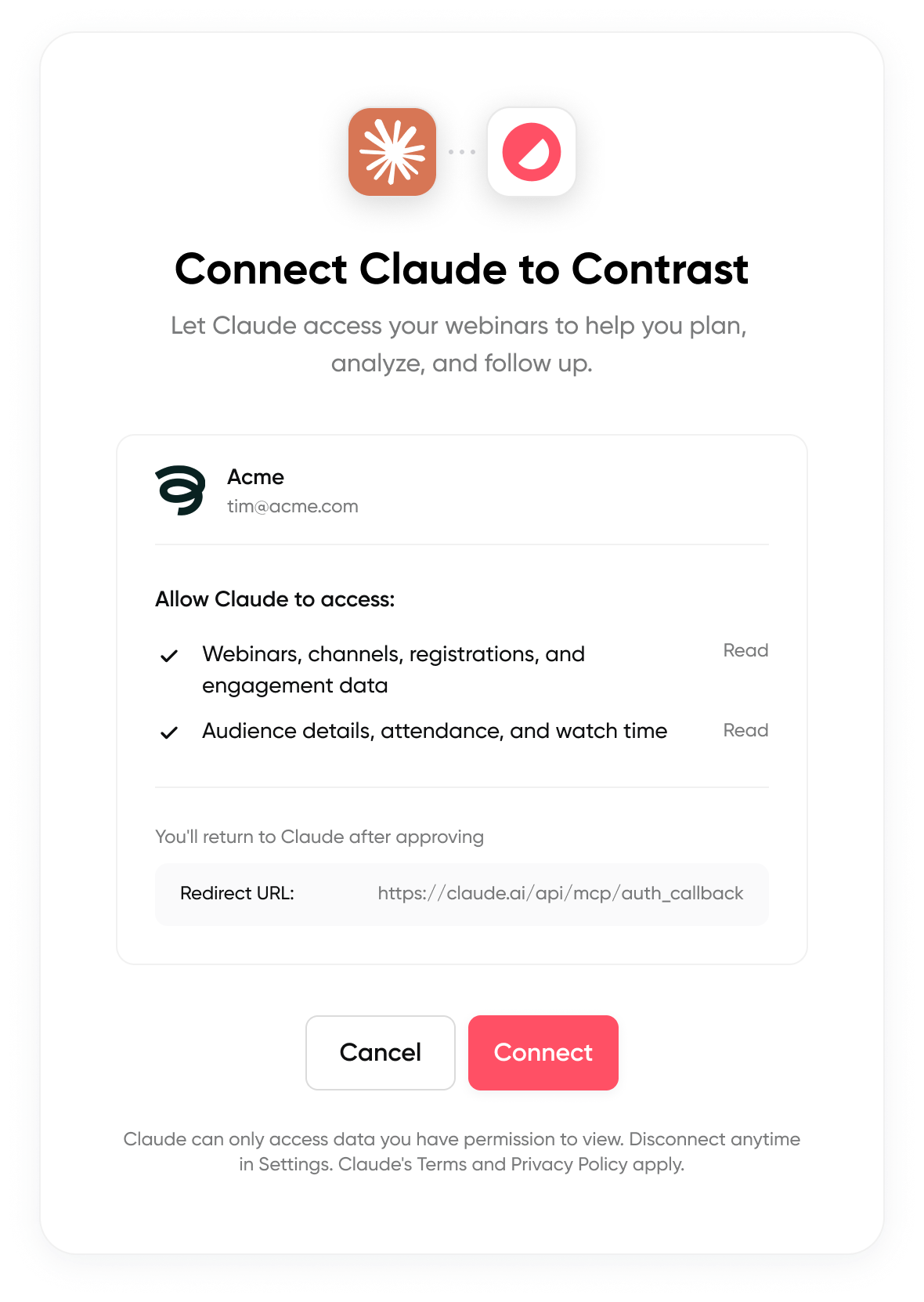
Marketers are already using the Contrast MCP to analyze their webinars, build reports on chat messages and find out who was most engaged.
Our help docs walk you through the setup for Claude, ChatGPT and other AI tools like Microsoft 365 Copilot, or Dust.
Prompt library
We've also launched a prompt library of ready-to-use prompts built specifically for the Contrast MCP. With it, you can:
- Build your 2026 webinar performance report
- Analyze poll results or CTA clicks
- Find hot leads for your sales team to follow up with
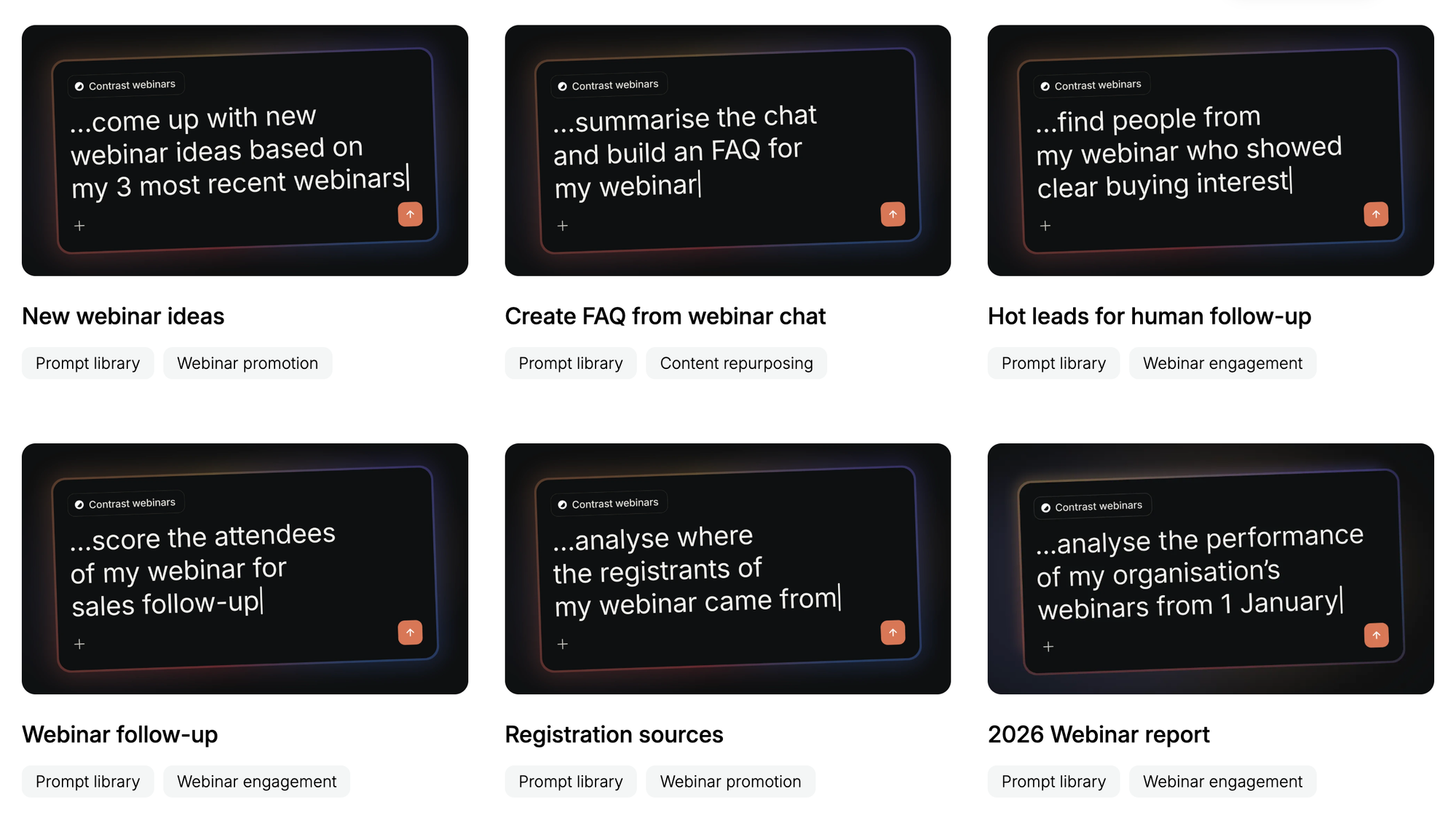
We keep adding new prompts and use cases, so check back regularly. Video guides are coming soon to our YouTube channel.
What's next for the MCP
We add new MCP features based on your feedback. If you have a use case in mind, tell us through the in-app messenger and we might build it just for you.
FAQ
What is Contrast?
Contrast is a webinar platform that helps marketing teams create engaging webinars and turn them into content and leads.
Does Contrast have an MCP?
Yes. The Contrast MCP lets AI tools like Claude and ChatGPT securely read your webinar data, including registrations, chat messages, questions, polls and CTA clicks.
Which AI tools work with the Contrast MCP?
Claude, ChatGPT, Microsoft 365 Copilot and any other AI tool that supports MCP connectors. Our help docs have setup guides for each one.
Is my data safe?
Yes. You connect with OAuth 2.1, the same secure sign-in standard that tools like Google and Slack use, so you never share your password or API keys. The MCP can only see data your Contrast account already has access to.
Does it cost extra?
No. The Contrast MCP is included on all plans at no extra cost.