
Are you struggling to get people to sign up for your webinars? Rethinking your webinar invitation email should be your first step, because most webinar signups come from email marketing as shown in our 2025 Webinar Stats Report.
Our research shows that benchmark examples see open rates of about 45% – and signup rates as close as 5%. That's high. Let's look at how these companies write their webinar invitation emails. Because in fact, there is a playbook behind their success. And you can copy it too. Whether you need a webinar invite template to adapt or real examples to learn from, this guide covers both.
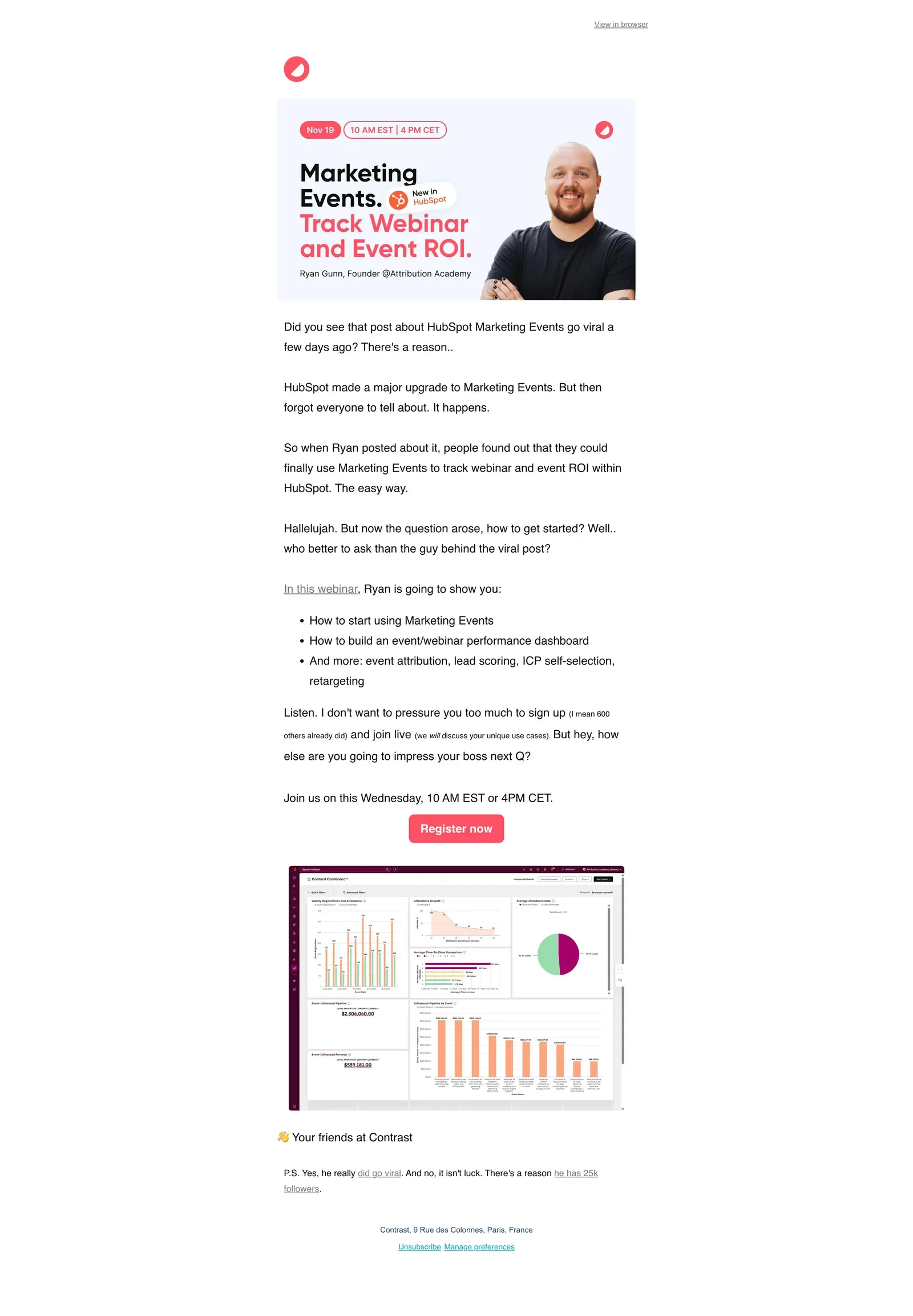
In this article, we cover everything you need to know about creating a perfect webinar invitation email. We will also give best practices, real-life examples, templates, and more.
Why a Carefully Written Invitation Matters
All marketers will agree, getting registrations is one of the most important KPIs they track when hosting webinars. Research shows email is the best technique in doing so. That means, to master getting the maximum number of registrations to your webinar, you need to master writing invitation emails.
For example. You have 10.000 email addresses in your emailing list. If you convert 5% of these people into webinar signups, it means you now have 500 people who registered to your webinar. Reaching a similar result on let's say LinkedIn is a lot more difficult. When is the last time your post even got 10.000 impressions?
In this article, we'll use a proven framework that helps businesses like yours write successful webinar invitation emails. But first, let's look at the subject line.
Key details of a webinar invitation
Let's start with a basic checklist of things you need to add in your webinar invitation email. These details help people decide whether to sign up or not.
Subject line
Put effort into your subject line. Read on and we'll tell you why. By the way, shorter subject lines have better open rates.

Familiar sender or domain
Sending emails from a sender, or domain they have never heard of and your email perform less good. If possible for you, personify the sender and use their actual name as this sees higher opening rates.

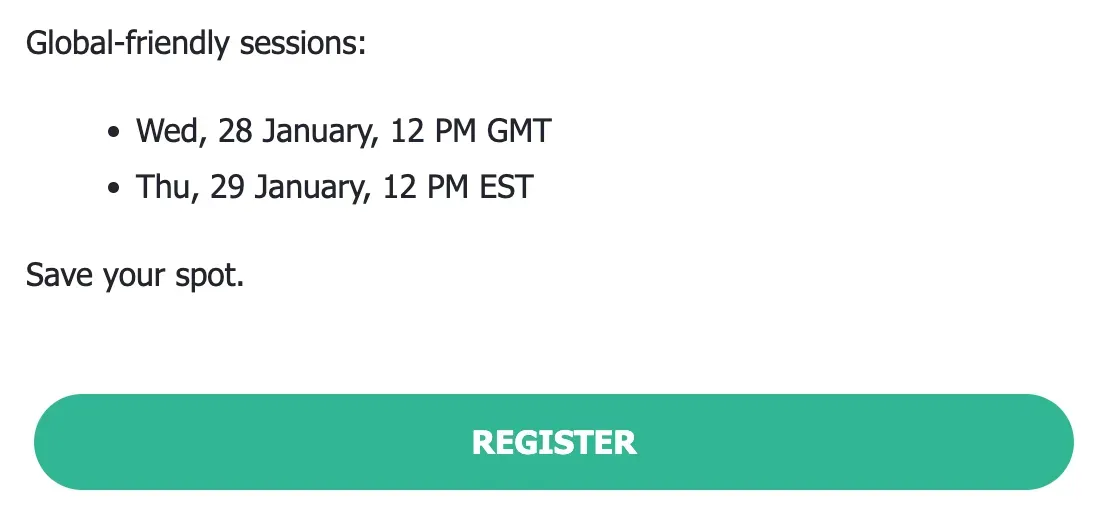
Date, time and timezone
Crucial information. If you have an international audience you may want to include the time of the webinar localized in multiple times.
Title of your webinar
Should be specific enough to capture the attention of the reader. More on that in this article.
Body of webinar invitation
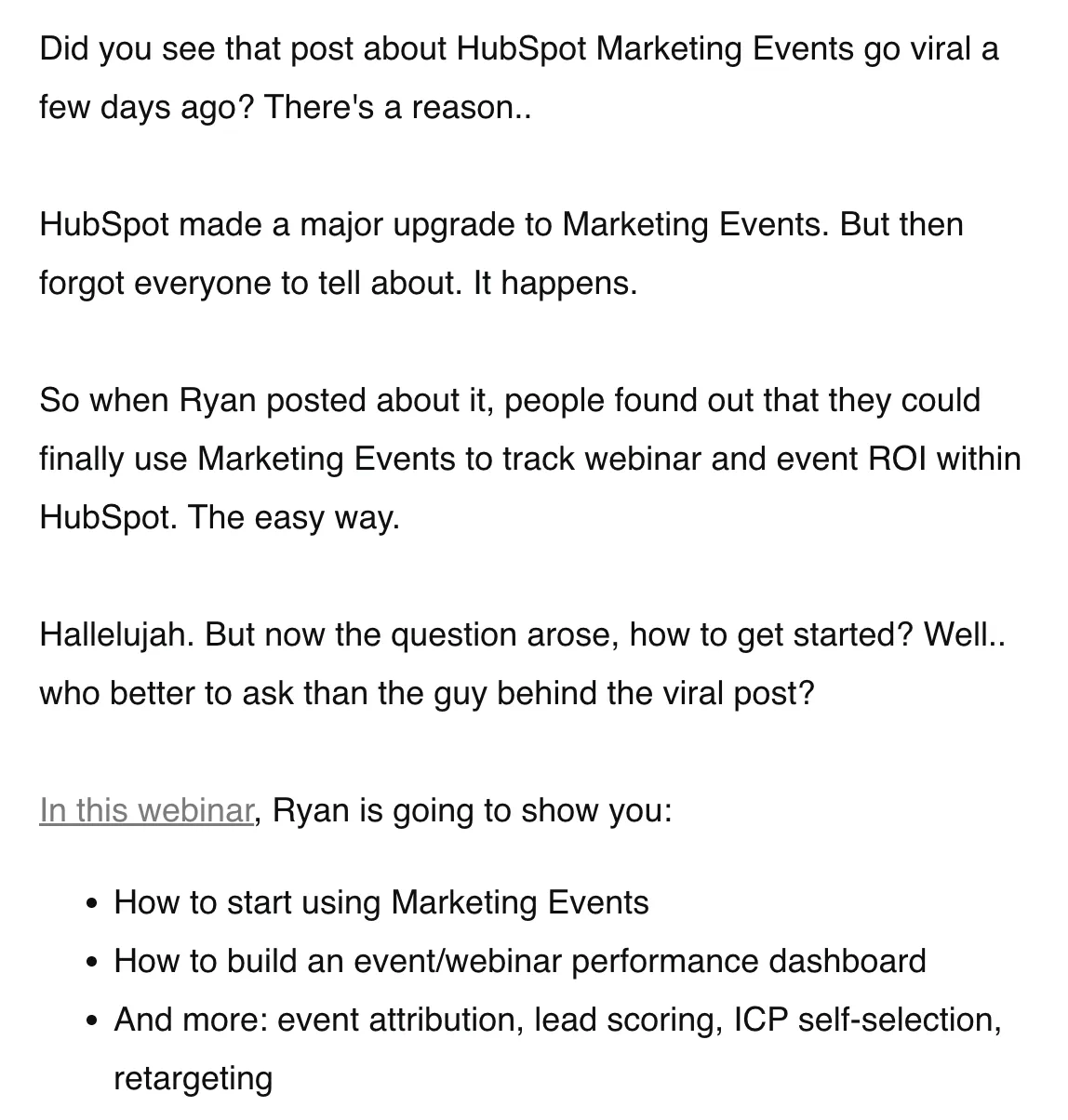
Here's where you need to do the actual convincing. Down below, we dive into a 6-block framework that helps you do this.
Who's speaking
It's not needed to go into detail on the speaker. It's better to weave it into the body text. Unless you have someone extremely famous, then lead with this person.

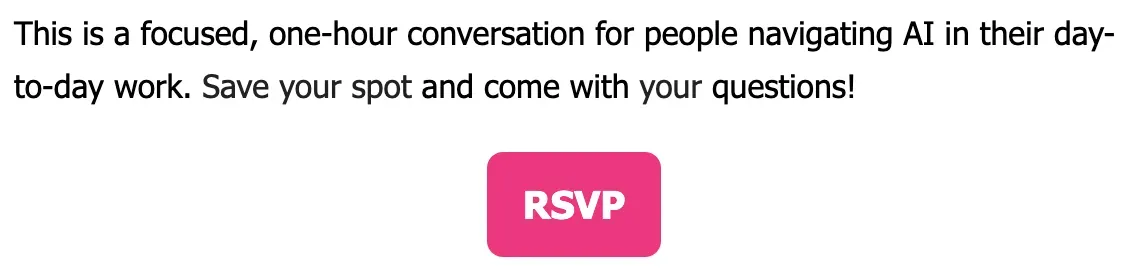
Call-to-action
If this is anything else than telling people to register to the webinar, we'll be angry with you. Keep it simple stupid.
Will it be recorded?
You'll get this question, so better answer it now. Weave it into the email how you see fit.
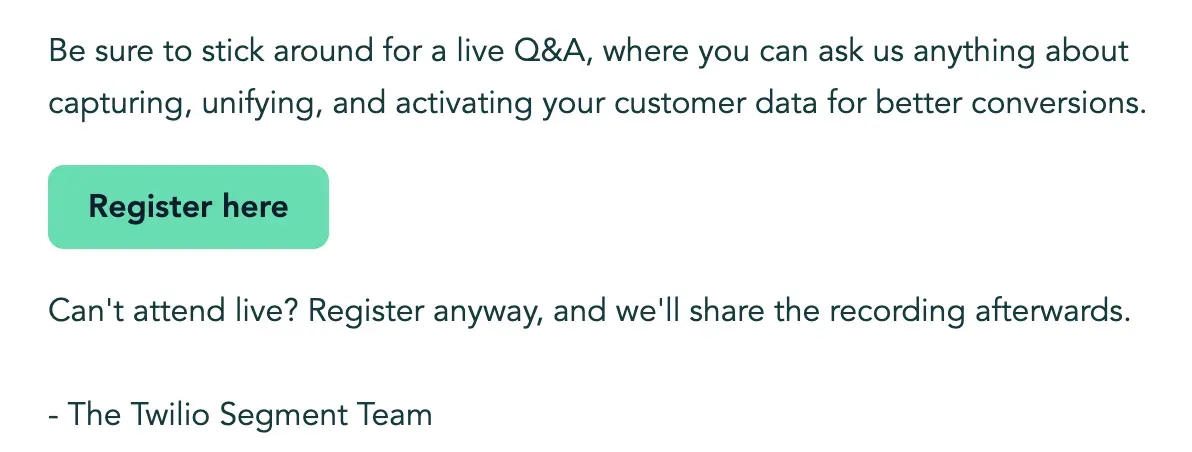
Alright. Now let's dive into the two most important parts of your webinar invitation email. The subject line and the body text.
The importance of the subject line
Many people overthink their subject line. Or they believe it needs to be descriptive of what's in the email. Wrong. Your subject line has one single role. That is to get the person to open the email.

Formulas that work:
- Outcome-led: "How [Company Type] cut CAC by 40% without increasing headcount"
- Problem-first: "The reason your pipeline reviews aren't working"
- Curiosity gap: "What the top 10% of RevOps teams do differently"
- Direct/conversational: "Quick invite — [Topic], [Date]"
What to avoid: Generic labels like "Webinar Invitation," excessive punctuation, and vague buzzwords ("innovative," "transformative," "game-changing").
Many of these techniques you should also be using on your registration page. Actually, we recommend you to start by writing your registration page first. The invitation email will naturally follow.
Framework to write successful webinar invitation emails
Alright, now that you have written your subject line, let's move onto the real juice. The body of your webinar email. Because there's quite a bit of detail, we're going to break it down in different blocks:
- Block 1 — The Hook (1–2 sentences)
- Block 2 — The Bridge
- Block 3 — The What + When
- Block 4 — The Value Bullets (3 max)
- Block 5 — The Trust Signal
- Block 6 — The CTA
Done right, a webinar invitation email will usually follow the same structure. Its content will differ from email to email – but the structure will stay in place. Master the structure and writing webinar invitations will become a lot easier.
Block 1 — The Hook (1–2 sentences)
Open with a provocative insight, a sharp statistic, or a problem statement that makes the reader feel seen. It's to capture their attention, and an invitation to keep on reading the rest of your email:
"Most B2B companies spend 60% of their sales cycle educating prospects who were never going to buy. There's a pattern to why this happens — and it's fixable."
Block 2 — The Bridge
Connect the hook to the webinar without making it feel like a bait-and-switch. One or two sentences transitioning from "here's the problem" to "here's what we're doing about it."
Here's an example of where this is done really well:
AI search is transforming how buyers discover solutions, and most marketers are missing the opportunity. In 2025, 60% of Google searches resulted in zero clicks, while conversational AI platforms like ChatGPT, Perplexity, and Google's AI overviews became the new front door for customers.
Join Christina Clark, Head of Product Growth at HubSpot, to learn the proven strategies her team used to increase AI referral traffic and demand by 40% through Answer Engine Optimization (AEO). Christina will share the frameworks, tools, and tactical approaches that helped HubSpot pioneer AEO, and how you can apply these same principles to drive qualified conversions in the AI-powered search era.
See how at the end there's a concrete result?
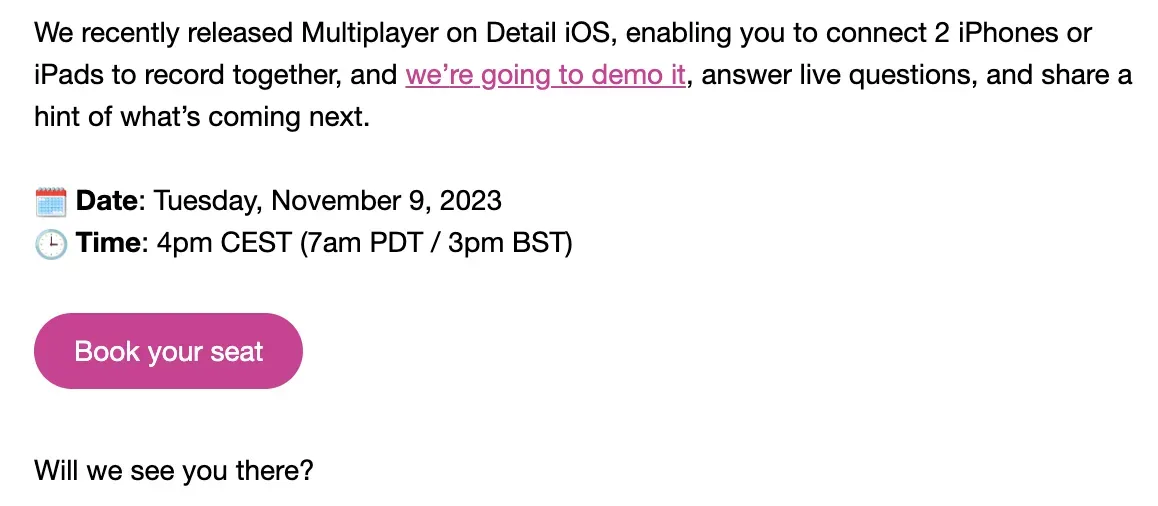
Block 3 — The What + When
State the webinar clearly. Title, date, time, duration, and timezone. Don't leave anything to doubt. You can mention this in the body text of your email. More and more often do we see people mention it as a separate component on in the email.
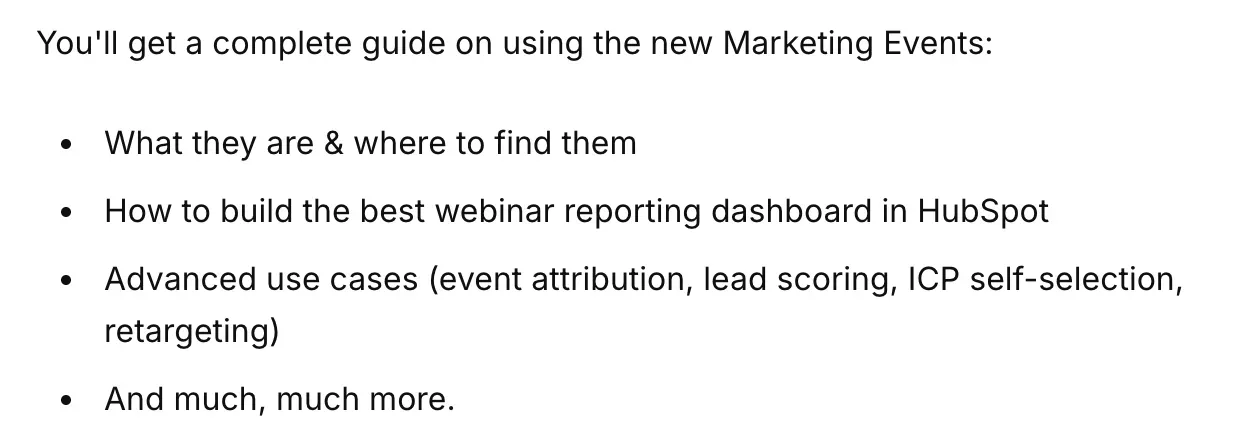
Block 4 — The Value Bullets (3 max)
Specific, outcome-oriented takeaways. Not topics, but results the attendee will leave with. If your reader has to wonder whether this will be worth their time, you have failed in doing this. You can frame them as "You'll leave knowing how to...", "Walk away with..." or simply "Key take-aways.
Block 5 — Build Trust
There exist different methods to build trust. One stronger than the other. Basic trust building methods include well-known logos, c-level job roles – and outcomes. Experts will go deeper, and show relevant experience and outcomes that will resonate with the reader.
Block 6 — The CTA
One clear action. A single button or bolded link. In a webinar invitation there's only one correct CTA – and that's to have people register.
The Quality Checklist
Great job. Now ask yourself the following questions:
- Would I open this email if it arrived in my inbox cold?
- Is every bullet point a real outcome or just a topic dressed up as one?
- Have I mentioned the word "webinar" too early and too often? (It's a format, not a draw.)
- Does the CTA stand out visually and make the next step obvious?
- Is there a single point of friction — one ask, one link, one action?
- Have I personalized beyond just a first name? (Industry, role, company size, pain point?)
How did you do? Happy? If so, congrats. Writing a successful webinar invitation email relies on a few basic concept, although difficult to master. But once you master these – there's no need to use cheap hacks like "Attend our webinar and win a car."
You'll see that the more often you write these type of emails, you'll start to get better at them. It's always a little bit of tweaking with different angles and strategies to find out what works with your email list. If you have a very large (100k or more) email list it's worth looking into AB-testing your emails.
Check out our Complete Webinar Guide — it covers planning, promotion, delivery, and post-event follow-up in depth.
Advanced Email Strategies to Increase Signups and Attendance
Sending a single email is likely not enough. Research shows that it's best to send 2 to 3 webinar invitation emails to your list in order to maximize the signups. You can apply the same 6-block framework writing the other emails. It's the perfect way to test what works with your audience.
Once you have done all the hard work getting people to register to your webinar. That's one thing. The other thing is to ensure that people show up to your webinar – or if they weren't available, watch the replay of your event.
A webinar email sequence is a series of strategically timed emails. These are designed to guide your audience through the entire webinar process. Starting from registration to post-webinar follow-up.
Here's how to build yours.
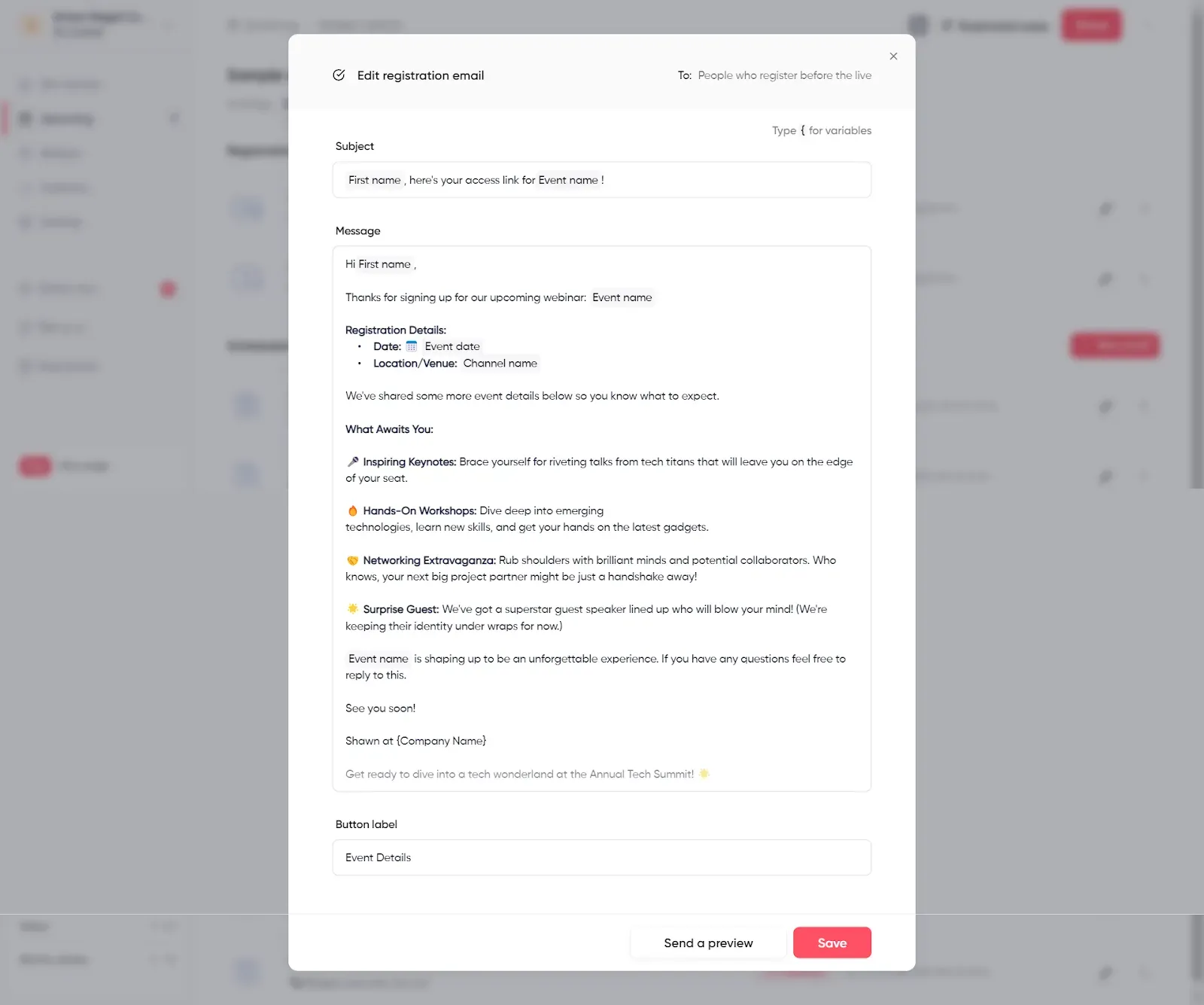
1. Send a registration confirmation email
When someone registers for your webinar, their journey starts with a confirmation email. This email serves as a confirmation of their successful registration and sets the tone for the upcoming event.
Key points to note:
- Express your excitement about their registration.
- Offer a point of contact for questions or concerns.
- Include an "Add to Calendar" button or link to help them remember the event. With Contrast, calendar invites are automatically suggested to people who registered to your webinar helping increase attendance rates.
- Provide information on how they can access the webinar, including the link or login instructions.
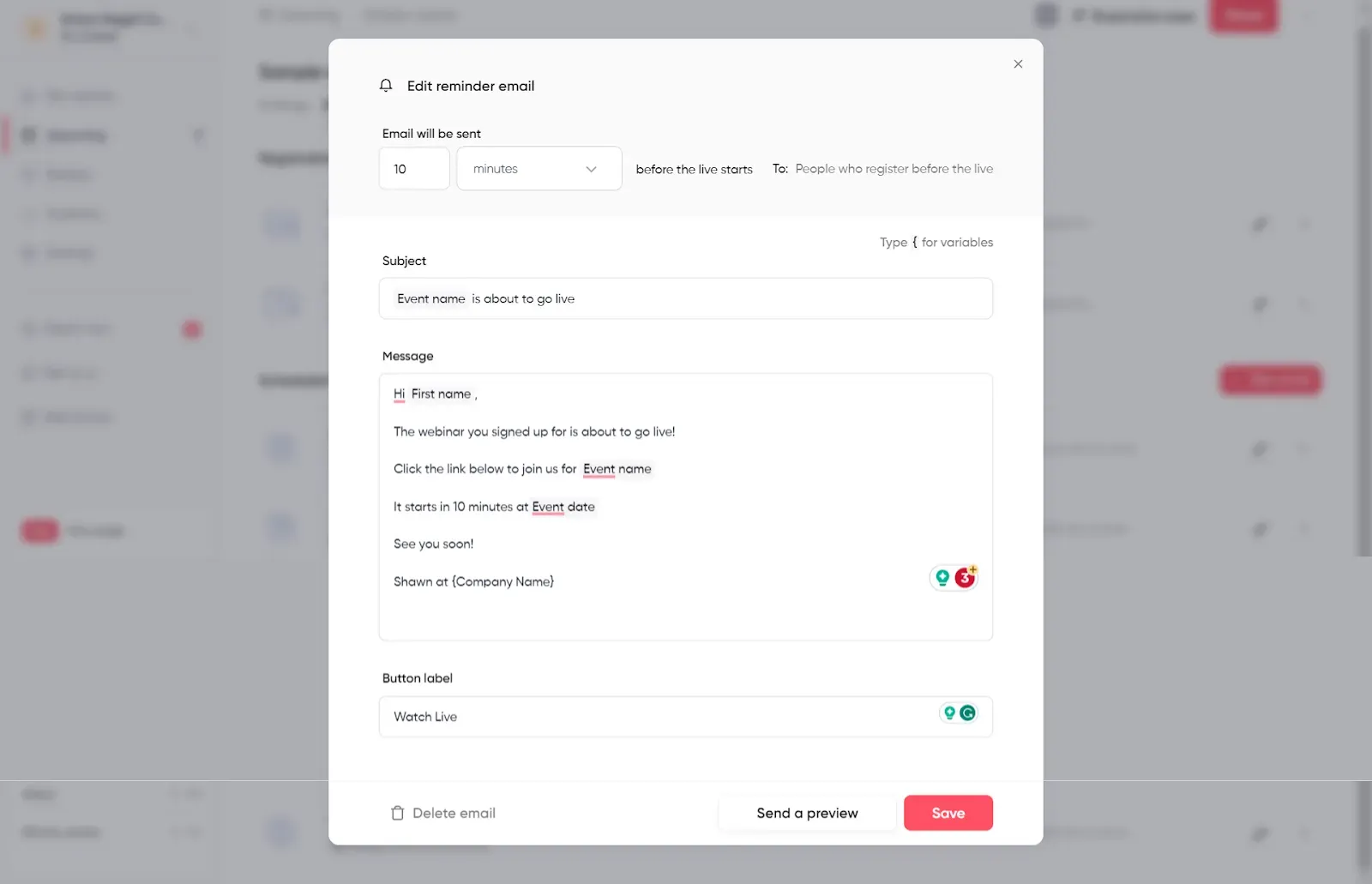
2) Schedule webinar reminder emails
To ensure a high attendance rate, you should send a series of reminder emails leading up to the webinar. These reminders keep your event top of mind and encourage registrants to prioritize attendance.
Key points to note:
- You can include a countdown timer to build anticipation.
- Highlight key topics or speakers to remind them of the value they'll gain.
- Encourage them to add the event to their calendar or set a reminder.
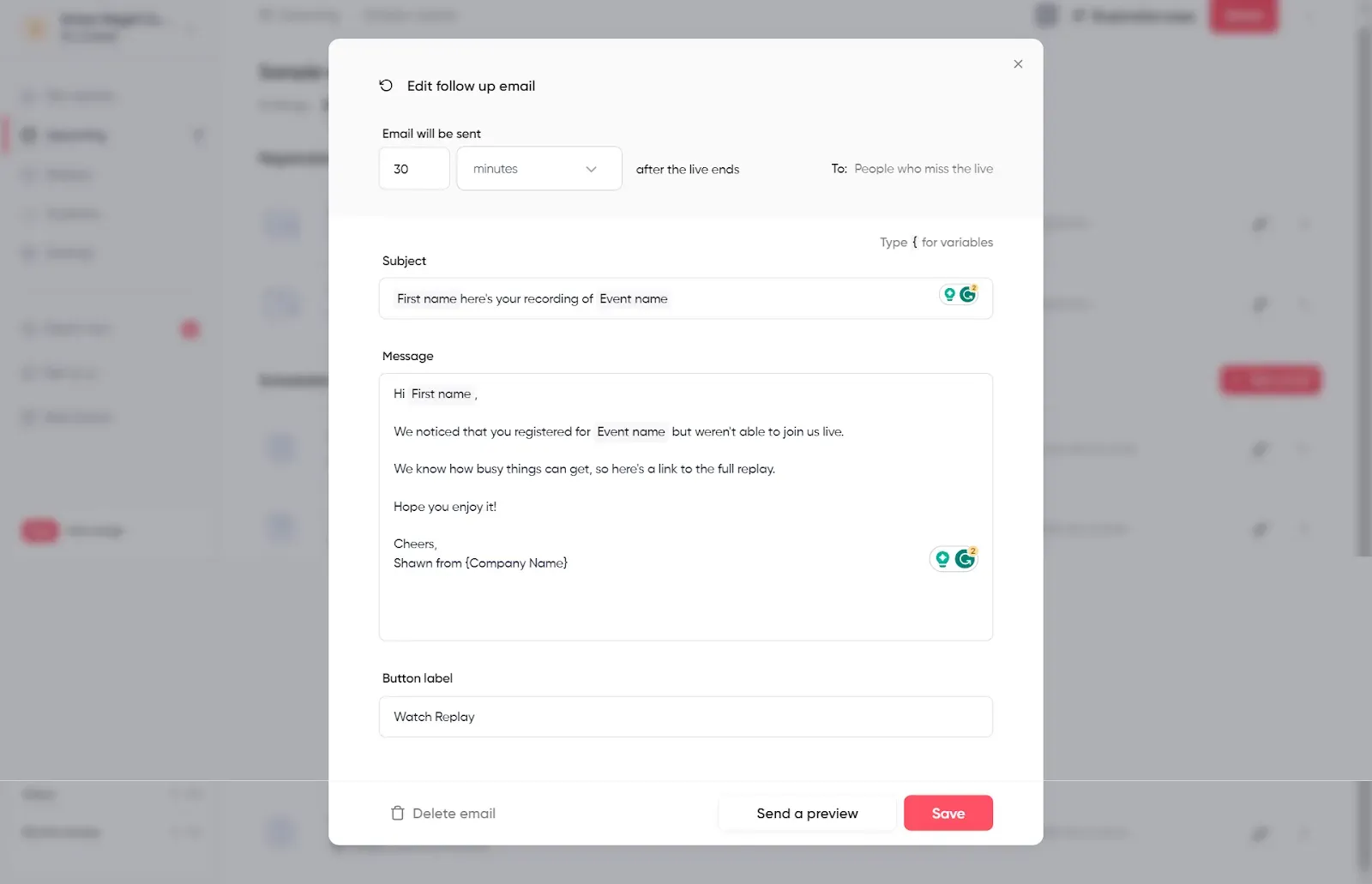
3) Thank You emails with event recordings and resources
These kinds of emails are suitable for all the attendees and non-attendees of the webinar. This can be used to express gratitude for their registration and provide post-event resources.
Key points to note:
- Express your appreciation for their participation.
- Share a link to the recorded webinar for those who couldn't attend live
- Attach or link to the webinar slides or any additional resources.
- Encourage attendees to provide feedback or ask for testimonials.


Try the Modern Webinar Platform
Start for free with up to 30 registrants. No credit card needed.
Start for freeCommon Webinar Email Mistakes and How to Avoid Them
Understanding what to include in your webinar invitation email is essential. It is important to recognize common mistakes and learn how to avoid them.
We’ve helped customers host thousands of webinars and have seen the common mistakes people make with invitations.
1. Not sending a dedicated email
Some companies choose not to send dedicated emails for webinars. Instead, they just include webinar info in their regular email newsletters. While newsletters serve a purpose, relying on them has its limitations. A dedicated email is crucial for maximizing webinar registrations and engagement.
2. Not Segmenting Your Email Audience
People on your email list have different interests and reasons for being there. Segment recipients by their preferences to send tailored webinar invitations. For example, you could make your invite to customers different from one sent to email subscribers.
3. Lack of clarity
If your email doesn't convey the webinar's value and what attendees can expect, it's likely to be ignored.
4. Overloading information
Keep your email concise and focused on the essential details. Too much information can overwhelm recipients.
5. No follow-up plan
Following up with registrants and attendees is very important. If it's not done, you might be missing out on potential leads and engagement opportunities.
Wrapping Up
Creating a perfect webinar invitation is essential for the success of a webinar. Having the proper tools and webinar platform makes this a lot easier. If you’re still deciding which platform to use, choosing the best webinar software can make a meaningful difference in your attendance and engagement. We built Contrast to be a modern webinar platform, with engagement at the forefront. With our free webinar platform, you can customize your email invites and reminders.
Frequently Asked Questions about Webinar Invitation Emails
1. When should you send a webinar invitation email?
The timing of your webinar emails can impact their effectiveness. Typically, starting with an initial invitation email 2-3 weeks before the webinar date is good practice. Follow up with reminder emails a week before, a few days before, and on the day of the webinar.
2. What should a webinar invitation email include?
A webinar invitation email should include a compelling subject line, a hook, the webinar title, date, time and timezone, three value-focused bullet points, speaker details, and a single clear CTA to register. Avoid overloading with information — shorter, focused emails consistently outperform long ones.
3. Where can I find webinar email templates?
The 6-block framework in this article is the most practical template available — it gives you the structure for any webinar invitation email. Fill in the blocks with your specific hook, value bullets, and CTA and you have a ready-to-send invite.
4. What is a good subject line for a webinar invitation email?
The best webinar invitation subject lines are outcome-led or problem-first rather than descriptive. Examples that work: 'How [Company Type] cut CAC by 40% without increasing headcount' or 'The reason your pipeline reviews aren't working.' Avoid generic labels like 'Webinar Invitation' — and avoid using the word 'webinar' in the subject line at all, as research shows it decreases open rates.
Modern Webinars your Audience will Love
Start for free with up to 30 registrants. No credit card needed.
Start for freeYou can check out Contrast by signing up for a free account today!