Zoom Meeting and Zoom Webinar are built for fundamentally different situations. One is a collaboration, meeting tool. The other is a broadcast platform / webinar platform. Choosing the wrong one creates real problems, but for B2B marketing teams, there's a deeper question worth asking once you've got the basics down.
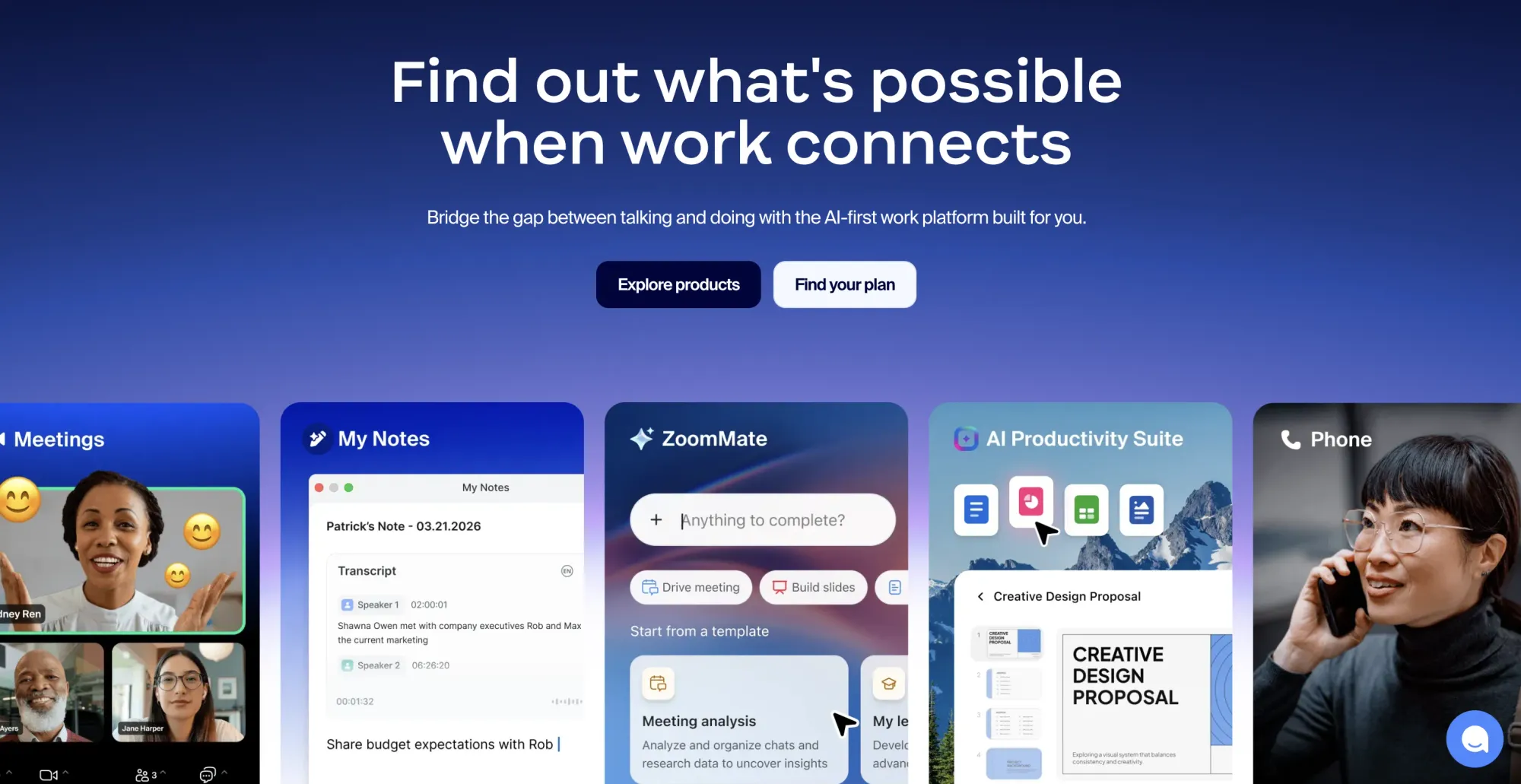
Zoom: one platform to connect
Part 1: The actual difference between Zoom Meeting and Zoom Webinar
Format and participation
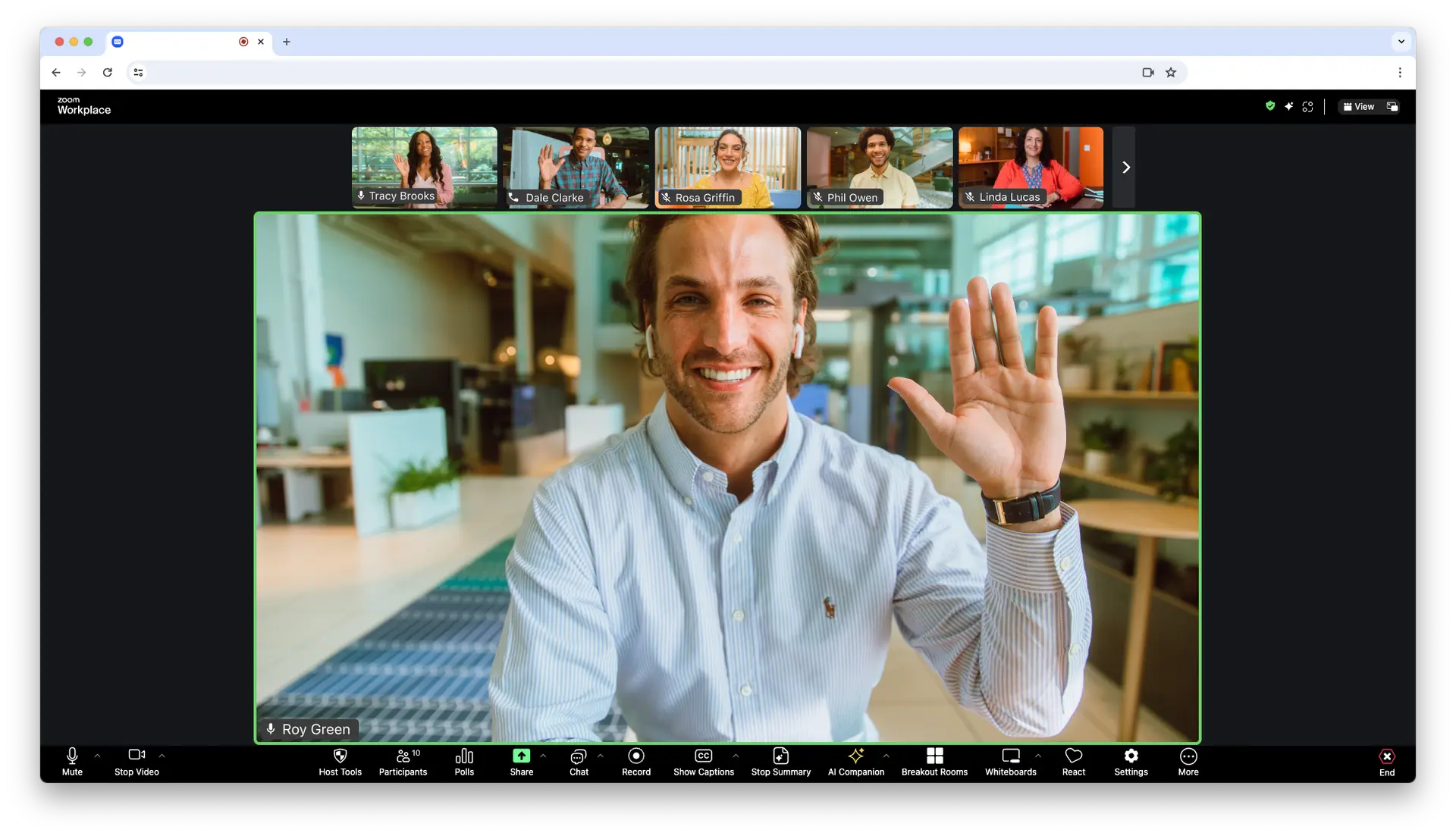
A Zoom Meeting is bidirectional. Everyone in the call can talk, share their screen, turn on their camera, and see each other. It's designed for collaboration — team standups, client calls, working sessions where back-and-forth is the point.
Zoom Meeting (credit: Zoom)
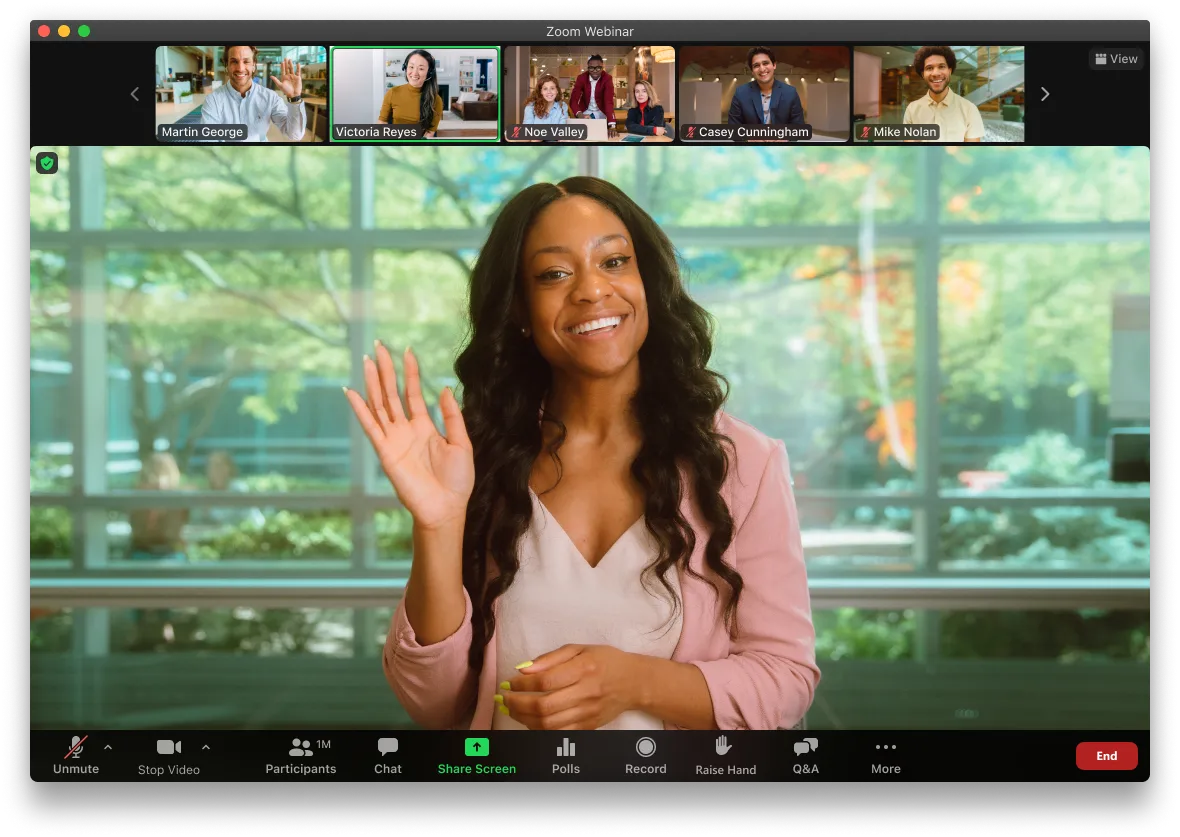
A Zoom Webinar is a broadcast. The host and panelists present; attendees watch. By default, attendees are muted and their cameras are off. The host controls who speaks and when.
Zoom Webinar (credit: Zoom)
That single difference drives almost every other distinction between the two products.
Zoom Meeting works well when participation is the goal. Small-group workshops, internal training where you want everyone engaged, customer onboarding calls with a handful of people — formats where the audience is expected to contribute actively and the interactive feel is part of the value.
It also works for informal internal events: team Q&As, AMAs with leadership, brainstorming sessions. The low-friction, everyone-on-camera dynamic suits those well.
When Zoom Webinar makes sense
Any professional marketing event where you're presenting to an audience that doesn't know each other should use Zoom Webinar, not Meeting. The broadcast format keeps the experience focused. Attendees aren't looking at a grid of strangers' faces — they're watching a presentation.
Zoom Webinar also has proper registration, which Zoom Meeting lacks entirely. Without registration, you have no record of who showed up until you download the post-event attendance report.
One thing you should not do: run a marketing webinar on Zoom Meeting. Beyond the format mismatch, Zoom Meetings are vulnerable to Zoom-bombing — uninvited participants joining and disrupting a session. For a public-facing marketing event, that's an unacceptable risk.
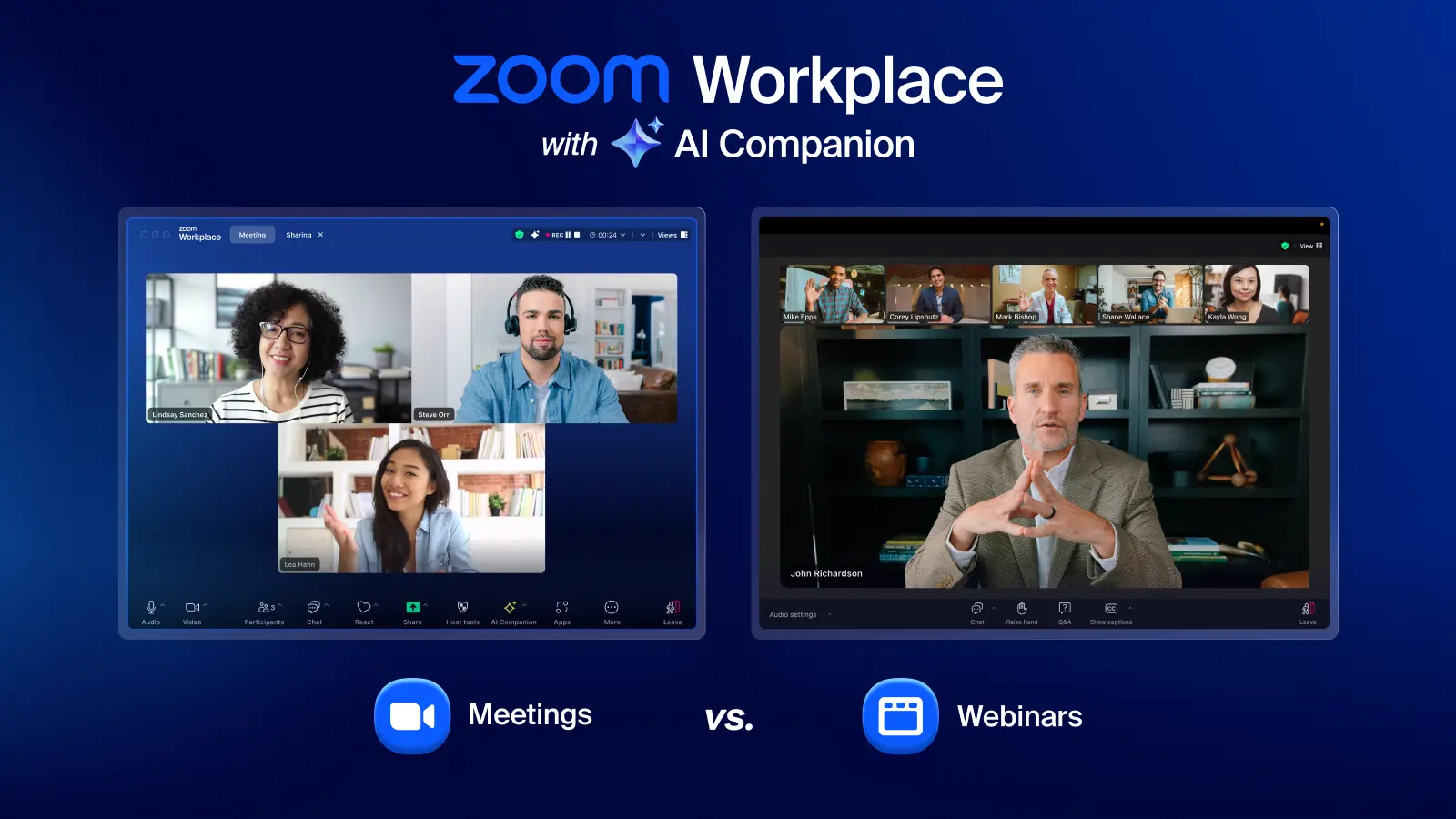
Zoom Workplace (credit: Zoom)
A note on Zoom Webinar Plus
Zoom actually has two webinar products: the standard Zoom Webinar and the newer Zoom Webinar Plus — an AI-powered studio platform with production controls, better branding, and a content hub. They're built on completely different interfaces and target different levels of sophistication. If you're evaluating Zoom for webinars, understanding the difference between these two matters more than the Meeting vs. Webinar question. We've covered that comparison in detail separately.
Part 2: The harder question for B2B marketing teams
Now that the Zoom question is answered: if you're running webinars as a demand gen channel, there's a more important issue to think through.
The data problem
Zoom Webinar tells you who registered and who attended. That's the extent of it.
It doesn't tell you how long someone stayed. It doesn't capture poll answers in a usable way. There's no concept of a CTA — neither Zoom Webinar nor Zoom Webinar Plus has a CTA feature — so you can't track which attendees clicked through to a pricing page or signed up for a trial during the session. And if someone misses the live event and watches the recording later, they're completely invisible: Zoom doesn't track replay views at all.
For a team running one-off webinars as content, this is manageable. For a team running webinars as a pipeline channel — where the follow-up matters as much as the session itself — it creates a real blind spot. You end up with a list of names and no way to tell the highly engaged attendees from the people who showed up, checked their phone for 40 minutes, and left.
Dean Waye, who runs one of the most-watched webinar education programs in B2B, frames it this way: "Your sales department would rather have 100 prospects handed over to them than 1,000 leads. No question." A lead is a name on a list. A prospect is someone who's signalled intent. Zoom produces the former.
The attendance problem
Zoom also creates friction at the moment attendees try to join. The client may require a download, prompts camera and microphone permissions, and launches through the Zoom application — each step a percentage of registrants won't complete.
Companies that have moved from Zoom to purpose-built webinar platforms report meaningful jumps in attendance. Zefort saw 79% higher attendance rates after switching. UserGuiding, who started their webinar program on Zoom with sessions averaging five viewers, rebuilt their approach on Contrast webinars and turned webinars into their single highest-performing lead generation channel — 20+ directly attributed customers from 20 events.
💡
See how other companies switched from Zoom to Contrast Zefort isn't the only team that made the switch. See how other B2B companies improved registrations, attendance and sales pipeline by moving to Contrast. Browse all case studies →
Those results aren't purely about the platform. But the platform is part of it: browser-based sessions with no download requirement, calendar invites sent automatically on registration, and reminder sequences that actually go out.
What a purpose-built platform does differently
A webinar platform built for B2B marketing tracks the whole session — not just whether someone showed up, but how long they stayed, which polls they answered, which questions they asked, and which CTAs they clicked. That data gets pushed to your CRM automatically, so you can build lead scores, trigger follow-up workflows, and hand sales a list of people ranked by actual engagement rather than job title and company size.
Ryan Gunn, a practitioner who has run webinar programs across multiple HubSpot implementations, put it plainly: "If you're still running webinars through Zoom or Livestorm, you're leaving a ton of valuable data on the table."
That's the real comparison for marketing teams — not Zoom Meeting versus Zoom Webinar, but a video conferencing tool versus a platform designed to turn a 60-minute session into qualified pipeline.
How to Make the Right Choice
Use Zoom Meeting for collaborative sessions, workshops, small-group training, working calls where back-and-forth is the point. Not for marketing webinars.
Use Zoom Webinar if you're hosting a professional broadcast event and attribution data isn't a priority: company all-hands, compliance training, large community events.
Use Zoom Webinar Plus if you insist on using Zoom but need production controls and better branding. Read the full comparison before committing — the pricing and setup complexity are both higher than the headline suggests.
0:00
/0:03
Contrast webinars and with a live poll
Use a purpose-built webinar platform if webinars are part of your demand gen program and you need to know which attendees are worth a conversation. The engagement data gap isn't a missing feature, it reflects a different product category entirely. You can read a full breakdown of how Contrast webinars compares to Zoom on features, data, and CRM integration, see Contrast vs. Zoom Webinar.
Or simply book a demo and let us help you make the right choose for your webinar program.
FAQ
What is the main difference between Zoom Meeting and Zoom Webinar? Zoom Meeting is a collaborative format — everyone can talk, share their screen, and participate. Zoom Webinar is a broadcast format — hosts and panelists present while attendees watch in view-only mode. Webinar includes proper registration, Q&A, and basic attendee analytics that Meeting doesn't have. For professional marketing events, Webinar is the appropriate choice.
What are the best alternatives to Zoom for webinars? For B2B marketing teams, the most relevant alternatives are platforms built for demand generation rather than video conferencing: Contrast, Demio, Goldcast, and ON24. The key differentiator is engagement data — specifically whether the platform tracks watch time, poll responses, and CTA clicks and feeds that into your CRM. See the full Zoom Webinar alternatives roundup for a platform-by-platform breakdown.
Can Zoom Webinar track who watched the recording? No. Zoom does not track individual replay views, watch time, or in-replay interactions. Once you share a recording link, you have no visibility into who watched it or for how long.
How much does Zoom Webinar cost? Zoom Webinar is an add-on to a paid Zoom plan, starting at approximately $79/month for 500 attendees on annual billing. It also requires a separate Zoom Workplace Pro subscription to use. A team of three running 250 registrants per month can expect to pay around $253/month once all prerequisites are included.
Does Zoom Webinar have a CTA feature? No. Neither Zoom Webinar nor Zoom Webinar Plus includes a built-in CTA button that attendees can click during a session. If tracking in-session conversion intent matters to your program, this is a hard gap.
Why do teams get lower attendance rates on Zoom compared to other platforms? Zoom requires attendees to navigate the Zoom client — including potential app downloads and permission prompts — before joining. Every friction point reduces completion. Platforms that deliver sessions in the browser with unique access links sent automatically at registration remove those steps, which is directly reflected in attendance rates.