
Most teams pick webinar software by comparing what happens on screen during the live session. They test the studio, check the Q&A feature, see if the registration page looks decent. Then they run their first webinar and realize the platform made one hour of content but left them with a lot of manual work and a list of names they are not sure what to do with.
The live session is thirty to sixty minutes. The work that determines whether that session actually generates pipeline, promotion, registration, follow-up, repurposing, takes far longer and depends entirely on what the platform does before and after the event.
Let's find out how you can run modern marketing webinars
This guide evaluates webinar platforms across all three phases: getting people to show up, keeping them engaged when they do, and turning what happened into pipeline and content after the session ends.
For a broad comparison of 15 platforms by category, ratings, and pricing, see our full webinar software comparison. This guide focuses specifically on what marketing teams need across the full webinar campaign lifecycle.
How to evaluate webinar software as a marketer
A useful frame: a webinar is a marketing campaign with three phases. Most platforms are built for the middle one.
Before the webinar — registration, promotion, email sequences, calendar holds, and reminder cadence. This phase determines whether enough of the right people show up. A platform that makes registration easy to set up and automates the confirmation + reminder sequence removes significant operational overhead. One that forces you to build landing pages in a separate tool and manually export registrant lists adds it back.
During the webinar — engagement quality, data capture, and the live experience. Polls, Q&A, and clickable CTAs determine how much behavioral signal you collect. Those signals are what differentiate a live audience from a passive one — and they feed every post-event decision you make about follow-up.
After the webinar — follow-up automation, behavioral segmentation, lead scoring, CRM sync, content repurposing. This phase is where the ROI lives. A well-run webinar with weak post-event infrastructure produces a list of names and an awkward follow-up email. A well-run webinar with the right platform produces segmented lists, personalized follow-up triggered by what each person actually did, and content that keeps generating leads for weeks.
Most evaluations focus on the second phase. The best webinar software for marketers performs well across all three.
What marketing teams most often get wrong
Before getting to the platforms, one framing problem worth naming.
Joud Ghazal, who turned webinars into UserGuiding's number one lead generation channel, describes the mistake like this: "You should be thinking that this is like an ABM campaign, like a marketing campaign, like a Black Friday campaign. It shouldn't be treated like a blog post."
Most webinar programs are treated like blog posts. Someone picks a topic, invites a speaker, sets up a Zoom link, and sends one email to the list. If attendance is low, the conclusion is that webinars do not work.
The conclusion is wrong. The approach was wrong. The platform was probably wrong too, because a tool built for broadcasting a video call cannot support the campaign infrastructure that turns webinars into a demand gen channel.
Dean Waye, who works exclusively on webinar strategy, puts the downstream consequence plainly: "I promise you your sales department would rather have 100 prospects handed over to them than 1,000 leads. No question." The gap between leads and prospects is post-event infrastructure, and that infrastructure depends heavily on which platform you are on.
Therefore, when comparing webinar platforms, it's good to have this framing in mind. As it helps you make the right choice, not only for the next webinar you run, but for your entire webinar program. Let's now look at the best webinar platforms for marketers.
Best webinar software for marketers in 2026
Contrast webinars: best for marketing teams treating webinars as an ongoing channel
Best for: B2B marketing teams running webinars as a demand generation channel, particularly those on HubSpot, Salesforce, or similar CRMs that want behavioral data flowing automatically into follow-up workflows.
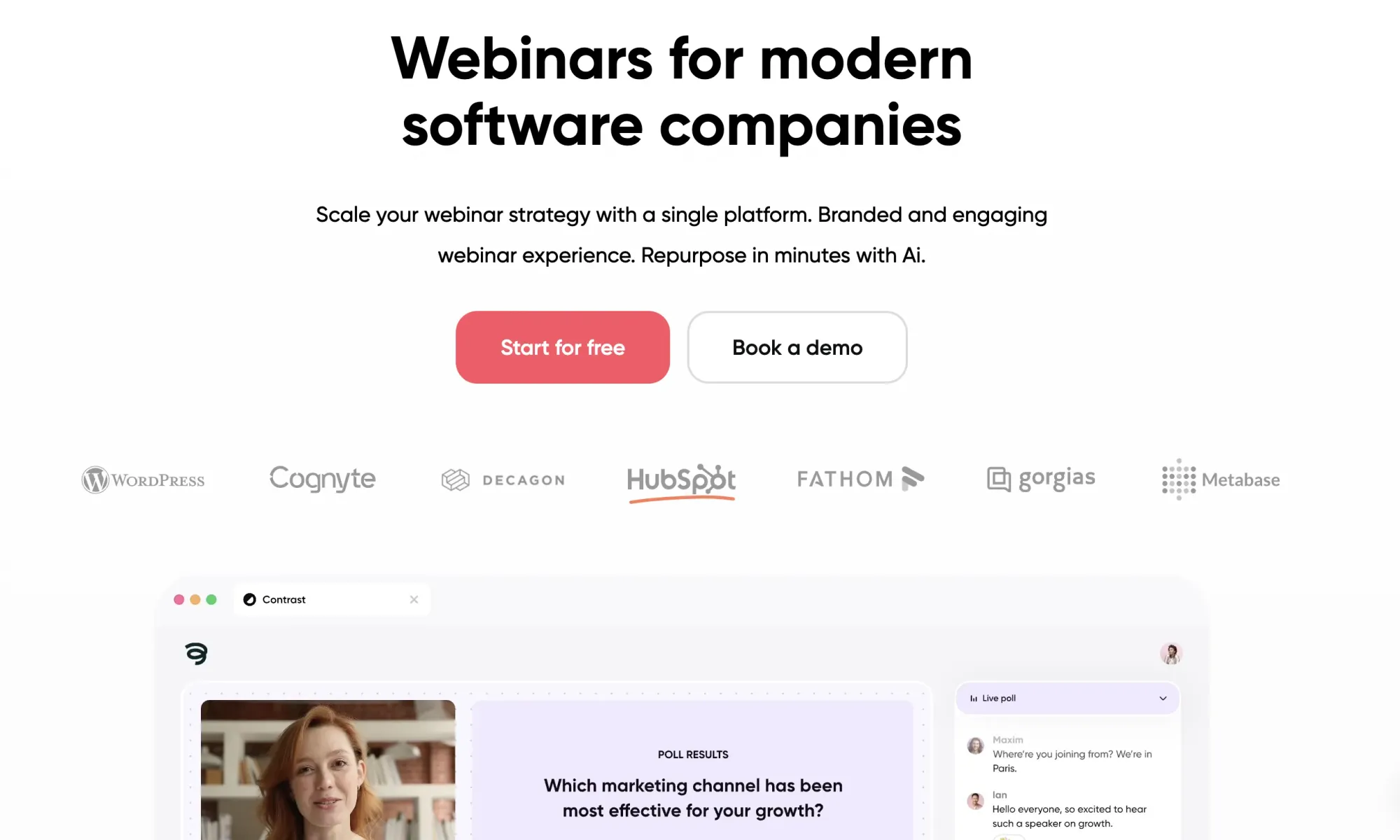
G2: 4.8/5 | HubSpot Marketplace: 4.9/5 (1,000+ installs)
Before the webinar: Contrast handles registration, confirmation emails, and calendar holds automatically from the moment someone signs up. These can all be branded with logos, colors and fonts.
The reminder sequence — three emails at seven days, one day, and fifteen minutes before, is built in and customizable. Calendar invites are automatically added to ensure high turnout rates on the day of your webinar.
Registration pages are fully branded and live the moment you create an event. For teams running webinars on HubSpot, registration can run through existing HubSpot forms and landing pages, with Contrast syncing the attendee record back automatically.
During the webinar: The studio is built around engagement. Polls appear on-screen with live results visible to the audience. Q&A has upvoting so the best questions surface. CTAs are clickable buttons that appear over the stream at any point — not buried in a sidebar. All of this is tracked per contact: which poll answer they chose, whether they clicked a specific CTA, whether they asked a question, how long they watched.
After the webinar: This is where Contrast separates from most platforms. Every engagement event syncs to your CRM in real time — watch percentage, poll answers, CTA clicks, Q&A activity. One click creates segmented lists: live attendees, no-shows, replay viewers, poll answerers. Replay viewers are tracked with the same granularity as live attendees — their watch time, poll responses, and CTA interactions all flow through.
Repurpose AI analyzes the transcript after each session and pre-selects clips, generates summaries, and produces draft social posts, reducing what used to take a full content day into under an hour. This is one of the best strategies of increasing the ROI on your webinar platform.
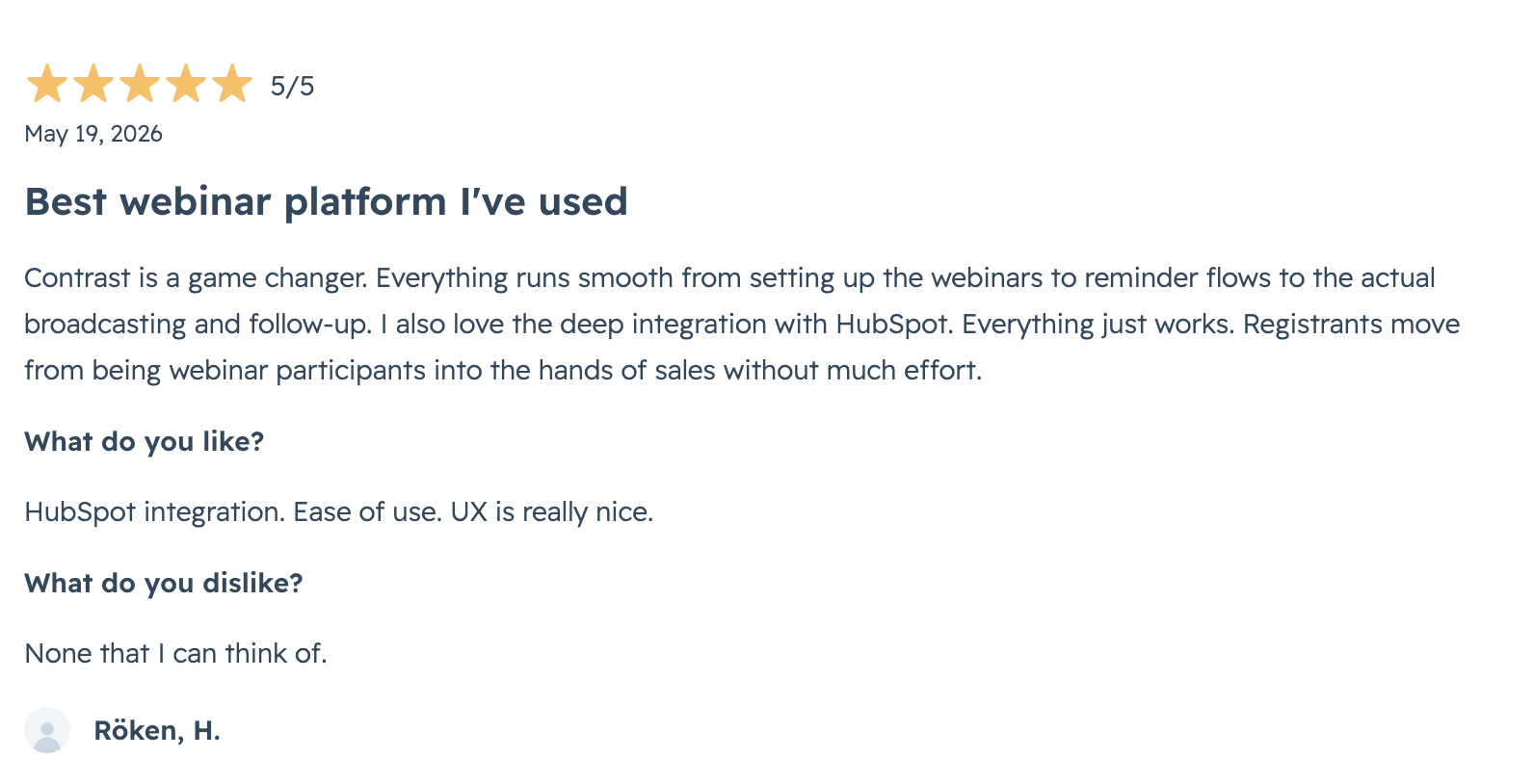
Lauren Gibson, Content Marketing Manager at Rally, on what changed: "People chat more, ask more questions, and most importantly engage with each other. The best part is that I know Contrast tracks all of that data and sends it to HubSpot, so that we can actually act on it once the webinar is over. We can create lists of people who watched more than five webinars and viewed at least 20% of those webinars. All the data Contrast captures and sends as properties and activity timelines helps us score our leads in a way that was previously impossible."
At airfocus, 65% of contacts who have a Contrast webinar as their first touchpoint become MQLs. Zefort reduced per-webinar setup time from five hours to thirty minutes and discovered — only after getting proper attribution data — that their webinars were influencing two-thirds of new pipeline. UserGuiding went from one webinar per quarter to two per month and made webinars their number one lead generation channel.
Pricing: Free plan up to 30 registrants/month, no credit card needed. Annual Pro plans from €60/month, priced by registrant volume with unlimited team members and repurposing.

Demio — straightforward and conversion-focused
Best for: Small marketing teams running occasional conversion-focused campaigns who prioritize simplicity over depth.
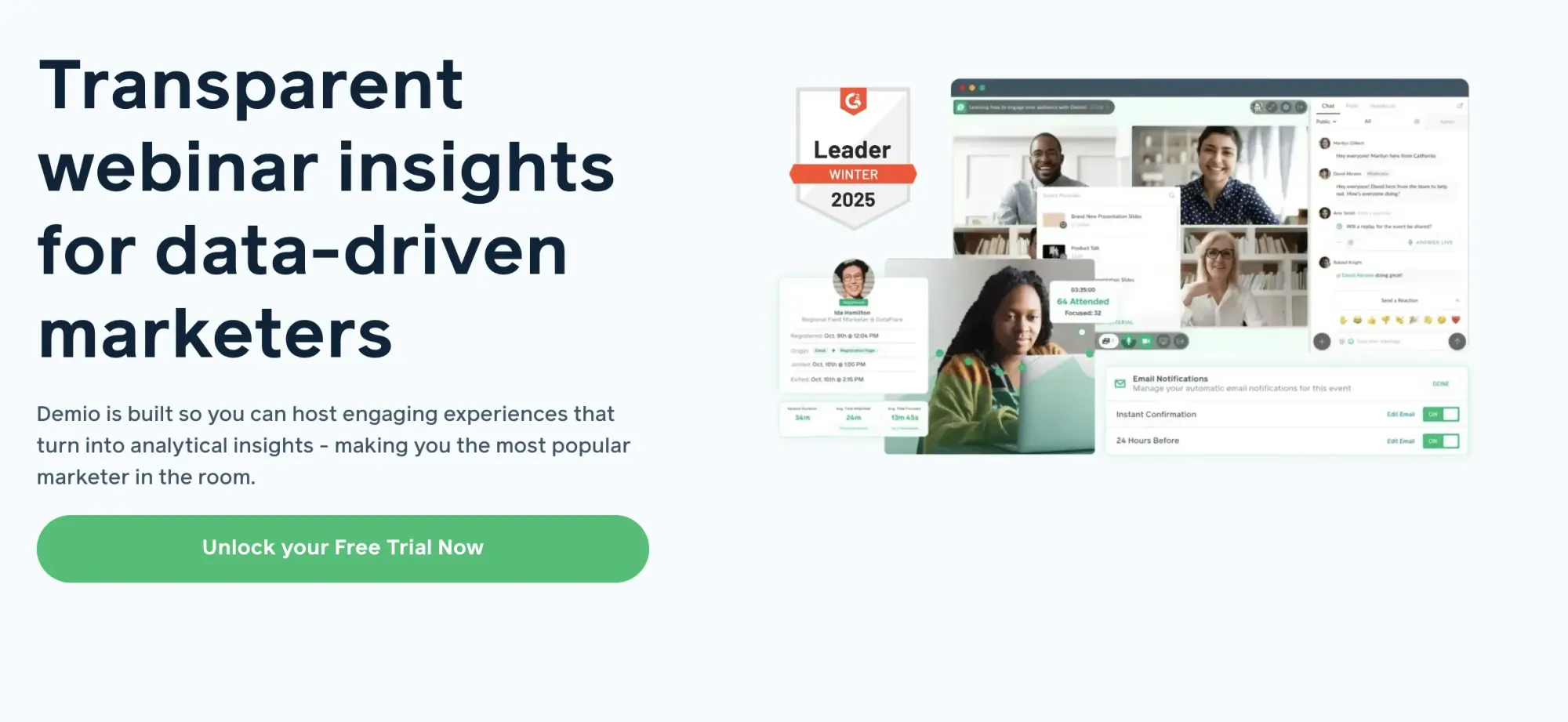
G2: 4.6/5 | HubSpot Marketplace: 3.0/5
Before: Registration setup is fast and clean. The attendee journey, sign up, confirmation, reminder, works without friction and looks good without design effort.
During: Demio's engagement features handle the basics well: polls, featured actions (equivalent to CTAs), handouts. The interface is clean and approachable for teams hosting their first recurring webinar program.
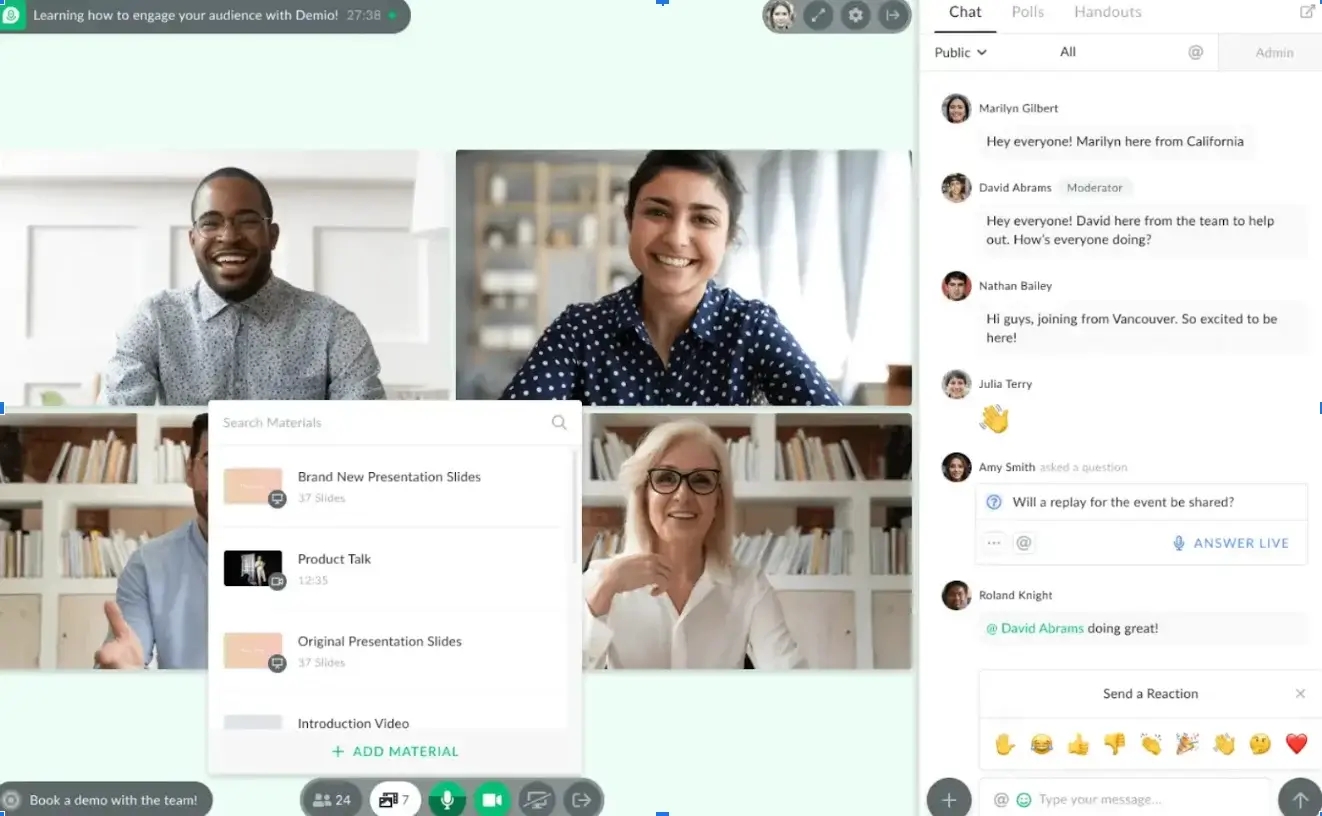
After: The limitation that matters for demand gen: CRM integration, including HubSpot, is only available on Premium plans, which start at approximately $2,000 per year. On the Starter plan, post-event data handling is manual. The low HubSpot Marketplace rating (3.0) reflects teams discovering this after they have already committed to the platform. Content repurposing is also limited compared to platforms with built-in AI tooling, as Demio doesn't have this.
Demio is worth considering for teams in early stages of building a webinar program who need simplicity. It is less suited for teams that already have a successful webinar program and want to get more out of their existing platform.
Recent reviews: Users report on G2 issues downloading data after their subscription had ended. A few users also talk about technical issues, however these issues seem to be somewhat in the past.
Pricing: Starter from $45/month. CRM integrations including HubSpot require Premium (approx. $2,000/year).
Univid — straightforward and solid allrounder
Best for: Small marketing teams running webinars that want to focus on simplicity and ease of use.
G2: 4.6/5 | HubSpot Marketplace: 3.0/5
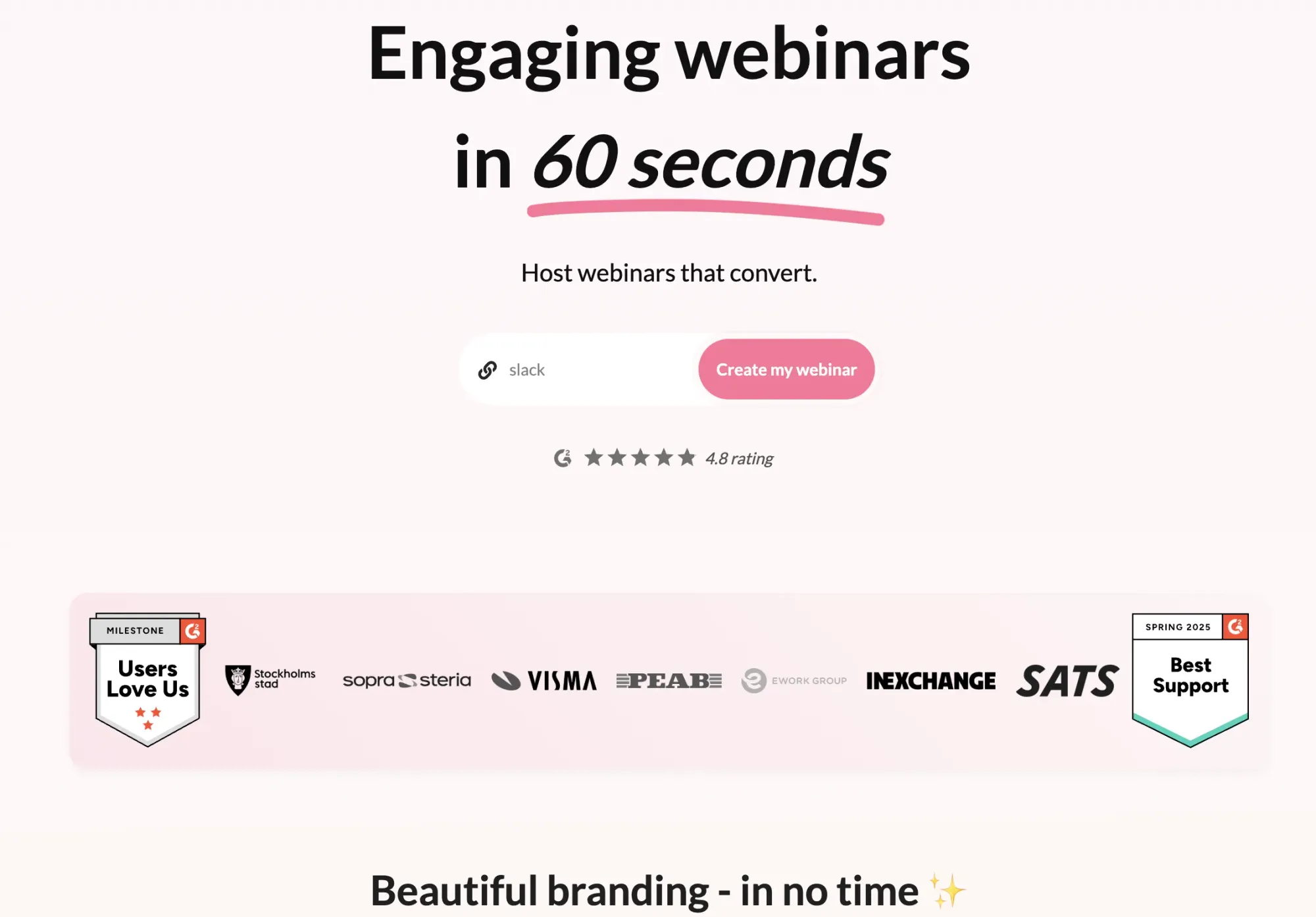
Before: All basics such as registration pages, email reminders are there. Although the design of these is a little oldschool and outdated. Univid is easy to use and helps you save time in setting up your webinars.
During: Also here you can expect most of the features other webinar platforms handle well, such as live polls, CTAs and Q&A.
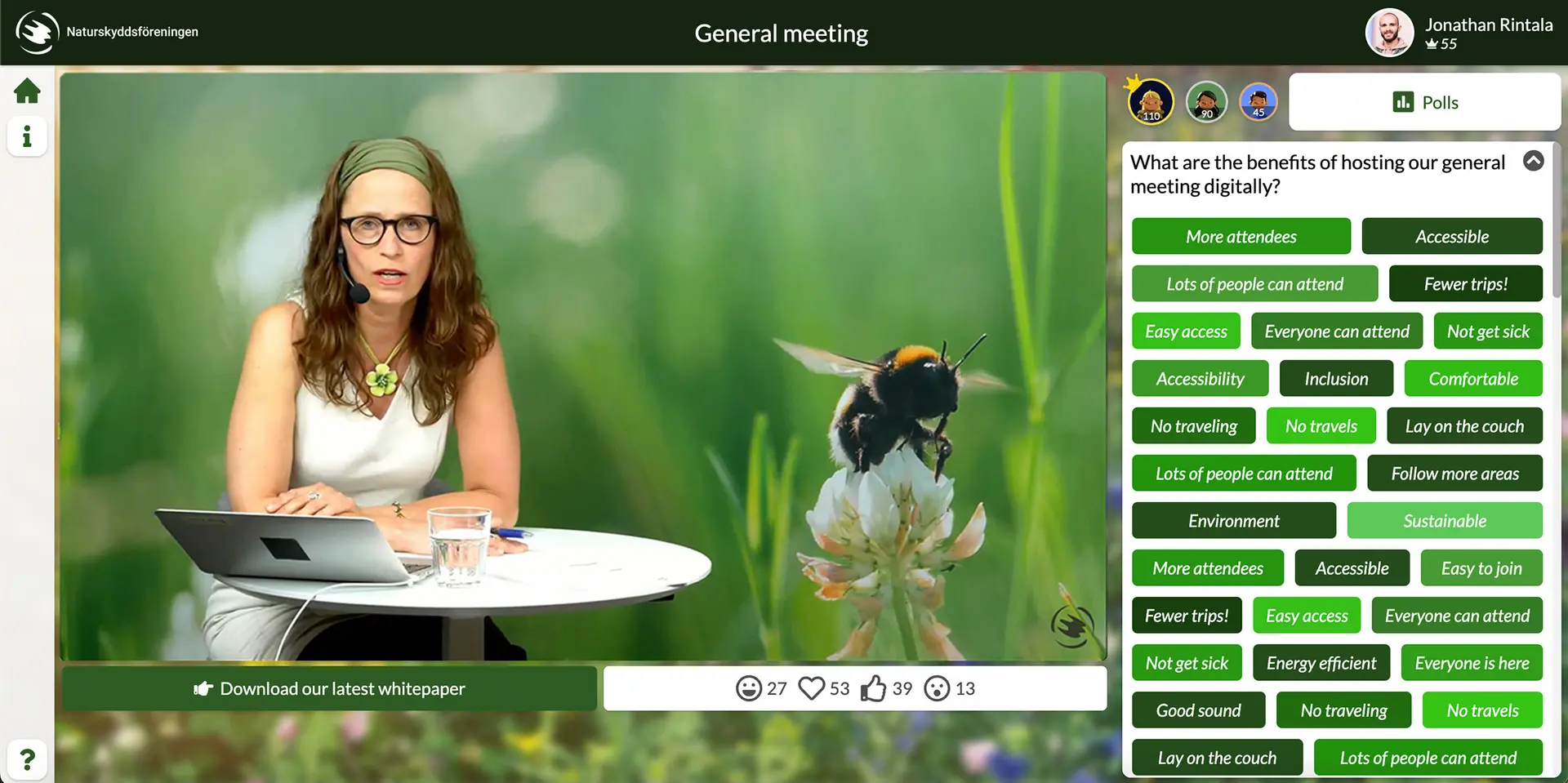
After: Univid has many native integrations, so it will likely integrate with your CRM. This is good for teams that want to save time on dealing with spreadsheets. Unfortunately, Univid does not have any webinar repurposing features – so people who are specifically are lookin for this, should look into other platforms.
Univid is a good platform for people who want to host simple webinars - and be able to trust their platform to do it well. However, larger teams with more serious webinar programs will find it come in short in overall look and feel, doing their modern brand justice. It's perhaps good to mention that most of their customers are from the Nordics – which will likely mean other markets will be less well served.
Recent reviews :Users on G2 recently said that there are sometimes mishaps with live webinars likely because of technical issues. Other users report that they sometimes still had to download CSVs in order to audience analytics.
Pricing: Starter from $99/month, which includes basic integrations.
WebinarGeek — live, automated, and on-demand in one platform
Best for: Teams that want a single platform for multiple webinar formats at transparent, predictable pricing.
G2: 4.5/5 | HubSpot Marketplace: 4.1/5
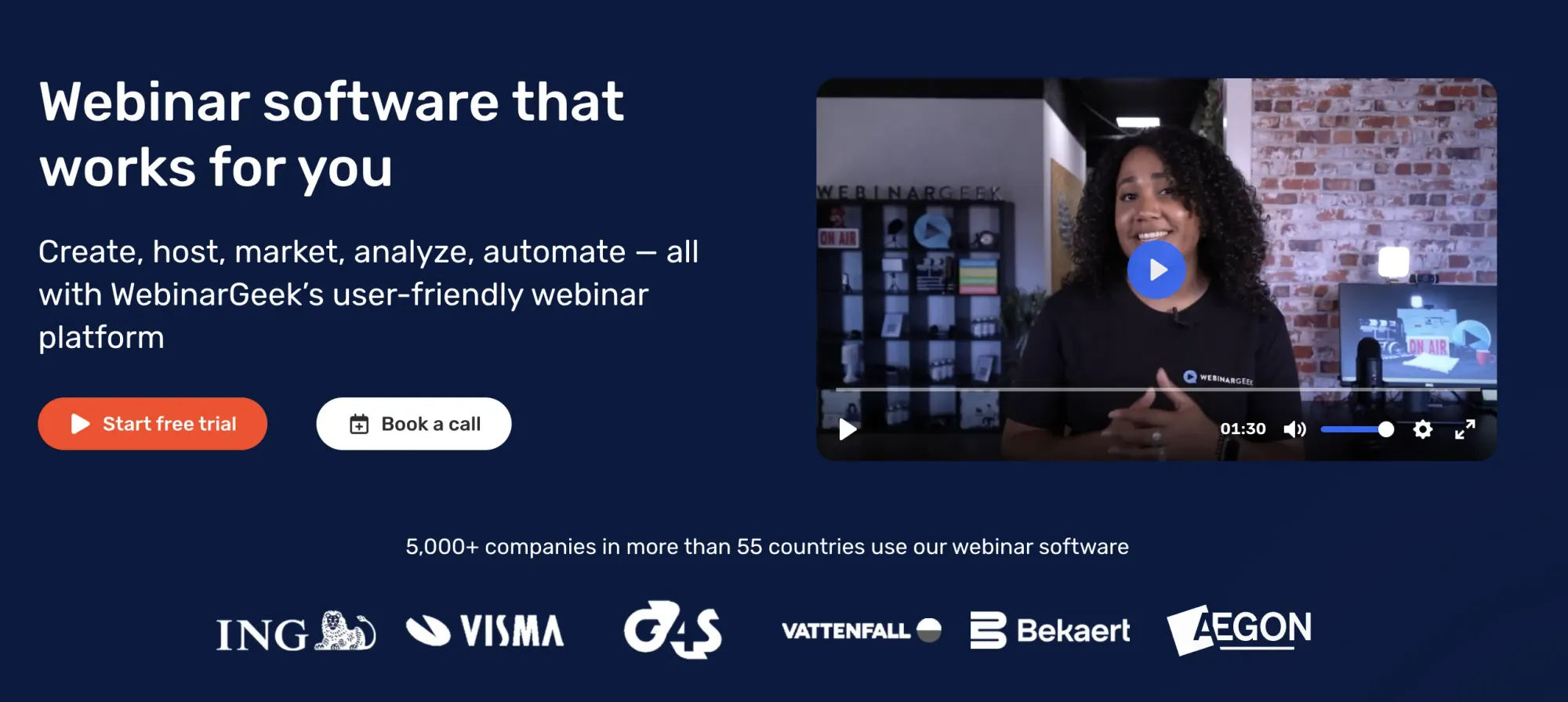
Before: WebinarGeek supports live, automated, and on-demand webinars in one tool. Registration pages, email sequences and the likes are all available. The ability to run an automated webinar alongside a live program from one platform reduces tooling complexity.
During: Standard engagement features — polls, Q&A, CTAs, and chat — work cleanly. The viewer experience is functional without being the most visually polished option in this comparison. Some people might call it a little outdated.
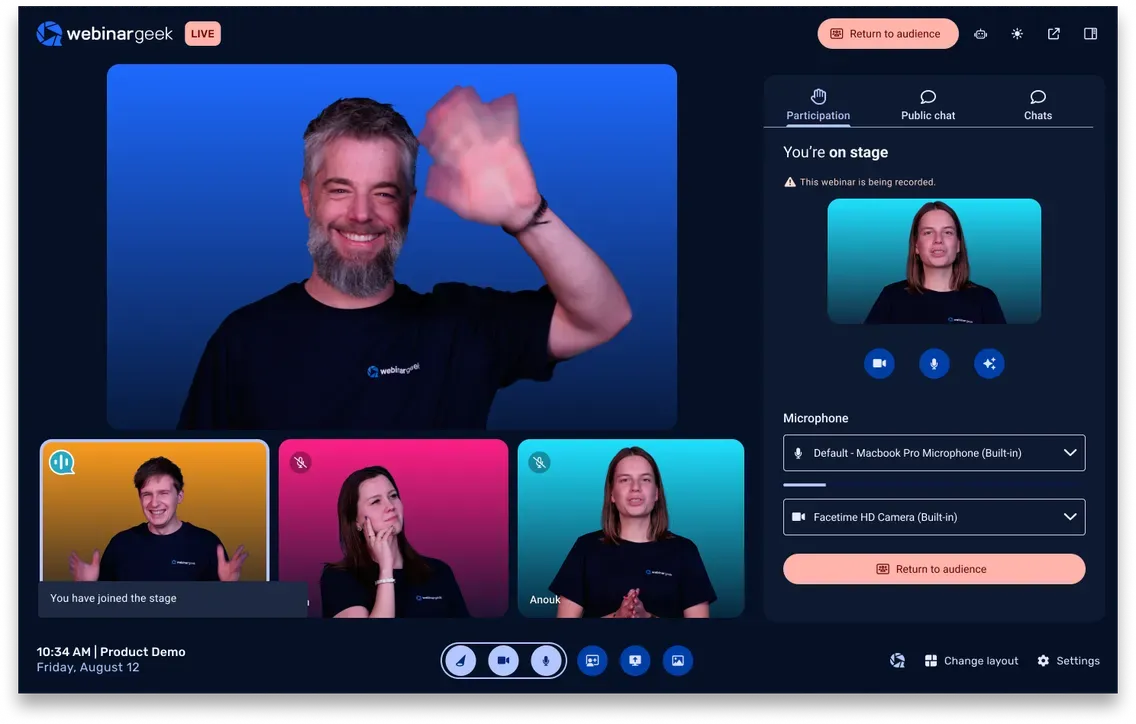
After: WebinarGeek sends engagement events to your CRM: attendance, watch time, poll answers, Q&A, CTA clicks. Active HubSpot contacts can be auto-enrolled into webinars directly from lists. The HubSpot integration is a €49/month add-on rather than included, worth factoring into the true cost. At a 4.1 HubSpot Marketplace rating, it has a similar rating to that of Livestorm. If you're looking for a strong HubSpot integration, Contrast webinars with a 4.9 stars is the better option.
Recent reviews: Many users on G2 complain that WebinarGeek is not intuitive in use and often confuses them. Older reviews report on technical issues, however this does not seem to be reported recently.
Pricing: From $81/month, plus €49/month for the HubSpot integration add-on. Other CRMs are priced in similarly.
GoToWebinar: reliable, but built for a different era
Best for: Teams that need a stable, proven platform for occasional enterprise webinars and have no post-event automation requirements.
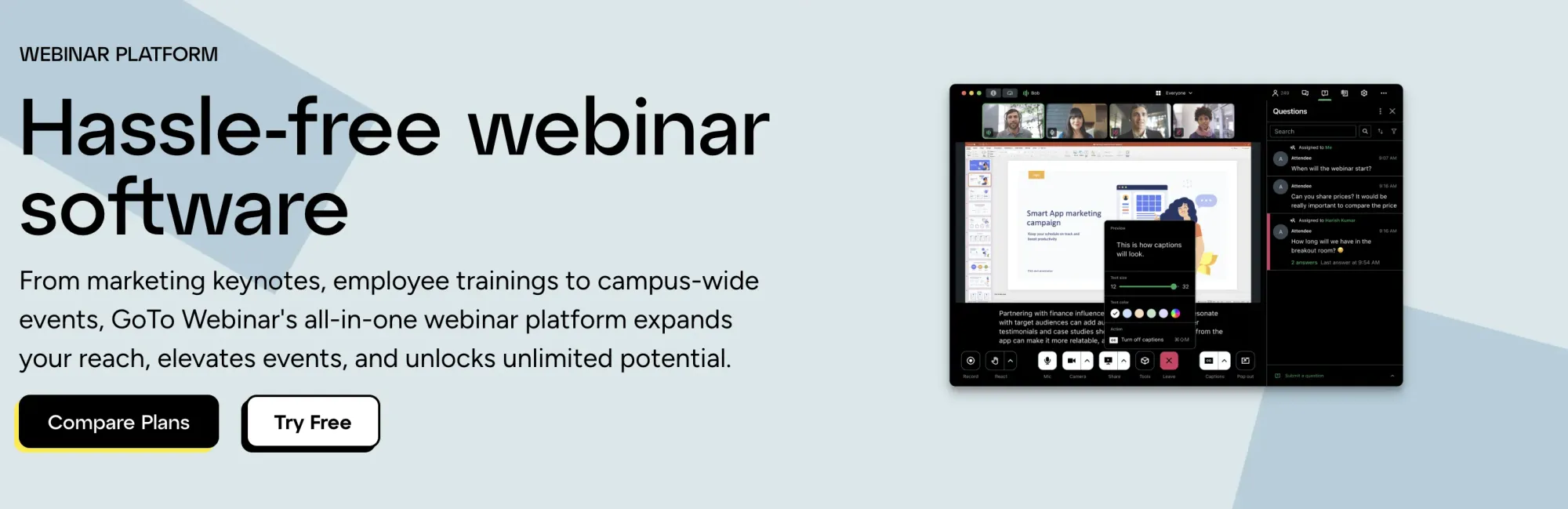
G2: 4.2/5 |HubSpot Marketplace: 3.7/5
Before: Registration and email setup is functional. GoToWebinar has been around long enough that most enterprise IT and procurement teams have already approved it, which matters in some organizations.
During: The standard feature set — polls, Q&A, handouts — works reliably. The interface is dated compared to newer platforms and the attendee experience reflects that. But for some brands this is less of an issue.
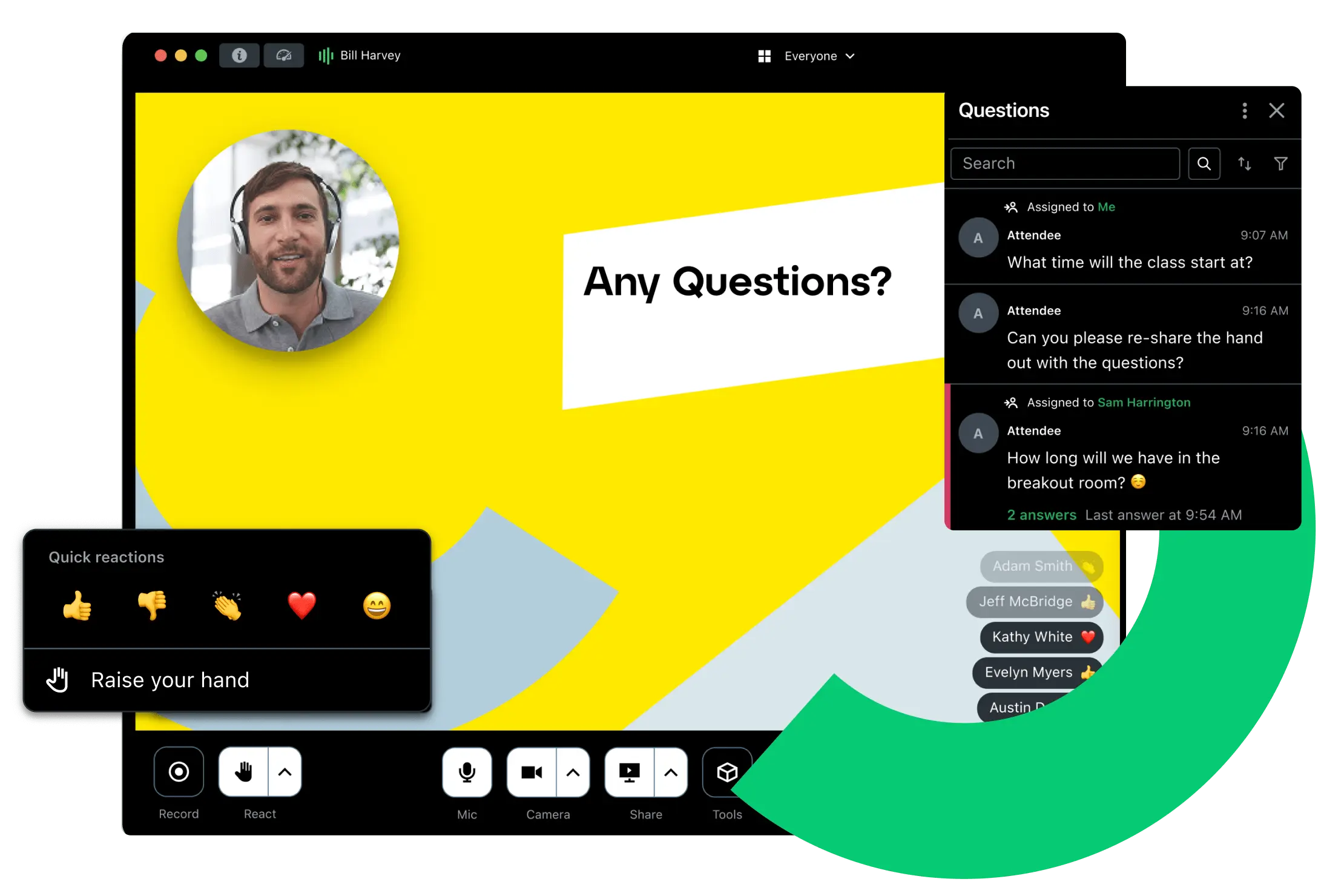
After: This is GoToWebinar's most significant limitation for demand gen teams. Detailed engagement data such as watch time, individual poll answers — does not arrive in your CRM as structured properties. You get attendance records. The follow-up workflow you can build on top of that is limited. Pricing per organizer seat ($49/organizer/month billed annually) also makes scaling the team expensive before you have added a single attendee.
GoToWebinar makes sense for organizations where stability and procurement simplicity matter more than post-event data sophistication.
Recent reviews: Users on G2 complain a variety of things, mainly that its design could use an upgrade, unclear billing – and that no recent upgrades have been made to the platform.
Pricing: Lite from $49/organizer/month billed annually.
Livestorm — decent experience, solid for cross-CRM teams
Best for: Marketing teams that want a modern, browser-based platform with automation built in, particularly those not exclusively on HubSpot.
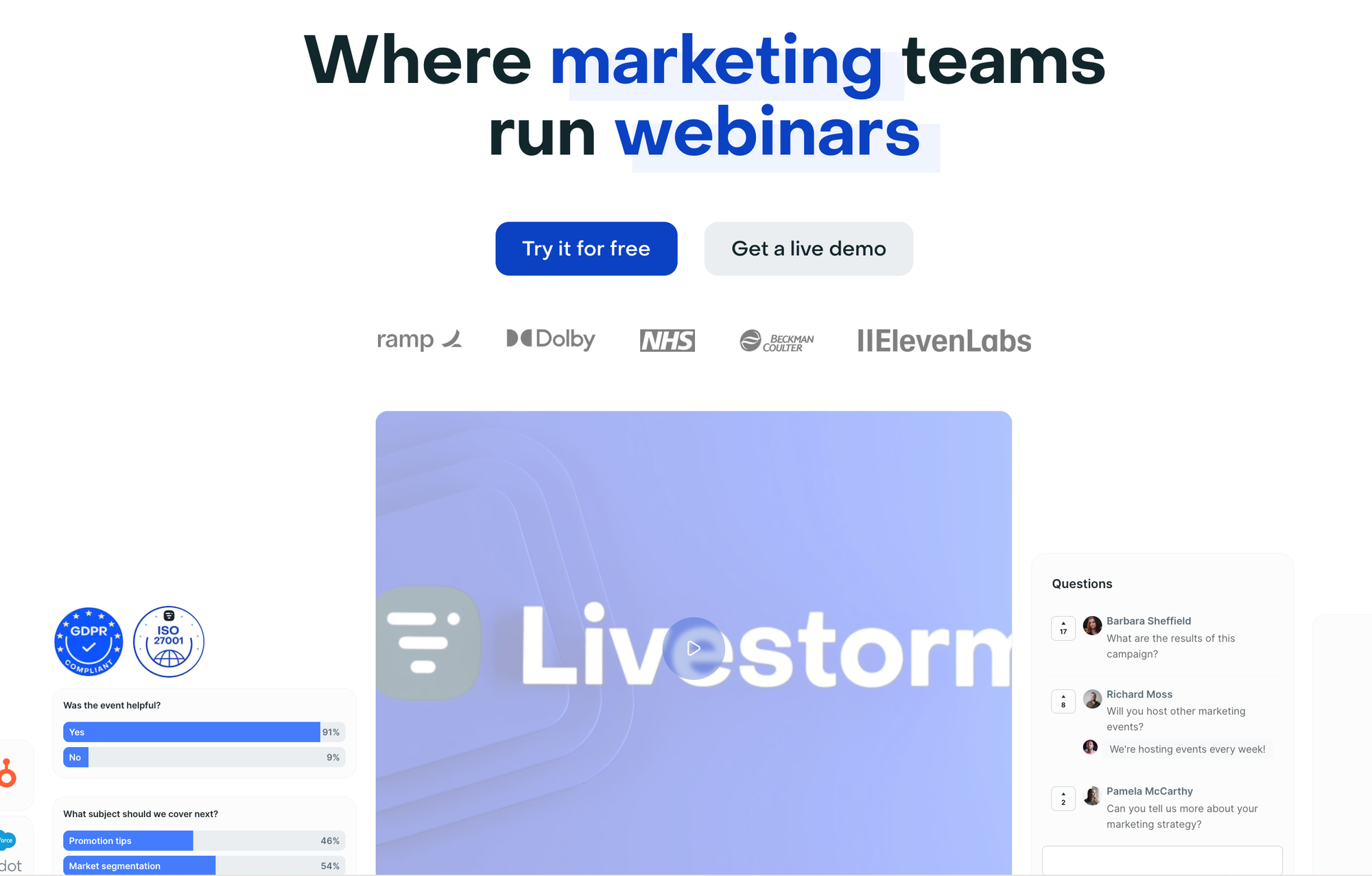
G2: 4.4/5 | HubSpot Marketplace: 4.1/5
Before: Livestorm's registration and email automation is strong. Landing pages, confirmation emails, and reminder sequences are all built in and easy to configure without technical help. It connects natively with HubSpot, Salesforce, Marketo, and Pardot, making it one of the more flexible options for teams running multiple CRMs or in the process of migrating.
During: Modern browser-based experience with no downloads for attendees. Polls, Q&A, and chat are solid. Engagement features are clean without being as deep as newer engagement-first platforms.
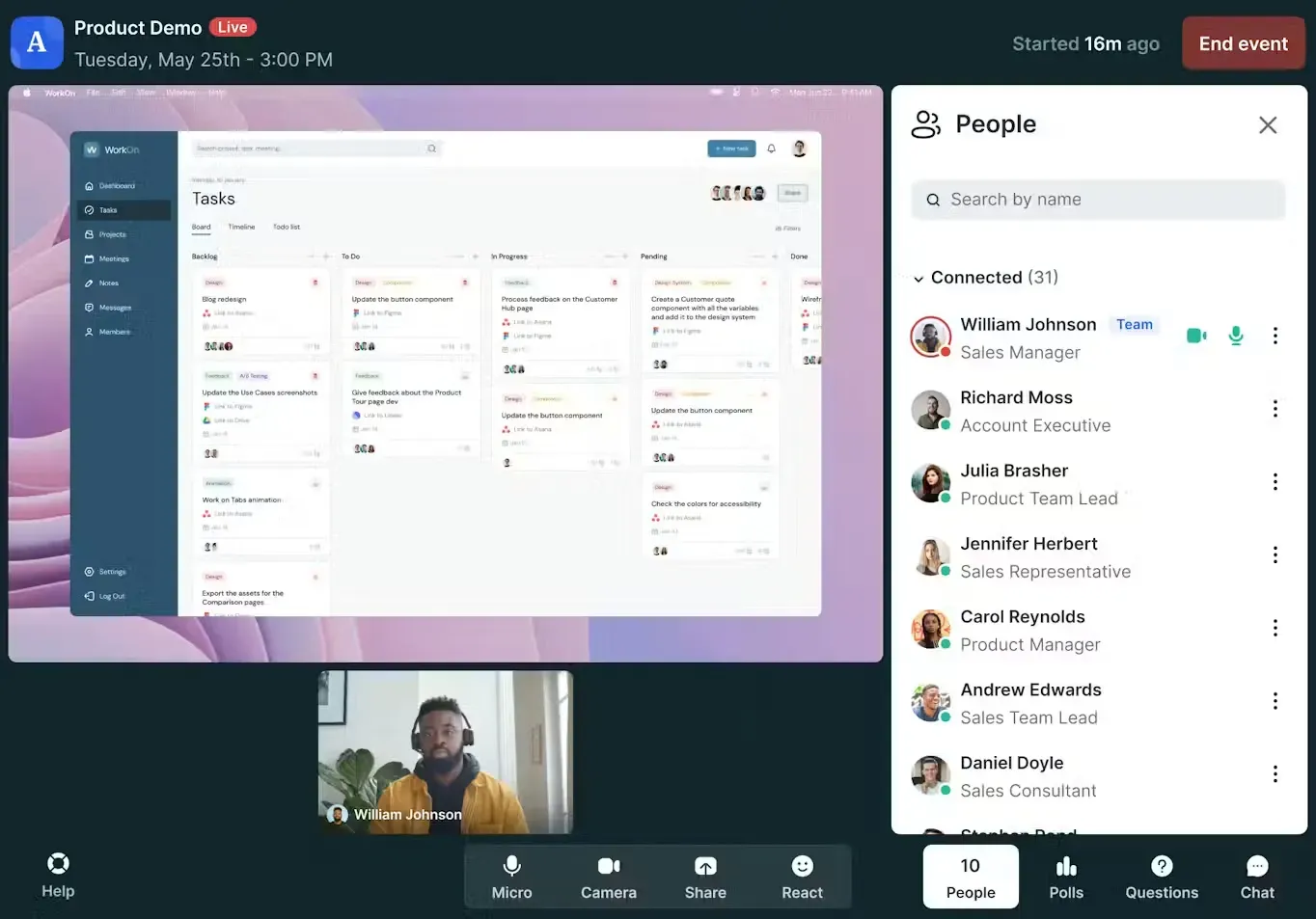
After: Livestorm's AI featre generates transcripts, summaries, and basic content assets post-event. However, they do not produce any clips from your webinars – which research shows is one of the more powerful ways to engage your audience.
CRM sync covers attendance and some engagement data. The gaps: poll answers and granular watch data are less consistently structured in the CRM compared to Contrast for example. For teams that want to segment aggressively by engagement level, the post-event data is functional but not as rich.
Teams that are using HubSpot should take special note of their reviews on the marketplace. Their rating is only 4.1 stars, compared to for example Contrast who have 4.9 stars. This is due to the quality of their integration, and capabilities in using that data.
Livestorm is a strong generalist option. For teams running four-plus webinars per month and building sophisticated post-event workflows, the data depth of the after-phase starts to show limits.
Recent reviews: Users report on different issues, but perhaps one review summarizes most of them: Throughout the preparation phase, we encountered multiple issues, including speaker access problems, inconsistent email delivery, unreliable email status tracking, and browser-related camera and microphone recognition issues.
Pricing: $105/month billed annually based on attendees. Free plan available with limited monthly active contacts.
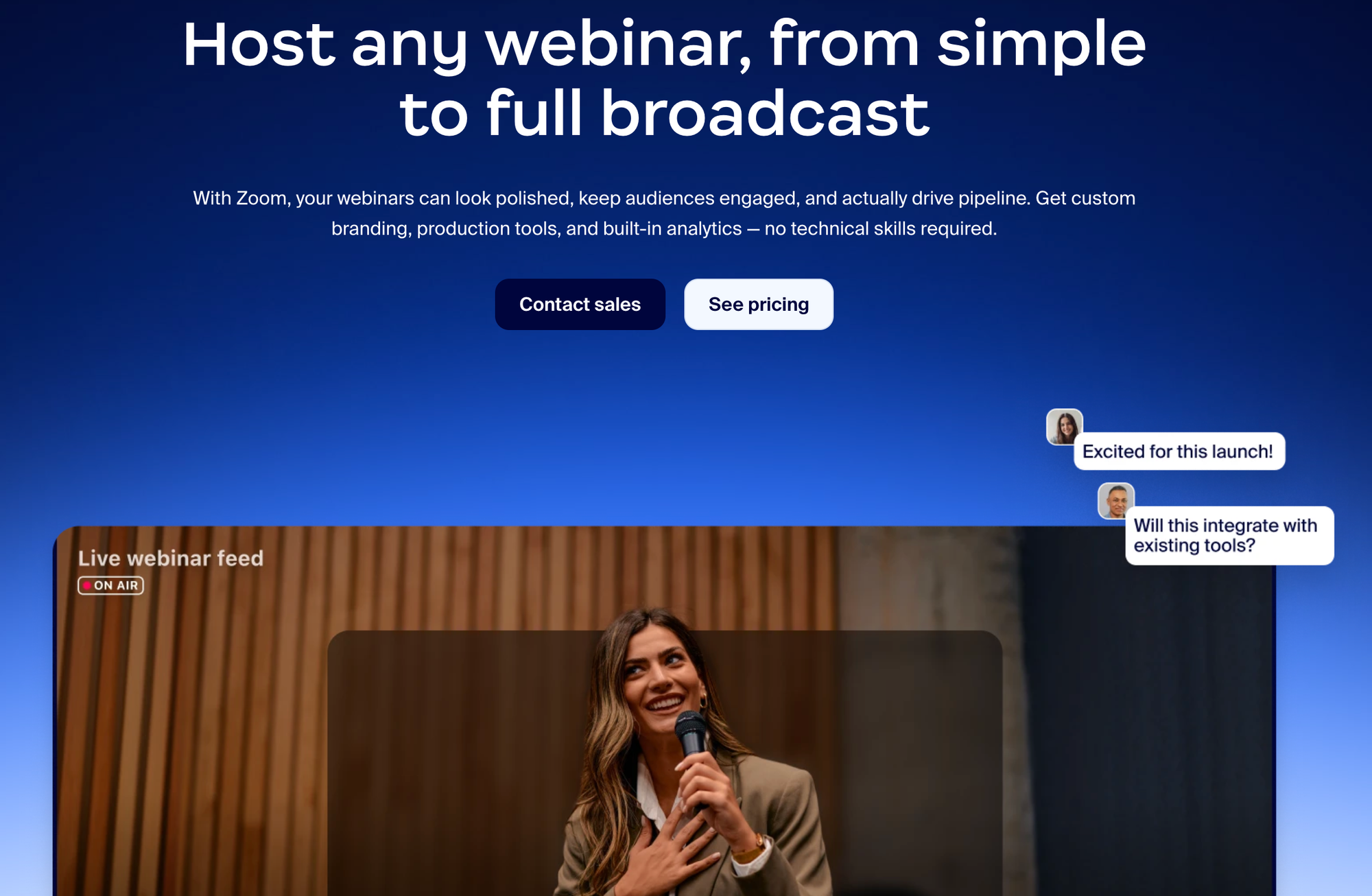
Zoom Webinars — fine for one-offs, not for a program
Best for: Teams that need to run an occasional webinar with no new tooling, using infrastructure they already have.
G2: 4.5/5 | HubSpot Marketplace: 3.4/5
Before: Setup is fast if your team already uses Zoom. No new logins, no new software to learn. Especially if Zoom has already gone through security review, it's a good option to run your first webinar on.
During: Zoom's core video quality is reliable. Engagement features exist but are secondary to Zoom's meeting roots. Attendees often need to download the app, which adds friction at the join step — friction that directly affects attendance rates.
After: The CRM integration is thin. Zoom sends a small number of contact properties to HubSpot and other CRMs — attended/no-show plus basic metadata. Detailed engagement signals — watch time, poll answers, CTA activity — do not flow through. Content repurposing is not built in. Pricing per license compounds quickly as the team grows, and the webinar add-on is separate from the base Zoom subscription.
Zoom Webinars is a reasonable starting point for a one-off event. For a team running webinars as a demand gen channel, the post-event infrastructure gap shows up within the first few sessions. If you'd like to learn how Zoom Webinars compares to a purpose built webinar platform like Contrast, we recommend you to read this article.
Recent reviews: Users on G2 complain that events are difficult to set up, and often feels repetitive: "when I want to create a new webinar page or set up a new webinar, I want to add speakers, I always have to re-fill it."
Pricing: Requires a Zoom Pro license per organizer plus a Webinar add-on; from approximately $128/month for a single organizer.
The post-webinar workflow that makes the difference
The platform choice determines whether this workflow runs automatically or needs to be rebuilt manually after every event.
Segment by behavior, not registration. Contacts who attended live, those who did not show up, and those who watched the replay have different levels of intent. They need different follow-up. A no-show who receives an attendee email is a friction point. An attendee who receives a replay email they already watched is a missed opportunity for something more specific.
Route the most engaged to sales with context. Someone who stayed for 85% of the session, answered a poll, and clicked a demo CTA is not a cold lead. A sales rep who knows those three things can write a specific email. A sales rep who knows only "attended the webinar" cannot. Liana Hakobyan , who has built AI-assisted lead qualification workflows at Iris AI, frames it well: "Someone can have the perfect job title and still have zero interest. On the other hand, someone with a slightly less perfect title, who stayed the entire webinar, asked a question, and clicked on resources you shared, that person is hot."
Score engagement as it happens. A practical model for webinar lead scoring: registered (baseline), attended live (+10), watched 75%+ of the session (+15), answered a poll (+5), asked a Q&A question (+10), clicked a CTA (+20). Contacts above 30 route to sales. Those below go into nurture, with the sequence calibrated to their engagement level.
Repurpose the session before the next one starts. Every webinar generates raw material for content: transcript, clips, insights, quotes, data from polls. The teams that scale webinar frequency are the ones that reduce post-event content production time. At airfocus, 75% of blog articles derived from webinars use AI-generated drafts as the starting point.
For a full guide to building the attribution side of this in HubSpot, see webinar pipeline attribution in HubSpot. For the lead generation workflow end-to-end, see the webinar lead generation guide.
See how this works in Contrast → Book a demo
How to choose the right platform
Start with where your program is today
A team running its first three webinars has different needs than one running two per month and trying to prove pipeline influence to leadership. Early-stage programs benefit from simplicity over depth. Established programs need the data infrastructure to justify continued investment.
Evaluate the after phase first
Most platforms look similar during the live session. The differences that matter for marketing outcomes show up in what happens to engagement data, how follow-up gets triggered, and what content gets produced from the session. Ask a vendor specifically: what fields sync to my CRM, in what format, and which ones can trigger workflow automation?
Factor in the total cost of integrations
Several platforms in this comparison charge for CRM integration as an add-on (WebinarGeek at €49/month, Demio at ~$2,000/year for Premium). A base price that looks competitive can become materially more expensive once you account for the integrations a demand gen program requires.
Match format support to your program
If your team wants to run live sessions, automated evergreen webinars, and on-demand replays as part of the same program, check which platforms support all three natively. WebinarGeek and Contrast handle all three. Livestorm handles live and on-demand well. For a dedicated automated-only program, eWebinar and its strong CRM ratings are worth evaluating separately.
For a complete comparison across 15 platforms including enterprise options (ON24, Cvent, Goldcast) and automated-first tools (eWebinar, EverWebinar), see the full webinar software comparison. For a side-by-side view of how platforms compare specifically on CRM integration, see the webinar integrations guide.
The Highest Rated Webinar Platform
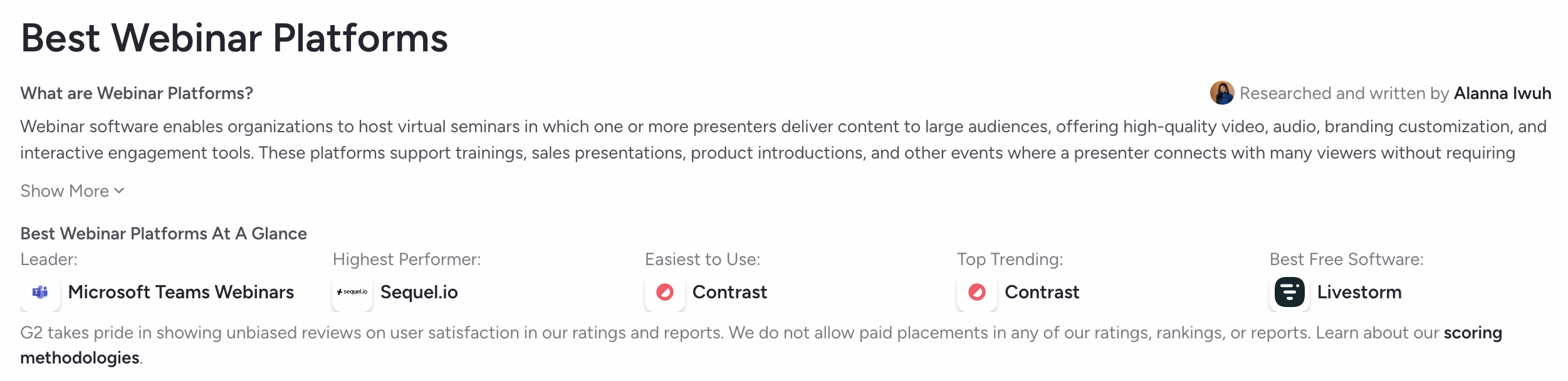
Both on G2 and the HubSpot Marketplace, Contrast webinars is the webinar platform that's easiest to use. It looks modern, has rich engagement features and allows you to do accurate attribute and webinar follow-up thanks to the data that is synced in realtime with CRM platform like HubSpot.
The majority of reviews for Contrast webinars, on both G2 and the HubSpot Marketplace come from marketers, making it the top choice for marketers running webinar programs.
Frequently asked questions
What is the best webinar software for marketers?
For marketing teams running webinars as a demand generation channel, Contrast webinars performs strongest across all three phases, before, during, and after the webinar. It has the highest combined ratings on G2 (4.8) and the HubSpot Marketplace (4.9), handles the full campaign workflow including automated follow-up and content repurposing, and was named a HubSpot Leading Technology Partner in 2026. Livestorm and WebinarGeek are good alternatives for teams with different CRM setups and care less about the look and feel of their webinar platform. Or, in the case of WebinarGeek are more budget sensitive.
What features should marketers look for in webinar software?
Beyond the live experience (polls, Q&A, chat), the features that drive demand gen outcomes are: automated registration and reminder sequences, behavioral data capture during the session, CRM sync of engagement signals as structured properties, one-click segmentation of attendees and no-shows post-event, and built-in content repurposing tools. Most platforms handle the live features. The differentiator is the before and after.
How do I use webinar data to score leads?
Map engagement signals from your webinar to your lead scoring model. A practical framework: registered (baseline), attended live (+10), watched 75% or more of the session (+15), answered a poll (+5), asked a Q&A question (+10), clicked a CTA (+20). Contacts above 30 points route to sales; 10–29 go into a nurture sequence. This requires a platform that syncs these events to your CRM as structured properties, not flat contact fields. See the webinar lead generation guide for a full breakdown.
How should I follow up with webinar attendees?
Segment by behavior before writing a single follow-up email. Live attendees, no-shows, and replay viewers have different intent levels and need different messages. Highly engaged contacts — high watch time, poll responses, CTA clicks — warrant a specific, timely outreach from sales. No-shows should receive the replay link with a softer message, not the same email that went to attendees. Generic follow-up to the full registrant list is one of the most common ways webinar programs underperform their potential. The webinar funnel guide covers this in detail.
Is Zoom Webinars good enough for demand gen?
For occasional events where the goal is hosting a session and nothing more, yes. For a demand gen program, with behavioral segmentation, automated follow-up, lead scoring, and content repurposing — it falls short quickly. The CRM integration is thin, detailed engagement data does not flow through to workflows, and the per-license pricing model scales expensively. Teams that start on Zoom and build serious webinar programs typically move off it within the first year.
What is the difference between webinar software and virtual event platforms?
Webinar software is designed for recurring one-to-many sessions — marketing webinars, product demos, training, and onboarding. Virtual event platforms are built for larger, more complex programs like multi-session conferences, hybrid events, and trade shows. Using a virtual event platform for a standard marketing webinar adds unnecessary cost and complexity. The full webinar software comparison covers both categories and explains when each is the right fit.
How do I measure webinar ROI?
Start with the metrics that matter to your stakeholders. Attendance rate and registration numbers are the top of the funnel. Pipeline influence — how many deals had a webinar touchpoint — is the bottom. In between: MQL conversion rate from attendees, lead scoring progression, and sales cycle length for webinar-sourced leads versus non-webinar. Getting to the pipeline metrics requires CRM data that most platforms do not deliver by default. For a full framework, see the guide to webinar pipeline attribution in HubSpot.