
One syncs who attended. The other syncs who's ready to buy. For B2B marketing teams using HubSpot. Contrast is the better integration: it syncs 50+ engagement data points including watch time, poll answers, and UTM attribution. Zoom syncs four contact properties and stops at attended/no-show.
Zoom Webinars is a widely used video conferencing platform with a webinar product, while Contrast is a webinar platform built specifically for B2B marketing and revenue teams. Both connect natively to HubSpot, but if you have ever looked at a contact record after a webinar and found nothing but a name and an attended/no-show flag, you already know the problem with Zoom. The data stops there. No watch time, no poll responses, no engagement score, nothing you can use to prioritize follow-up or trigger a workflow.
For teams where webinars are a real part of the pipeline, that gap has a cost. Lead scoring breaks down. Sales follows up blindly. Attribution disappears. The platform you choose does not just determine how your webinar looks. It determines how much of what happens during that webinar actually makes it into your CRM and becomes actionable.
This article compares the HubSpot integrations for Contrast Webinars and Zoom Webinars side by side. What each platform syncs, where each falls short, and which one is built for teams that need webinar data to do real work in HubSpot. If you are still evaluating more than just these two platforms, our guide to the best HubSpot webinar integrations covers ten options head to head.
Key takeaways
- Zoom's HubSpot integration creates four contact properties and syncs basic attendance data. It does not send engagement data. Poll answers, watch time, Q&A activity, and CTA clicks all stay inside Zoom.
- Contrast sends over 50 data points per contact to HubSpot including watch time, poll answers, UTM source data, and engagement timeline events that can trigger workflows and lead scoring.
- Contrast is the only webinar platform that syncs complete UTM data back to HubSpot, including Original Traffic Source and Drill-Downs, making full webinar attribution possible without manual exports.
- Contrast holds a 4.96 out of 5 rating on the HubSpot Marketplace across 90+ reviews. Zoom's webinar integration holds a 3.4 out of 5. Contrast is also a HubSpot Leading Technology Partner and the platform HubSpot uses to run its own webinars.
- Upgrading to Zoom Webinars Plus does not improve the HubSpot integration. Both Zoom plans sync the same four properties with no engagement data.
How Contrast's HubSpot integration works
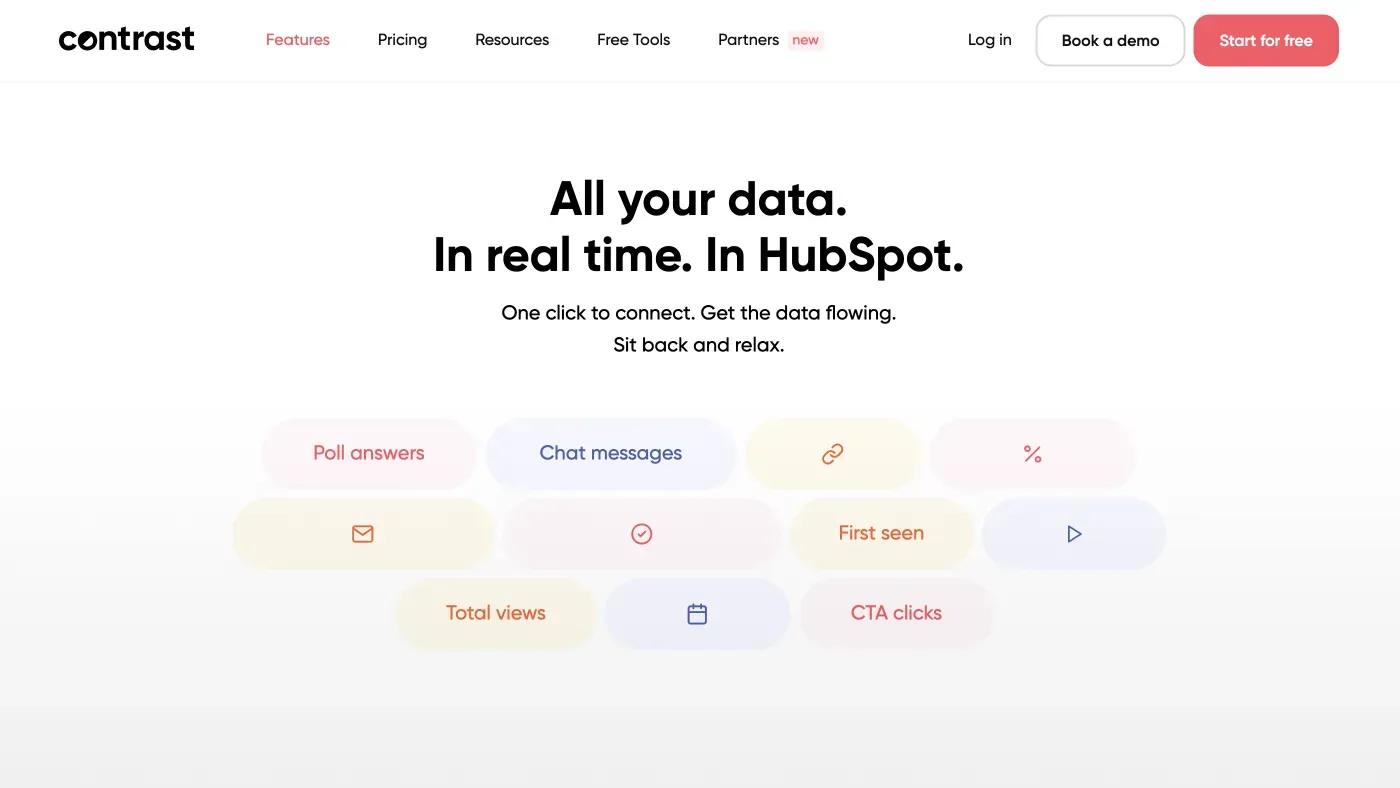
Contrast connects to HubSpot via native OAuth and is available through the HubSpot Marketplace. Setup takes a single click with no complex configuration, no per-user settings to manage, and no Webinar IDs to copy and paste. The integration works on every Contrast plan, including the free plan, and data starts flowing the moment you connect.
For a full walkthrough, see how to use the Contrast HubSpot integration.
When you connect, Contrast creates a dedicated Contrast Activity property group on every contact record in HubSpot. This contains over 18 custom properties that update in real time.
In total Contrast sends over 50 data points per contact to HubSpot, including:
- Registration, live view, and replay view counts
- No-shows
- Watch time percentage per session
- Poll answers and Q&A messages
- CTA clicks
- UTM source data (original source, medium, campaign, term, and content)
- Original Traffic Source and Drill-Downs
- Last activity date and channel join date
- Marketing events
On the contact timeline, you get a timeline event for every one of these interactions. To see exactly how this looks on a contact record, see our guide to showing webinar activity on a contact's timeline.
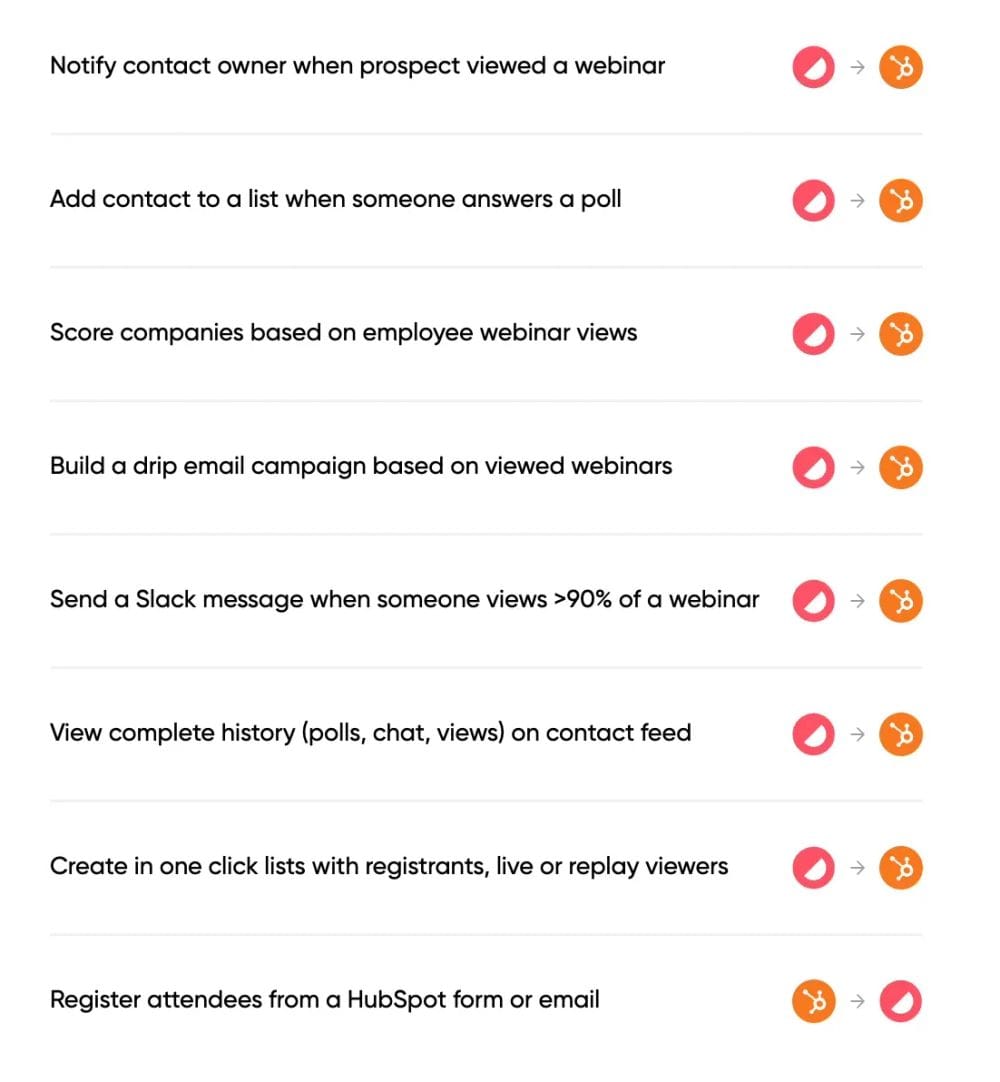
In addition to the contact record, Contrast's HubSpot integration supports four things that Zoom's does not.
Workflow triggers based on engagement
You can trigger HubSpot workflows from any Contrast event. Register contacts to webinars from a HubSpot form submission. Notify a contact owner when a prospect watches more than 50% of a replay. Route leads to different sequences based on how they answered a poll.
Reports & dashboards
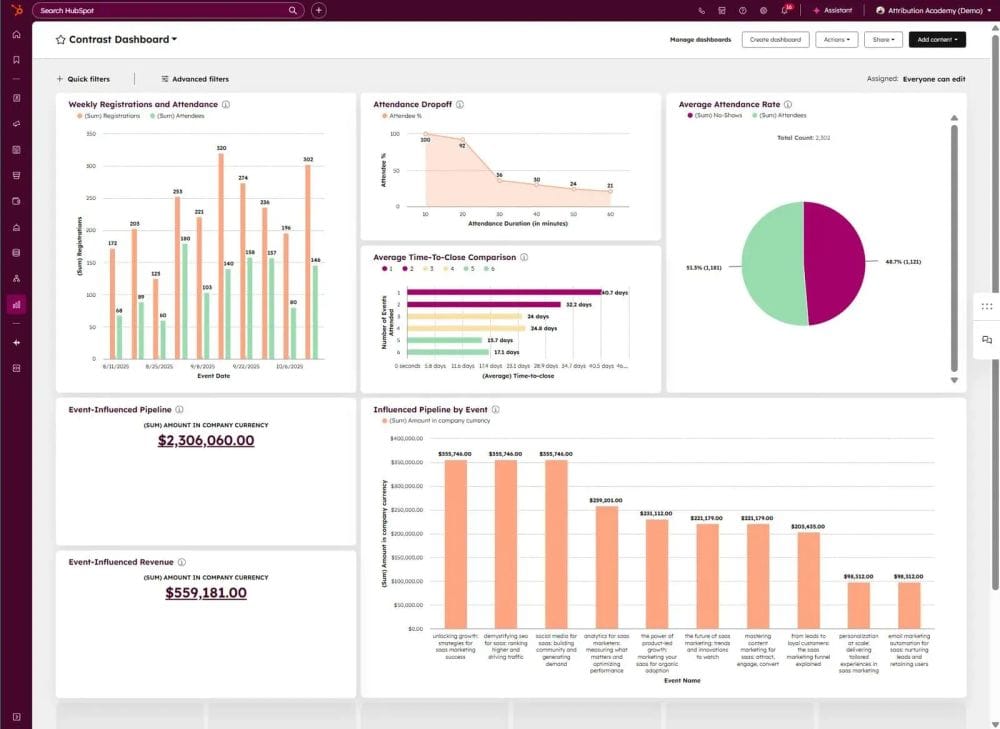
You can pull all of Contrast's registration, attendance, and engagement data into HubSpot to build custom reports and dashboards. For example, tracking how many closed deals were influenced by webinar attendance or measuring pipeline created per event.
UTM and source tracking
Contrast is the only webinar platform that sends complete UTM data back to HubSpot. Original source, medium, campaign, term, and content are all synced as contact properties, so you can report on which channels are actually driving webinar registrations and audience growth. Contrast also syncs to "Original Traffic Source" and "Drill-Downs" in HubSpot.
Revenue attribution
Using HubSpot calculated properties, you can aggregate webinar engagement data at the deal or company level. This makes it possible to measure whether webinars are shortening sales cycles or improving close rates, not just how many people attended. If you want to use marketing events for webinar attribution read our step-by-step guide on HubSpot Marketing Events.
Contrast is a HubSpot Leading Technology Partner
In 2026, Contrast was named a Leading Technology Partner in the HubSpot Technology Partner Program. The designation reflects strong customer adoption, app quality, and the depth of the integration within the HubSpot ecosystem. Contrast is HubSpot certified, holds a 4.96 rating on the HubSpot Marketplace across 90+ reviews, and is the platform HubSpot uses to run their own webinars. You can read more about what the Leading Partner status means here.
How Zoom's HubSpot integration works
Zoom Webinars connects to HubSpot via native OAuth and is available through the HubSpot Marketplace. Setup requires Super admin access in HubSpot and admin access in Zoom. Once connected, you also need to configure sync settings per user. If a team member hosts a webinar without their user settings enabled, that webinar simply will not sync. It is a step most teams miss the first time.
When it works, here is what you get. Zoom creates four contact properties in HubSpot:
- Last registered Zoom webinar (the URL of the most recent webinar they registered for)
- Total number of Zoom webinar registrations
- Total number of Zoom webinars attended
- Average Zoom webinar attendance duration (as a percentage)
On the contact timeline, you get a Zoom event entry showing the webinar name, the date the contact joined, and when they left. That is the full activity log.
The integration does not send engagement data. Poll answers, Q&A participation, CTA clicks, and watch time by session all stay inside Zoom. That means you cannot build lists or trigger workflows based on how someone actually behaved during your webinar. Your follow-up options come down to attended or did not attend, and that is it. And if you do want to get that engagement data into HubSpot, your only option is to export a CSV from Zoom and import it manually. For teams running regular webinars, that is a significant amount of ongoing manual work.
There are also two operational frustrations that come up regularly. Users report the integration disconnecting without warning, which creates silent data gaps until someone notices. Also, Zoom's confirmation and reminder emails cannot be customised. Branding, layout, and sender address are all locked to Zoom's defaults, meaning every email your registrants receive looks like it came from Zoom, not from you.
For a full walkthrough of setting up the Zoom HubSpot sync, see our step-by-step guide to connecting Zoom Webinars with HubSpot.
Should I upgrade to Zoom Webinars Plus for the HubSpot integration?
Short answer: no.
The HubSpot integration is identical on both Zoom Webinar plans. Zoom Webinars Plus adds better in-platform analytics and a production studio, but none of that engagement data flows to HubSpot. If richer CRM data is what you need, upgrading plans will not solve it.
For a detailed breakdown of what Plus does and does not add, see our Zoom Webinars vs Zoom Webinars Plus comparison.
Zoom vs. Contrast HubSpot integration: Which is right for your team?
Choosing between the two integrations is not just a technical decision. It affects what each team in your organization can actually do with webinar data inside HubSpot. Here is how the choice plays out by role:
| Integration feature | Zoom | Contrast |
|---|---|---|
| Contact created on registration | ✓ | ✓ |
| Attended / no-show status | ✓ | ✓ |
| Registration flow control from HubSpot | ✓ | ✓ |
| Watch time per session | ✗ | ✓ |
| Poll answers synced to HubSpot | ✗ | ✓ |
| Q&A activity on contact timeline | ✗ | ✓ |
| CTA clicks tracked | ✗ | ✓ |
| Workflow triggers from engagement | ✗ | ✓ |
| One-click list segmentation | ✗ | ✓ |
| UTM and source tracking | ✗ | ✓ |
| Deal-level revenue attribution | ✗ | ✓ |
Marketers
Marketers running webinars as a demand generation channel need to qualify and segment their audience after every event. With Zoom, you get two segments: attended and did not attend. That is not enough to run a meaningful follow-up campaign or feed a lead scoring model.
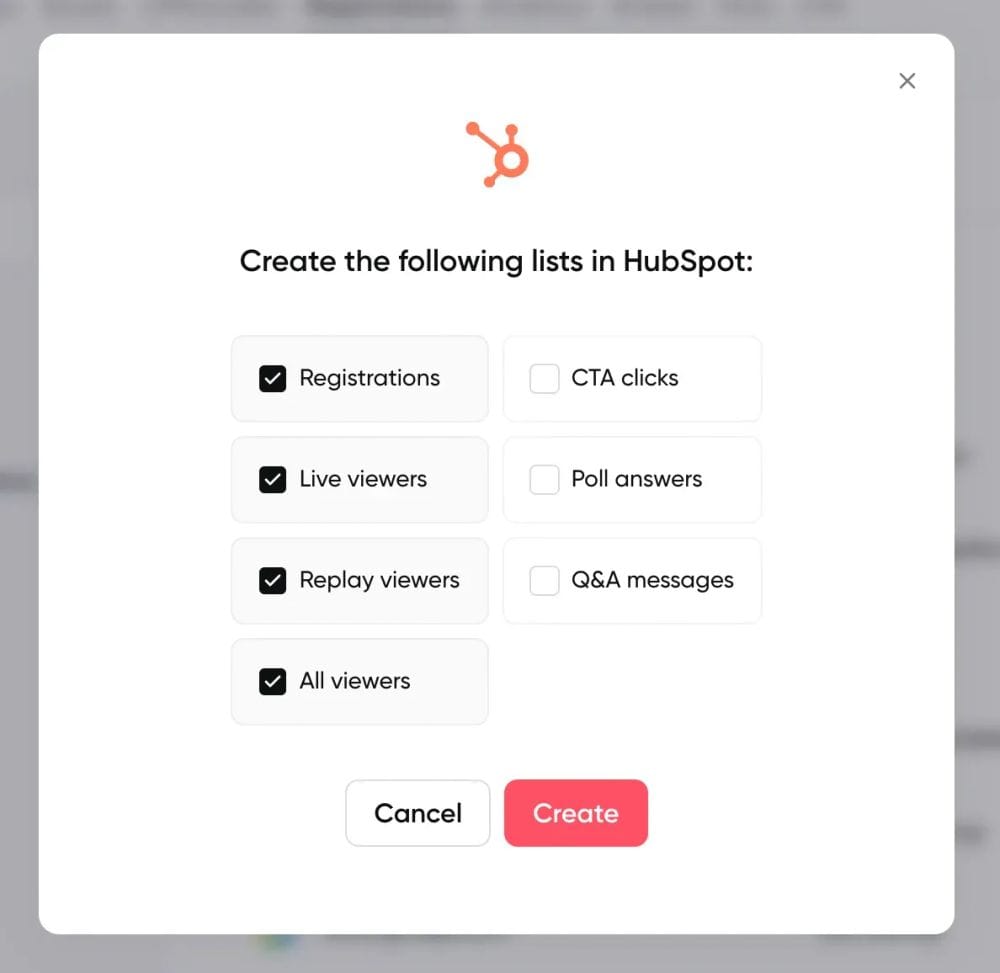
With Contrast, you can build active lists based on watch time, poll answers, replay views, or any combination of engagement signals. Someone who watched 80% of a webinar and answered a product fit poll is a different lead than someone who joined for five minutes and dropped off. Contrast also has a one-click list feature that auto-segments your audience by status directly inside HubSpot, so you are not building filters from scratch after every event.
RevOps
RevOps teams care about one thing above everything else: Proving that webinars move pipeline. With Zoom, that is almost impossible to do inside HubSpot.
Attendance syncs, but UTM data does not, which means you cannot trace a registration back to a campaign or channel without manual work. There is no way to connect webinar participation to deal outcomes without exporting data and joining it elsewhere.
With Contrast, UTM data syncs directly to HubSpot contact properties and webinar engagement aggregates at the deal or company level using calculated properties. You can report on which channels drive registrations, whether webinars are influencing close rates, and how pipeline correlates with webinar activity. The data is already in HubSpot. You just build the report.
Customer success
CS teams care about product engagement and early warning signals. A customer who stops showing up to training webinars or product updates is a churn risk. A customer who attends every session and asks questions is an expansion opportunity. With Zoom, none of that is visible in HubSpot. Attendance data stays inside Zoom and does not surface as a usable signal in the CRM.
With Contrast, all of that appears on the contact timeline in HubSpot. A customer who has watched three product webinars and asked questions in two of them is a very different account from one who has never engaged. CS teams can use that signal for proactive outreach, health scoring, and expansion conversations without ever leaving HubSpot.
Contrast engagement timeline
Sales
Sales teams need context before they reach out. A generic follow-up to everyone who attended a webinar is one of the least effective ways to convert a warm lead. With Zoom, follow-up context is limited to attended or did not attend, which is not enough to personalize outreach meaningfully.
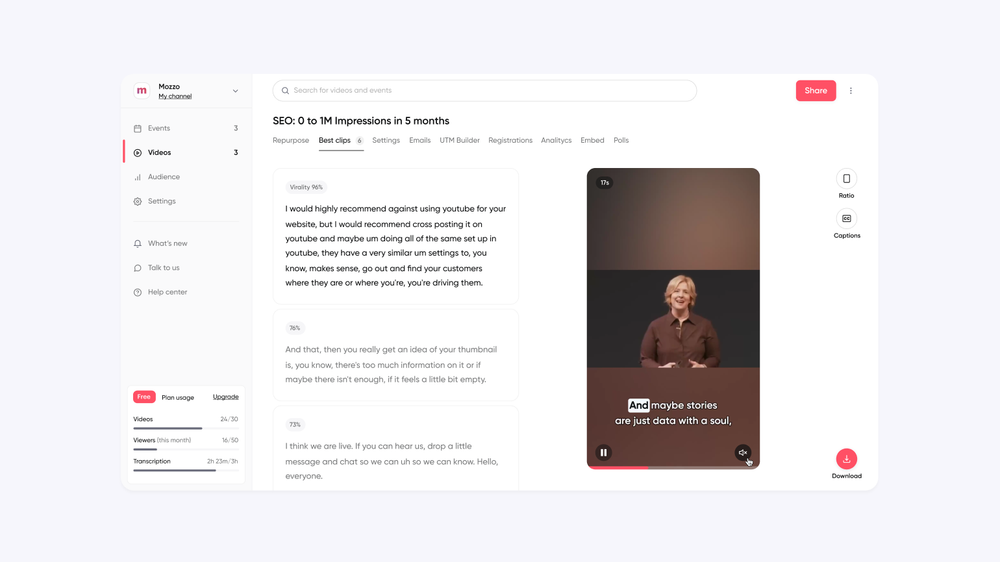
With Contrast, a rep can open a contact record and see every webinar that person has watched, how much of each one they completed, what questions they asked, which polls they answered, and whether they clicked a CTA. Contrast also uses AI to automatically repurpose each webinar into clips and content, so reps can send a relevant two-minute clip to a prospect based on exactly what they engaged with during the session. That context and content change the quality of every follow-up. Instead of a generic email, reps can reference what the prospect actually engaged with and back it up with something worth watching.
Zoom vs. Contrast HubSpot integration: ratings and reviews
The HubSpot Marketplace ratings tell a clear story. Zoom's webinar integration holds a 3.4 out of 5 rating. Contrast holds a 4.96 out of 5 rating across 90+ reviews. One number reflects what happens when a meeting tool tries to serve a webinar use case. The other reflects a platform built specifically for it.
Contrast
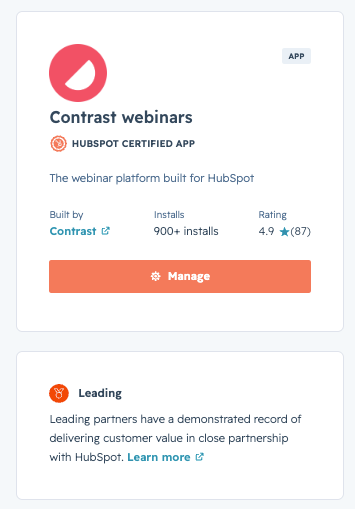
- G2 rating: 4.8/5
- HubSpot Marketplace rating: 4.96/5
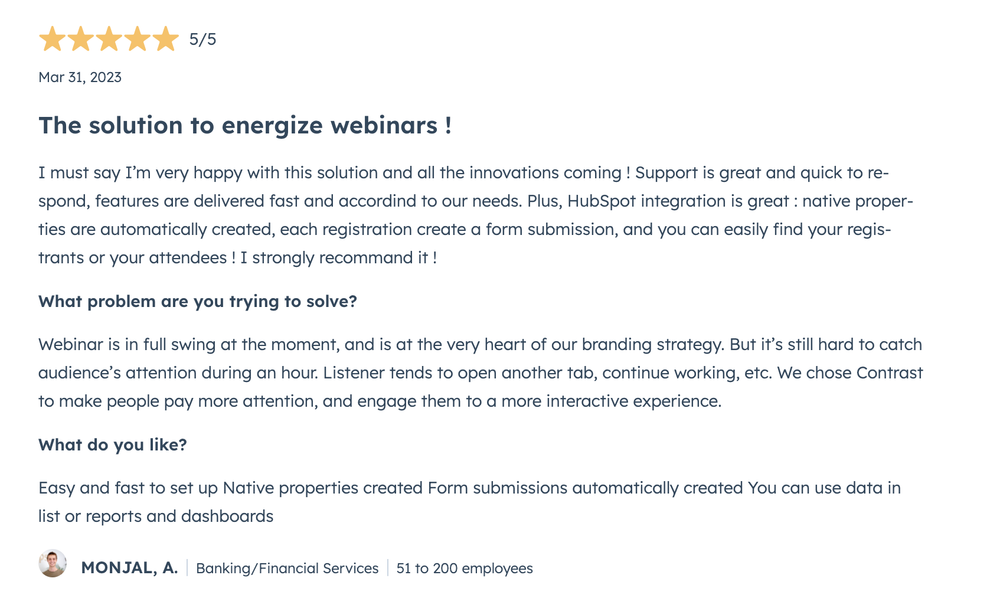
Contrast scores 4.8 out of 5 on G2. On the HubSpot Marketplace, the reviews consistently highlight three things: ease of setup, the depth of data flowing into HubSpot, and the quality of support. One reviewer from Epsor put it simply: the HubSpot integration works seamlessly, and the support team is reactive when you need them.
Zoom
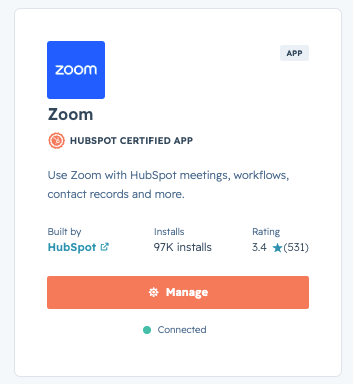
- G2 rating: 4.5/5
- HubSpot Marketplace rating: 3.4/5
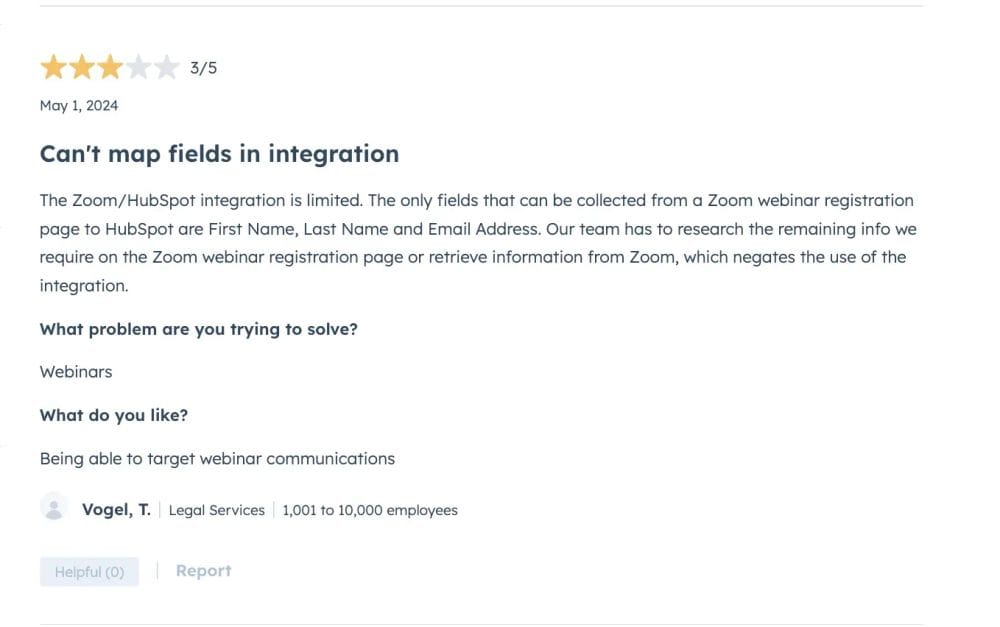
On G2, Zoom Webinars scores 4.5 out of 5 overall, but reviews of the HubSpot integration specifically point to the same limitations covered in this article. Users note that collecting meaningful audience data is not possible and several report the integration disconnecting without warning and losing data as a result.
Is Zoom or Contrast the right HubSpot webinar integration for you?
Contrast is the right fit if
- Webinars are a core part of your demand generation or customer engagement strategy
- You need engagement data like watch time, poll answers, and CTA clicks in HubSpot
- Your team builds workflows, lead scoring, or follow-up sequences based on webinar behavior
- You need UTM tracking and revenue attribution from your webinar program
- You want to segment your audience automatically without manual exports after every event
Zoom is the right fit if
- Webinars are an occasional part of what your team does
- You just need attendance records and contact creation in HubSpot
- Your team does not rely on webinar engagement data for follow-up or pipeline reporting
- You are only running webinars for simple marketing use cases or internal sessions
Frequently Asked Questions (FAQs)
Does Zoom integrate with HubSpot?
Yes. Zoom Webinars connects to HubSpot via native OAuth and is available in the HubSpot Marketplace. It syncs basic registration data and attended or did not attend status to HubSpot contacts. It does not sync engagement data such as poll answers, watch time, Q&A activity, or CTA clicks, and it does not support UTM tracking or revenue attribution.
What is the best webinar platform for HubSpot?
Contrast is the highest rated webinar integration on the HubSpot Marketplace with a 4.96 out of 5 rating across 90+ reviews. It is the only webinar platform that sends all six integration criteria that matter for HubSpot users: no CSV exports, attendee tracking, registration flow control, engagement metrics, UTM tracking, and revenue attribution. It is also the platform HubSpot uses to run their own webinars.
How do I sync webinar data to HubSpot?
Connect your webinar platform to HubSpot via its native OAuth integration. With Contrast, this takes a single click in Settings under Integrations. Once connected, registration data, attendance status, and engagement events appear automatically on the contact timeline in HubSpot under Integrations in the activity feed. No CSV exports or manual imports are required.
Should I upgrade to Zoom Webinars Plus for a better HubSpot integration?
No. The HubSpot integration is identical on both Zoom Webinar plans. Zoom Webinars Plus adds better in-platform analytics and a production studio, but none of that engagement data flows to HubSpot. If richer CRM data is the goal, upgrading Zoom plans will not solve it.
What webinar data should sync to HubSpot?
A strong HubSpot webinar integration should sync registration and attendance status, watch time per session, poll answers, Q&A activity, CTA clicks, replay views, UTM and source data, and timeline events that can trigger workflows. Most platforms sync only the basics. Contrast syncs over 50 data points per contact including all of the above.
See how Contrast syncs with your HubSpot
The #1 rated webinar integration on the HubSpot Marketplace. Used by HubSpot for their own webinars.